Finding the best podcast editing software is a critical step in producing a professional-sounding show that captivates listeners. The right tool can transform raw, uneven audio into a polished, engaging final product, saving you hours of manual work and helping you stand out in a crowded market. Poor audio quality is a major deterrent for listeners; a 2023 study by The Podcast Host revealed that 42% of listeners will stop listening to a podcast due to bad sound. This guide is designed to prevent that by cutting through the noise and helping you select the perfect software for your specific needs.
This comprehensive resource dives deep into the top podcast editing platforms available today. We move beyond generic feature lists to provide a practical, comparative analysis tailored to different types of creators, from solo beginners to professional production teams and developers. For each tool, you'll find a detailed breakdown of its key features, pricing, and honest pros and cons based on real-world use. We'll explore who each platform is best for, showcase its workflow with screenshots, and examine its integration capabilities, including options for automating content repurposing.
Whether you're looking for a simple, automated solution or a powerful digital audio workstation (DAW) with granular control, this list has you covered. Our goal is to equip you with the information needed to make a confident decision that aligns with your budget, technical skill, and creative ambitions. For an even wider market perspective beyond our top picks, you can explore a comprehensive list of 17 best podcast editing software options to find the perfect fit for your needs. Let’s dive into the tools that will elevate your podcast's production value.
1. Adobe Audition
Adobe Audition is a professional-grade Digital Audio Workstation (DAW) that has become an industry standard for podcasters who demand precision and power. Part of the Adobe Creative Cloud suite, it offers a robust toolset designed for deep audio editing, mixing, and restoration, making it one of the best podcast editing software options for creators aiming for broadcast-quality sound. Its strength lies in its meticulous control over every aspect of an audio file.
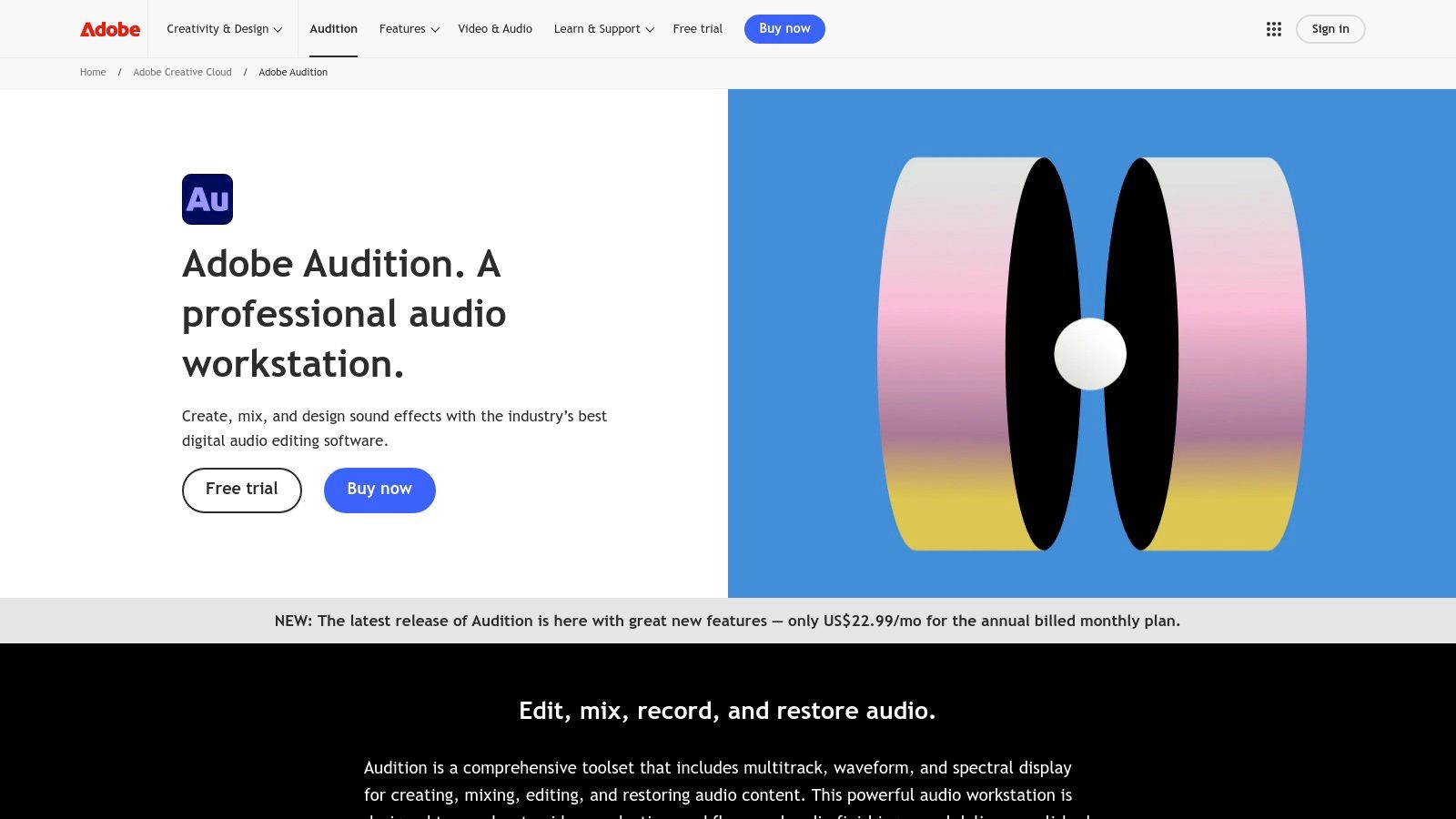
Unlike simpler, web-based editors that prioritize ease of use, Audition provides unparalleled tools for noise reduction and dialogue cleanup. The Spectral Frequency Display, for instance, allows you to visually identify and remove specific unwanted sounds like a cough or a siren, a level of surgical precision most competitors lack. For a practical example, if a guest claps their hands mid-sentence, you can literally "paint" that sound out of the waveform without affecting the vocal frequencies around it.
Key Features and Pricing
Audition's workflow is built around its comprehensive feature set. The Essential Sound panel simplifies complex audio mixing tasks, allowing you to quickly assign presets for dialogue, music, and sound effects to achieve professional leveling and clarity. It also excels in multitrack editing, where you can layer multiple speakers, intro music, and background effects with ease.
- Pricing: Access to Adobe Audition is via a Creative Cloud subscription. It costs $22.99/month as a standalone app or is included in the full Creative Cloud "All Apps" plan, which starts at $59.99/month.
- Best For: Professional podcasters, audio engineers, and video creators who need seamless integration with Adobe Premiere Pro for video podcast workflows.
Our Take: If your podcast involves complex production, multiple hosts, or requires significant audio repair, Audition is a powerhouse. Its batch processing capabilities are a huge time-saver for podcasters managing a high volume of episodes, allowing you to apply the same effects and loudness standards across an entire series with a single click.
2. Descript
Descript revolutionizes audio and video editing by treating it like a word document, making it one of the most intuitive and best podcast editing software options for content creators. Instead of manipulating complex waveforms, you edit your podcast by simply editing the auto-generated transcript. This text-based approach dramatically lowers the learning curve and speeds up the editing process, allowing creators to focus on content rather than technical hurdles. Its strength lies in its simplicity and powerful, AI-driven features.
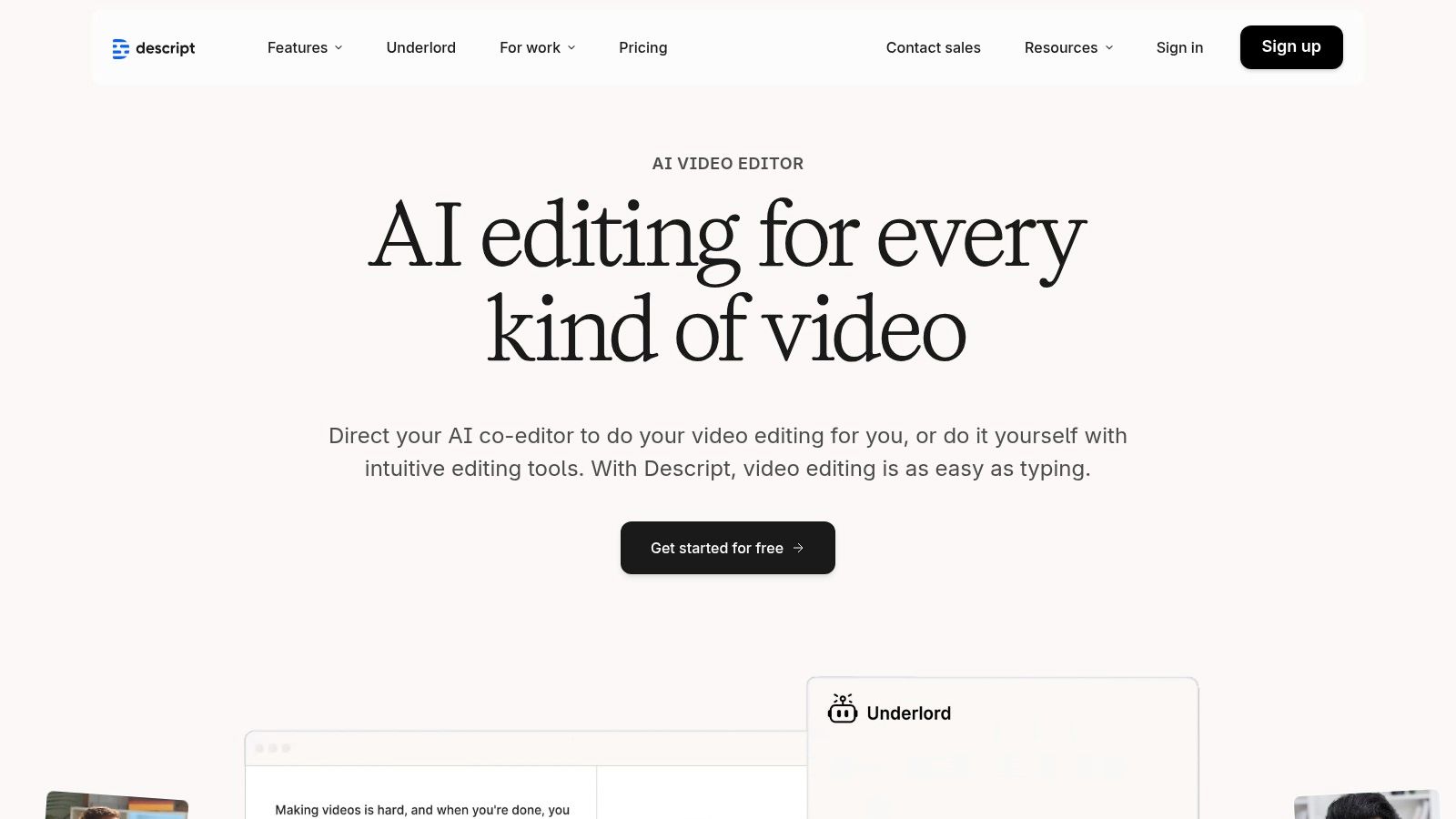
Unlike traditional DAWs that require manual searching for mistakes, Descript lets you find and delete filler words like "um" and "uh" with a single click. For a practical example, if a guest stumbles over a word, you can highlight the incorrect phrase in the transcript, delete it, and the corresponding audio is instantly removed from the timeline. The Overdub feature even lets you clone your voice to correct misspoken words, a capability almost unheard of outside specialized AI tools.
Key Features and Pricing
Descript's workflow is built for speed and collaboration. The Studio Sound feature applies AI-powered noise reduction and equalization to give your audio a professional, studio-quality finish instantly. It also excels at creating social media clips, allowing you to highlight text in your transcript to generate a new, shareable video with animated captions. This seamless repurposing is a key reason many podcasters turn to Descript, and it's a core part of strategies for automated video clip generation to boost social media growth.
- Pricing: Descript offers a free plan with limited features. Paid plans include Creator ($15/month), Pro ($30/month), and custom Enterprise pricing.
- Best For: Solo podcasters, content teams, and video creators who prioritize speed, collaboration, and easy repurposing of content for social media.
Our Take: Descript is a game-changer for anyone intimidated by traditional audio editors. Its collaborative tools, allowing team members to leave comments directly on the transcript, streamline the review process significantly. The ability to edit a multicam video podcast by simply editing text makes it an incredibly efficient all-in-one production tool.
3. Hindenburg PRO
Hindenburg PRO is a purpose-built Digital Audio Workstation (DAW) designed specifically for spoken-word content like podcasts, interviews, and audiobooks. Unlike general-purpose DAWs that cater to music production, Hindenburg strips away complex musical features to focus entirely on voice. This "story-first" approach makes it one of the best podcast editing software choices for journalists, narrators, and producers who prioritize narrative clarity and workflow speed over musical bells and whistles.
Its core advantage lies in its intelligent automation tools. The Magic Levels feature automatically sets and adjusts levels for voice, music, and sound effects, ensuring a balanced and professional mix without tedious manual tweaking. For a practical example, if you drag an interview clip and a music bed into a session, Hindenburg automatically analyzes both and sets their loudness to broadcast standards, instantly creating a consistent listening experience that would otherwise require multiple plugins and manual adjustments in other software.
Key Features and Pricing
Hindenburg's feature set is optimized for dialogue-heavy production. The Clipboard acts as a unique organizational tool, allowing you to store and arrange audio clips before placing them on the timeline, perfect for structuring complex interviews. It also offers built-in transcription and manuscript editing, which lets you edit your audio by simply editing the text, a game-changer for narrative-driven shows.
- Pricing: Hindenburg PRO is available as a subscription for $12/month or via a perpetual license for $399. A free 30-day trial is available.
- Best For: Podcasters, journalists, and oral historians who need a fast, efficient workflow for producing high-quality spoken-word audio without a steep learning curve.
Our Take: Hindenburg PRO shines in its simplicity and focus. The one-click loudness normalization to industry standards (like EBU R128) saves immense time and guarantees your podcast sounds great on all platforms. This focus on clear, compliant audio is a critical step in building a loyal listener base, a key element in any strategy to grow your podcast audience.
4. Auphonic
Auphonic is not a traditional editor but an automated audio post-production service that acts as the perfect finishing step for any podcast. It uses intelligent algorithms to handle complex tasks like leveling, loudness normalization, and noise reduction automatically. Instead of being a primary DAW, Auphonic is designed to take your edited audio file and polish it to meet professional broadcast standards with minimal effort, making it an essential tool for podcasters who value consistency and time efficiency.
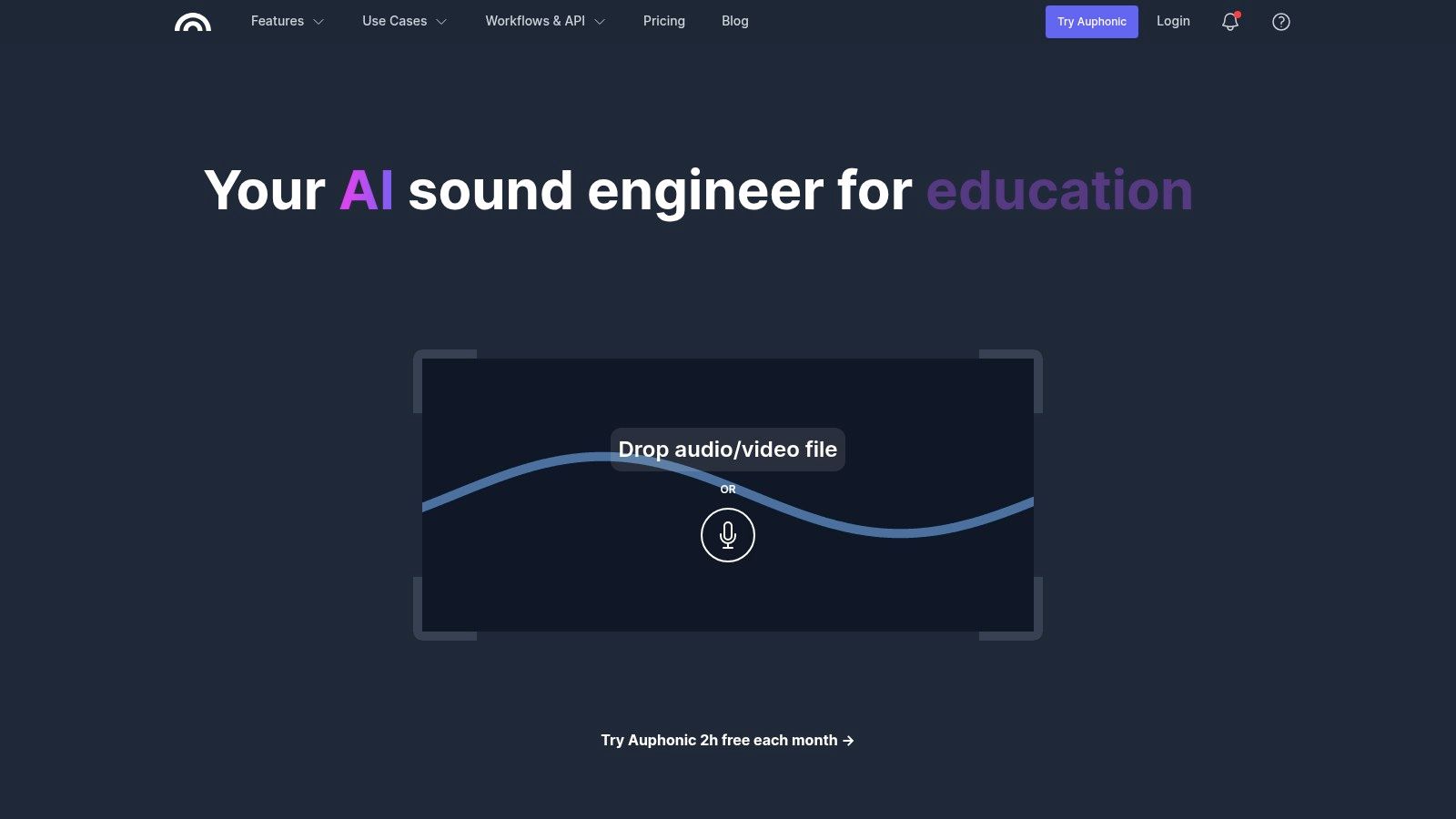
Unlike manual DAWs where achieving consistent loudness across speakers and episodes can be tedious, Auphonic automates this process. Its Adaptive Leveler intelligently balances levels between different speakers, music, and sound effects, while the Loudness Normalization ensures your final audio complies with industry standards like LUFS (Loudness Units Full Scale). For a practical example, if one guest was recorded on a quiet mic and another on a loud one, Auphonic's algorithms will automatically adjust their volumes to create a balanced, professional-sounding conversation without you touching a single gain knob.
Key Features and Pricing
Auphonic’s strength is its "set it and forget it" workflow, integrating directly with podcast hosts and cloud storage services like Dropbox and Libsyn for a seamless pipeline. The Intelligent Denoising and Hum Reduction algorithms identify and remove common background distractions, cleaning up your audio with a single click. It also handles metadata and chapter marks, embedding them directly into your final file.
- Pricing: Auphonic offers 2 hours of free processing per month. Paid plans include pay-as-you-go credits starting at $11 for 5 hours or monthly subscriptions starting at $13/month for 11 hours of audio.
- Best For: Podcasters of all levels who want to automate their final audio mastering process and ensure consistent, broadcast-quality loudness without deep technical knowledge.
Our Take: Auphonic is an indispensable utility that complements any primary editing software. Its ability to process multiple tracks in a single batch while automatically cross-gating and leveling them is a game-changer for podcasts with multiple hosts, saving countless hours in post-production.
5. Riverside
Riverside has pioneered an all-in-one platform that consolidates high-fidelity remote recording with a suite of AI-powered editing tools, fundamentally changing the workflow for interview-based shows. Its core strength lies in its local recording technology, which captures separate, uncompressed 48 kHz WAV audio and up to 4K video tracks for each participant directly on their device. This process bypasses internet-related glitches, ensuring that choppy connections don’t ruin your final recording quality, a significant advantage over competitors that record a single, compressed stream.
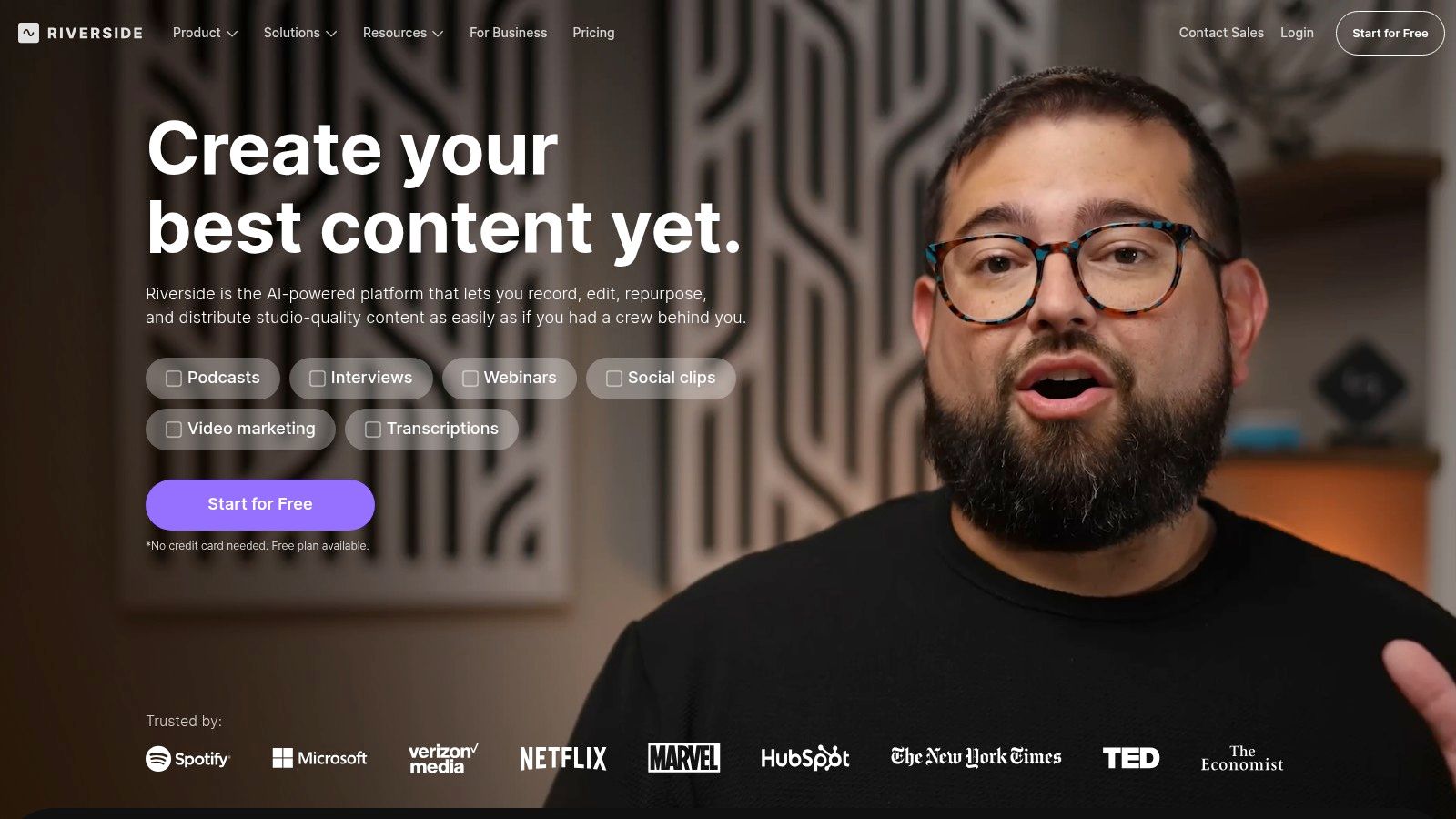
What makes Riverside a contender for the best podcast editing software is its integration of recording and post-production. The text-based editor transcribes your entire conversation, allowing you to edit the audio and video simply by deleting text in the transcript. For a practical example, if a guest goes on a long tangent, you can highlight that section of text, hit delete, and Riverside automatically cuts the corresponding audio and video from the timeline, a process that is far faster than manual timeline slicing. This makes it one of the top video podcasting platforms.
Key Features and Pricing
Riverside's feature set is designed to take you from recording to distribution with minimal friction. Its Magic Clips tool uses AI to identify the most shareable moments from your long-form content and automatically generates short, viral-ready videos. The platform also includes AI-powered tools for removing silences, normalizing audio levels, and generating show notes, drastically reducing manual editing time.
- Pricing: Riverside offers a Free plan with limited features. Paid plans start at $15/month (Standard), $24/month (Pro), and custom pricing for Business plans. Plans are primarily differentiated by the number of hours of separate track recording available per month.
- Best For: Podcasters who heavily rely on remote interviews and prioritize high-quality recordings, as well as creators focused on rapid content repurposing for social media.
Our Take: Riverside is a game-changer for anyone tired of juggling multiple tools for recording, editing, and distribution. The browser-based studio is incredibly intuitive for guests, and the reliability of local recordings provides peace of mind. While it’s not a full-fledged DAW for complex sound design, its streamlined workflow from capture to publish is unmatched for interview shows.
6. Alitu – The Podcast Maker
Alitu is a web-based podcast maker designed to automate and simplify the entire podcasting process, from recording to publishing. It stands out by removing the technical barriers that often intimidate new creators, making it one of the best podcast editing software choices for those who prioritize speed and ease of use over granular control. The platform is built around the idea that you shouldn't need to be an audio engineer to produce a great-sounding show.
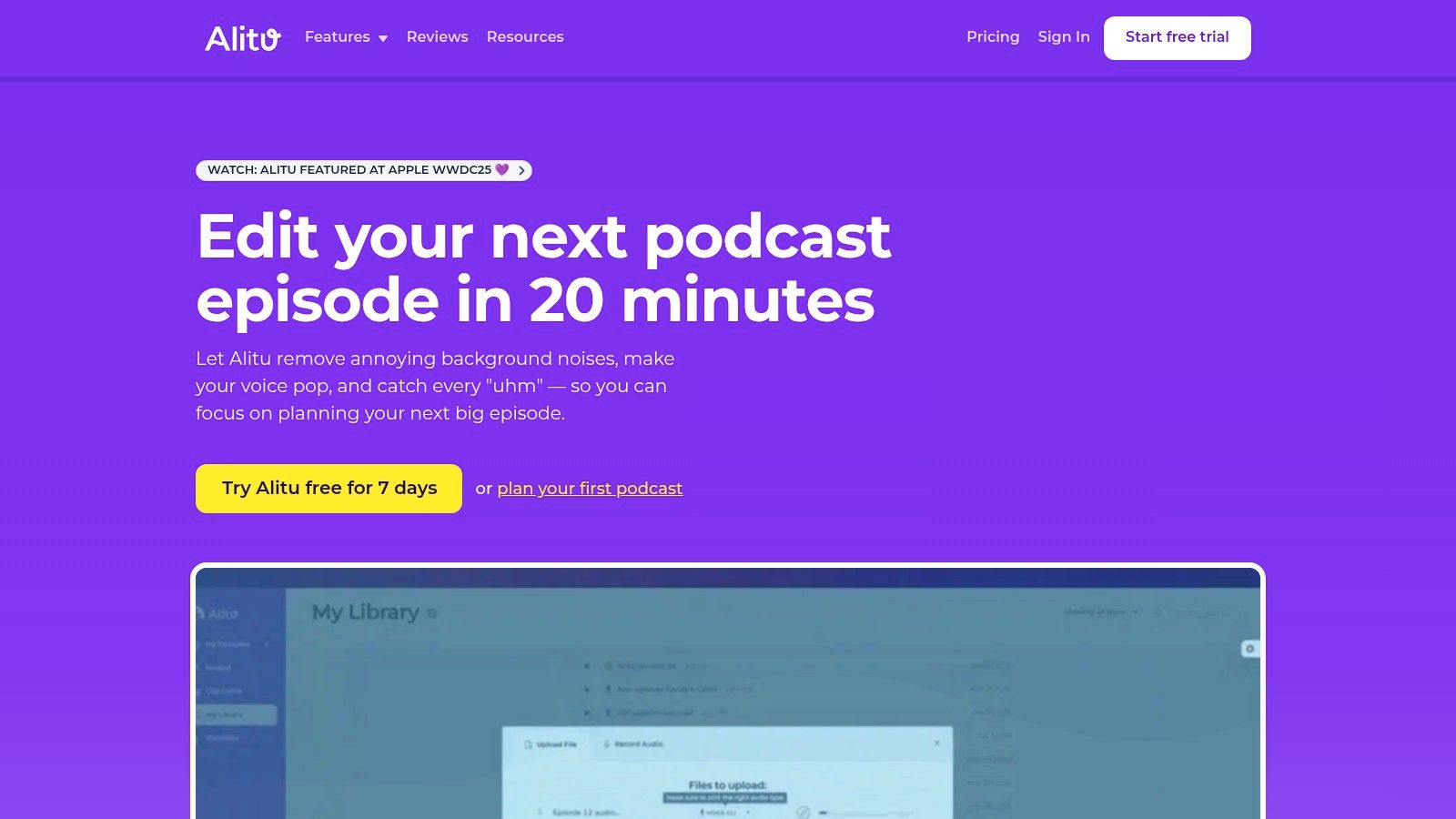
Unlike complex DAWs like Adobe Audition, Alitu’s strength lies in its "magic" processing. Once you upload or record your audio, the platform automatically applies noise reduction, hum removal, and loudness leveling to meet industry standards. For a practical example, a podcaster with zero editing experience can record a remote interview with a guest, and Alitu will automatically clean up background noise and balance both vocal tracks to sound consistent and professional, a process that could take an hour of manual work in other software.
Key Features and Pricing
Alitu’s workflow is an all-in-one solution. It features a built-in remote recorder for up to 10 people, a simple text-based or waveform editor for removing mistakes, and a library of royalty-free music and jingles. It even generates transcripts and offers an add-on for hosting your podcast directly from the platform, streamlining the entire production chain.
- Pricing: Alitu offers a straightforward plan at $38/month or $380/year. An optional hosting add-on is available for an additional fee.
- Best For: First-time podcasters, small businesses, and busy creators who want a fully guided, automated workflow without a steep learning curve.
Our Take: Alitu is the ultimate "podcast in a box" solution. Its onboarding process, which includes video courses and direct support, is exceptional for beginners. While power users may find the editing tools limiting, the platform's ability to handle the technical heavy lifting allows creators to focus entirely on their content.
7. Audacity
Audacity is a free, open-source digital audio editor that has served as the entry point for millions of podcasters. As a cross-platform tool available for Windows, macOS, and Linux, it provides a powerful and completely free solution for recording, editing, and mixing audio. Its longevity and active community make it a legendary choice and some of the best podcast editing software for those starting out or who need a reliable, no-cost option.
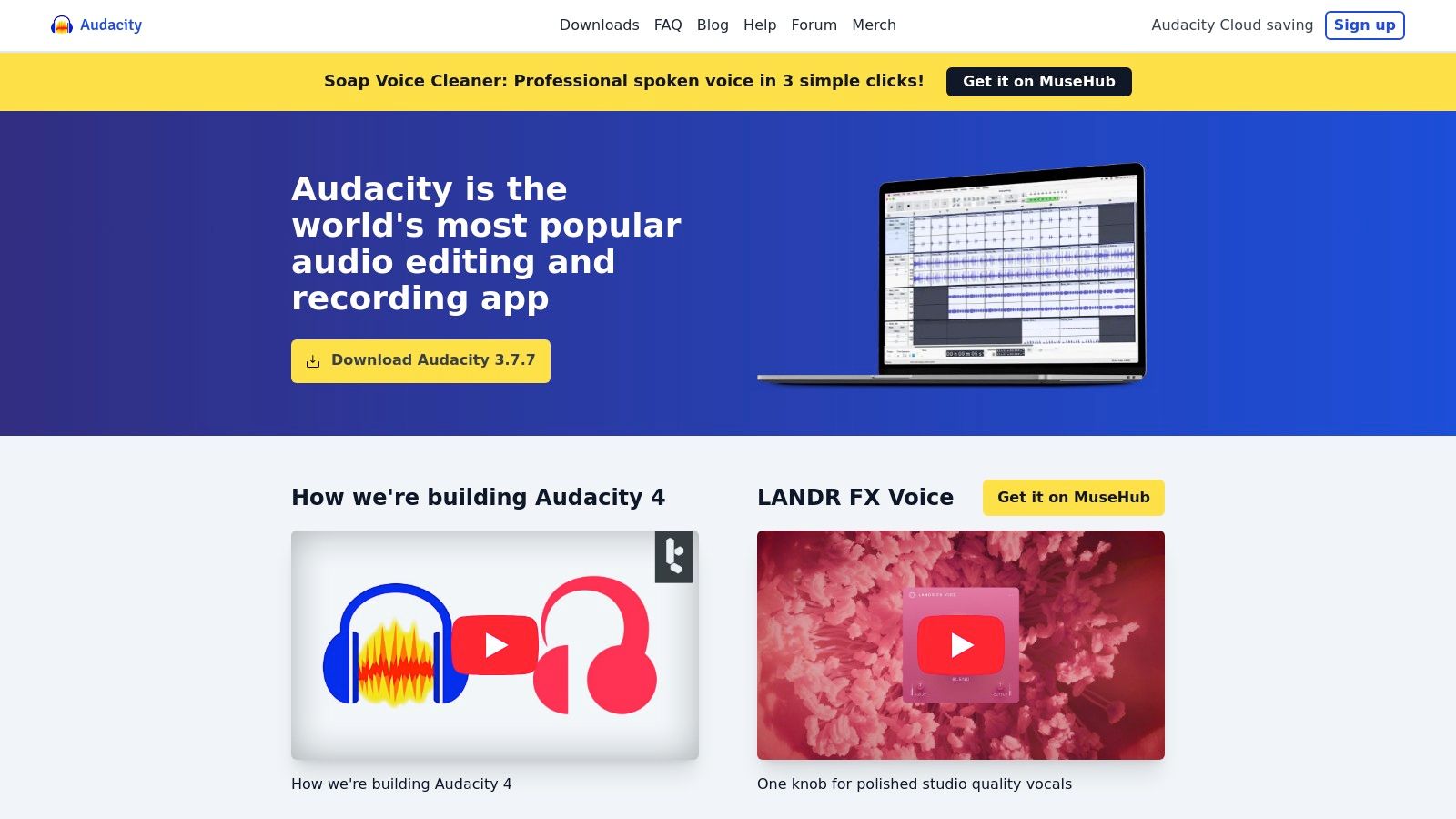
While its user interface is more utilitarian than modern DAWs, Audacity excels at core podcasting tasks. Its strength lies in its simplicity for fundamental edits like trimming silence, arranging clips on a multitrack timeline, and applying essential effects. For a practical example, a new podcaster can record two separate vocal tracks, easily apply a Noise Reduction effect to clean up background hum on both, and then use the Compressor to even out volume levels before exporting, all without spending a dime.
Key Features and Pricing
Audacity’s feature set is surprisingly robust for free software, handling most podcasters' needs from recording to final export. It supports an extensive range of plug-ins, including VST and AU, allowing users to expand its capabilities with third-party effects for tasks like advanced EQ or de-essing.
- Pricing: Audacity is completely free to download and use from its official website.
- Best For: Beginners, hobbyist podcasters, and creators on a budget who need a capable tool for basic to intermediate audio editing and recording.
Our Take: Audacity is the undisputed champion of free podcast editing. For anyone just starting, it provides all the necessary tools to produce a great-sounding show. Be sure to download it directly from the official Audacity team website to avoid bundled software or adware from third-party distributors.
8. REAPER by Cockos
REAPER is a complete Digital Audio Workstation (DAW) renowned for its incredible flexibility, efficiency, and affordable pricing model. While not exclusively designed for podcasting, its lightweight performance and deep customization options have made it a favorite among audio professionals and podcasters who want total control over their workflow. It offers the power of high-end DAWs without the hefty subscription fees or system resource drain.
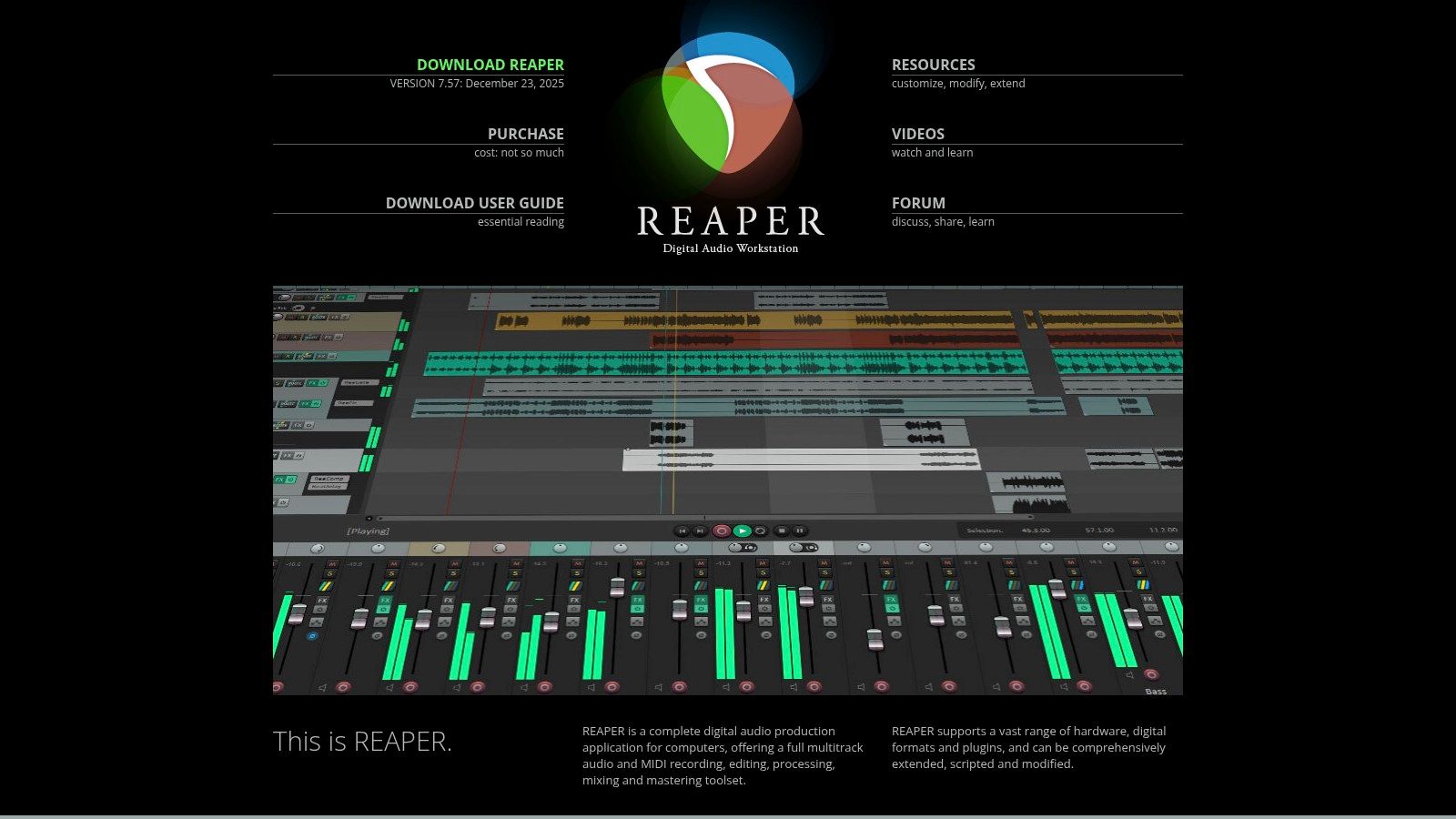
Unlike more rigid software, REAPER’s interface and functionality can be almost entirely reshaped through scripts, macros, and themes. This makes it one of the best podcast editing software choices for tinkerers who want to build a bespoke editing environment. For a practical example, a podcaster can create a single macro that automatically trims silence from a track, applies a specific vocal compressor, and sets the volume to a target loudness, accomplishing a three-step process with one key press.
Key Features and Pricing
REAPER’s strength lies in its powerful core features, including unlimited tracks, robust audio routing, and built-in video editing support for video podcasts. Its batch file converter is a standout tool, allowing you to process hundreds of files with custom effects chains and formatting, a significant time-saver for network producers.
- Pricing: REAPER offers a generous 60-day free trial. A discounted license for personal use is a one-time fee of $60, and a commercial license is $225.
- Best For: Technically-minded podcasters, audio engineers, and creators on a budget who need professional-level features and are willing to invest time in customization.
Our Take: REAPER is an unbeatable value proposition. While its initial setup can be more involved than plug-and-play editors, its stability and low CPU usage are exceptional, allowing it to run smoothly even on older computers. The active user community provides a massive library of free scripts and tutorials, helping you tailor the software to your exact podcasting needs.
9. Logic Pro
Logic Pro is Apple's flagship Digital Audio Workstation (DAW), renowned for its music production capabilities but equally powerful as a professional-grade podcast editor for macOS users. It distinguishes itself with an advanced suite of tools that cater to creators focused on intricate sound design, narrative storytelling, and broadcast-level audio quality. Its one-time purchase model makes it a compelling alternative to subscription-based software for Mac-based producers.
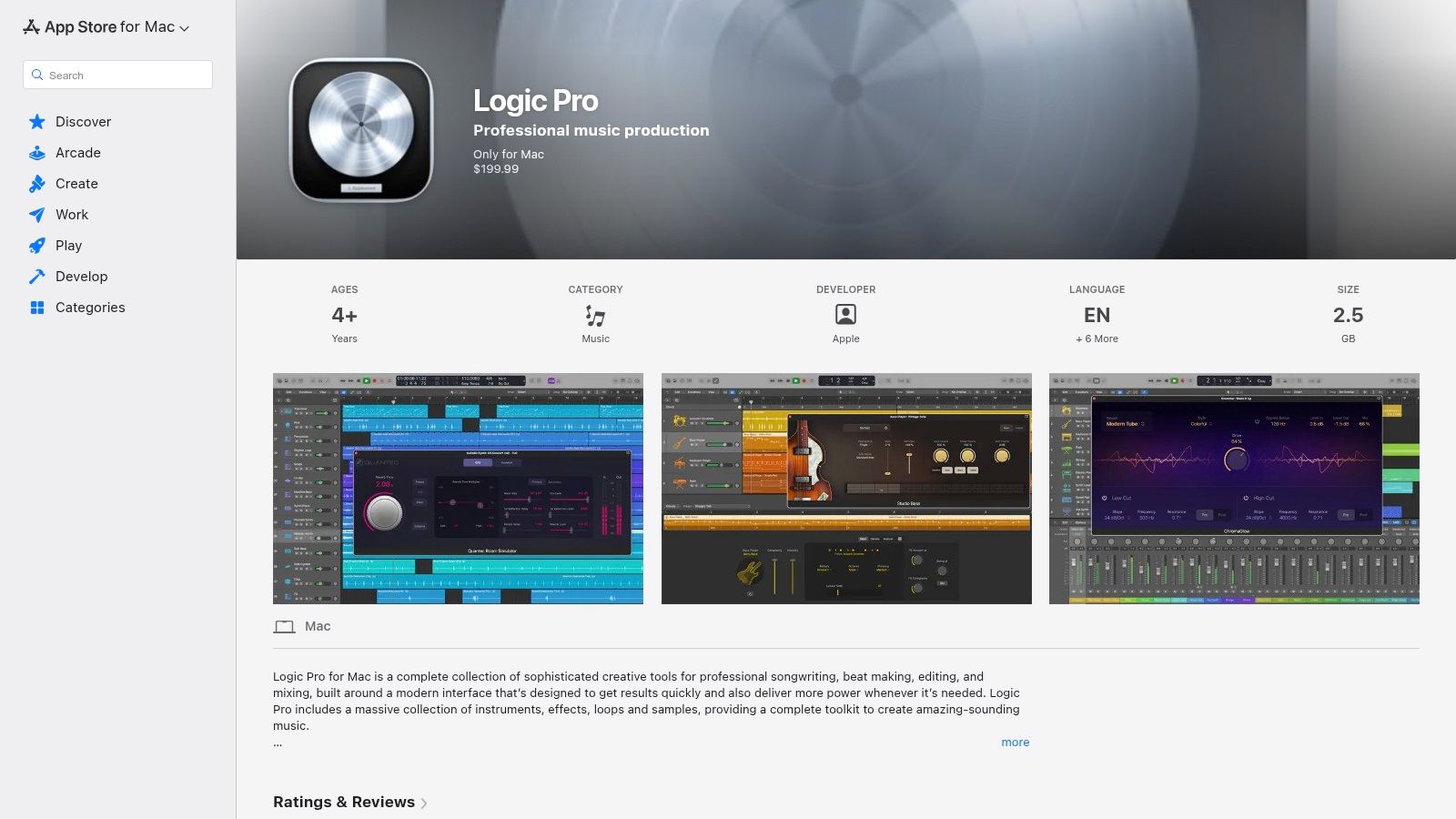
While many DAWs handle basic editing, Logic Pro excels in vocal manipulation and cleanup. Tools like Flex Time and Flex Pitch allow for precise timing and intonation adjustments, which is invaluable for correcting a host's pacing or a guest's pitch without re-recording. For a practical example, if a speaker rushes a line, you can use Flex Time to non-destructively stretch the audio to fit the desired timing, maintaining a natural-sounding delivery. Its new Stem Splitter can separate a mixed audio file into dialogue, music, and effects, offering a powerful way to clean up problematic guest recordings.
Key Features and Pricing
Logic Pro’s ecosystem is built for deep creative control, including a massive library of plugins, sound effects, and loops that can elevate a standard podcast into an immersive audio experience. The integrated Mastering Assistant analyzes your final mix and suggests professional-level EQ, dynamics, and stereo width adjustments, simplifying a traditionally complex final step.
- Pricing: Logic Pro is available for a one-time purchase of $199.99 from the Mac App Store, which includes all future updates.
- Best For: Mac-based podcasters, audio storytellers, and musicians who need a comprehensive tool for both sophisticated dialogue editing and rich sound design.
Our Take: Logic Pro offers unmatched value for Mac users. While it has a steeper learning curve than GarageBand, its one-time fee provides a professional feature set that rivals expensive subscription software. For narrative podcasts requiring layered soundscapes and precise vocal tuning, it is easily one of the best podcast editing software options available on the macOS platform.
10. iZotope RX 11
iZotope RX 11 is not a traditional DAW; it's an industry-leading audio repair suite that acts as a secret weapon for podcasters. While most editors focus on arranging and mixing, RX 11 is designed to surgically fix audio problems that would otherwise ruin a recording. It specializes in cleaning up imperfect audio, making it some of the best podcast editing software for rescuing interviews recorded in noisy environments or with subpar equipment. Its primary strength is turning unusable audio into professional-quality content.
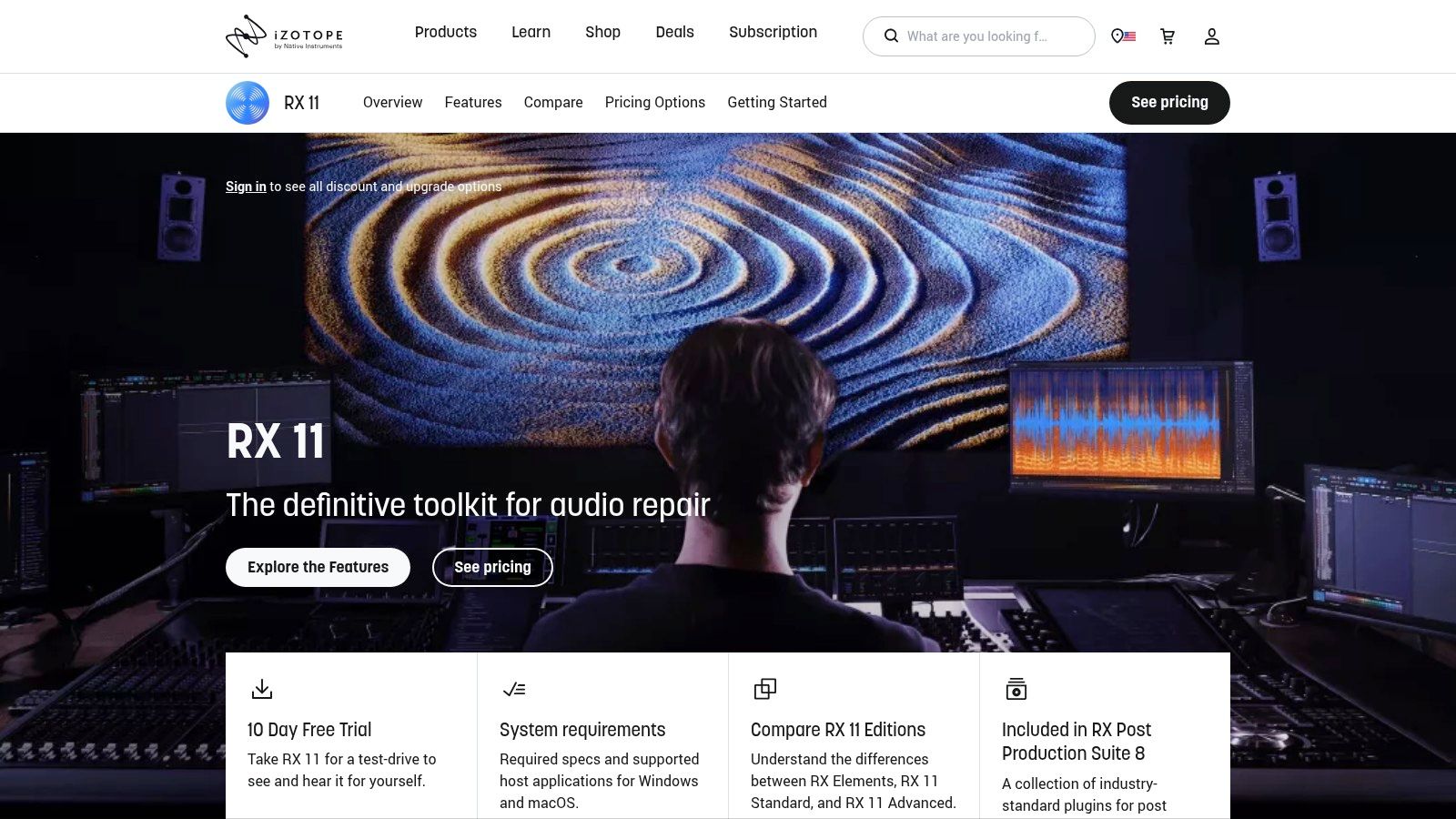
Unlike the all-in-one noise reduction tools found in many DAWs, RX 11 offers a suite of highly specialized modules. The Dialogue Isolate feature, for example, uses machine learning to separate spoken words from complex background noise like crowds, traffic, or music with stunning accuracy. Imagine a remote guest is recording next to a loud air conditioner; you can use RX 11 to intelligently remove the hum without making the speaker sound thin or processed, a common issue with less advanced tools.
Key Features and Pricing
RX 11 can function as a standalone editor or as a set of plug-ins within your primary DAW like Adobe Audition or Logic Pro. Its core value comes from its targeted repair modules, including Voice De-noise, De-reverb to reduce room echo, and De-plosive to tame harsh "p" and "b" sounds. The spectral editor provides a visual map of your audio, allowing you to identify and eliminate unwanted sounds precisely.
- Pricing: iZotope RX 11 is available in three tiers: Elements ($129), Standard ($399), and Advanced ($1,199). These are one-time purchase prices, with frequent sales and upgrade paths available.
- Best For: Podcasters who frequently conduct remote interviews, record on-location, or need to salvage critically flawed audio files. It is an essential tool for audio engineers and producers committed to pristine sound quality.
Our Take: Think of RX 11 as an audio emergency room. While you wouldn't use it to assemble your episode, it's the first and best tool for cleaning your tracks before you start editing. Its ability to save interviews that would otherwise be unusable makes the investment worthwhile for any serious podcaster.
11. Podcastle
Podcastle is an all-in-one, browser-based recording and editing studio that leverages AI to simplify the entire podcasting workflow. It merges a multitrack recording studio, a text-based editor, and podcast hosting into a single platform, making it a powerful contender for the best podcast editing software for creators who want to minimize tool-switching. Its primary strength is its AI-driven feature set that automates complex tasks, drastically reducing editing time.
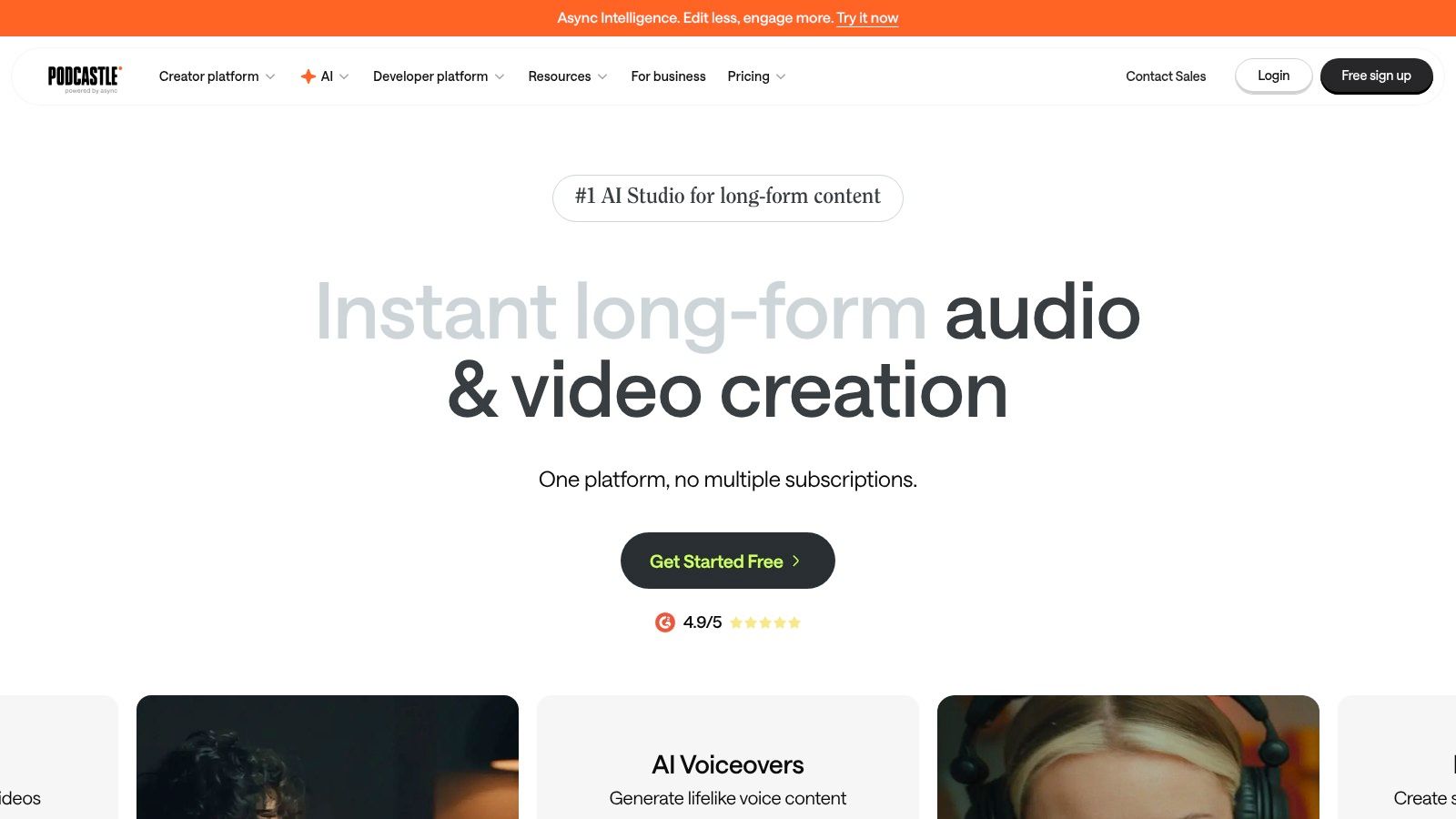
Unlike traditional DAWs that require manual adjustments, Podcastle’s AI features streamline post-production. The Magic Dust tool, for instance, acts as an instant audio engineer, applying noise reduction, dynamic EQ, and leveling with a single click to deliver a polished, professional sound. A practical example is recording an interview in a less-than-ideal room; instead of manually filtering out echo and background hum, Magic Dust analyzes the track and cleans it up in seconds, a significant advantage over the manual processes in software like Audacity.
Key Features and Pricing
Podcastle’s workflow is designed for speed and collaboration. You can record with up to 10 participants, and the platform automatically creates separate high-quality tracks for each. The editor allows you to edit the audio by simply editing the auto-generated transcript, making it intuitive for those unfamiliar with waveform editing.
- Pricing: Podcastle offers a free plan with limited AI features. Paid plans start with the Storyteller plan at $14.99/month, which increases AI hours and unlocks features like Magic Dust Pro. The Pro plan at $29.99/month adds more hours and advanced tools like AI dubbing.
- Best For: Solo creators and teams looking for an end-to-end solution that combines recording, AI-assisted editing, and hosting in one user-friendly interface.
Our Take: Podcastle excels by consolidating the entire podcasting process. The ability to record, edit, and publish from one dashboard is a massive efficiency gain. Its collaborative roles (Creator, Reviewer, Admin) make it ideal for teams, allowing a producer to invite a guest to record, an editor to polish the audio, and a host to review the final cut without ever leaving the platform.
12. Sweetwater – Steinberg WaveLab Cast 2 (product page)
For podcasters seeking a dedicated and affordable audio tool without the complexity of a full-scale DAW, Steinberg’s WaveLab Cast 2 is a standout option. Purchasing through a reputable U.S. retailer like Sweetwater provides the dual benefit of fast electronic delivery and access to expert sales support. This makes it one of the best podcast editing software choices for creators who want professional tools focused specifically on dialogue and loudness standards, backed by reliable customer service.
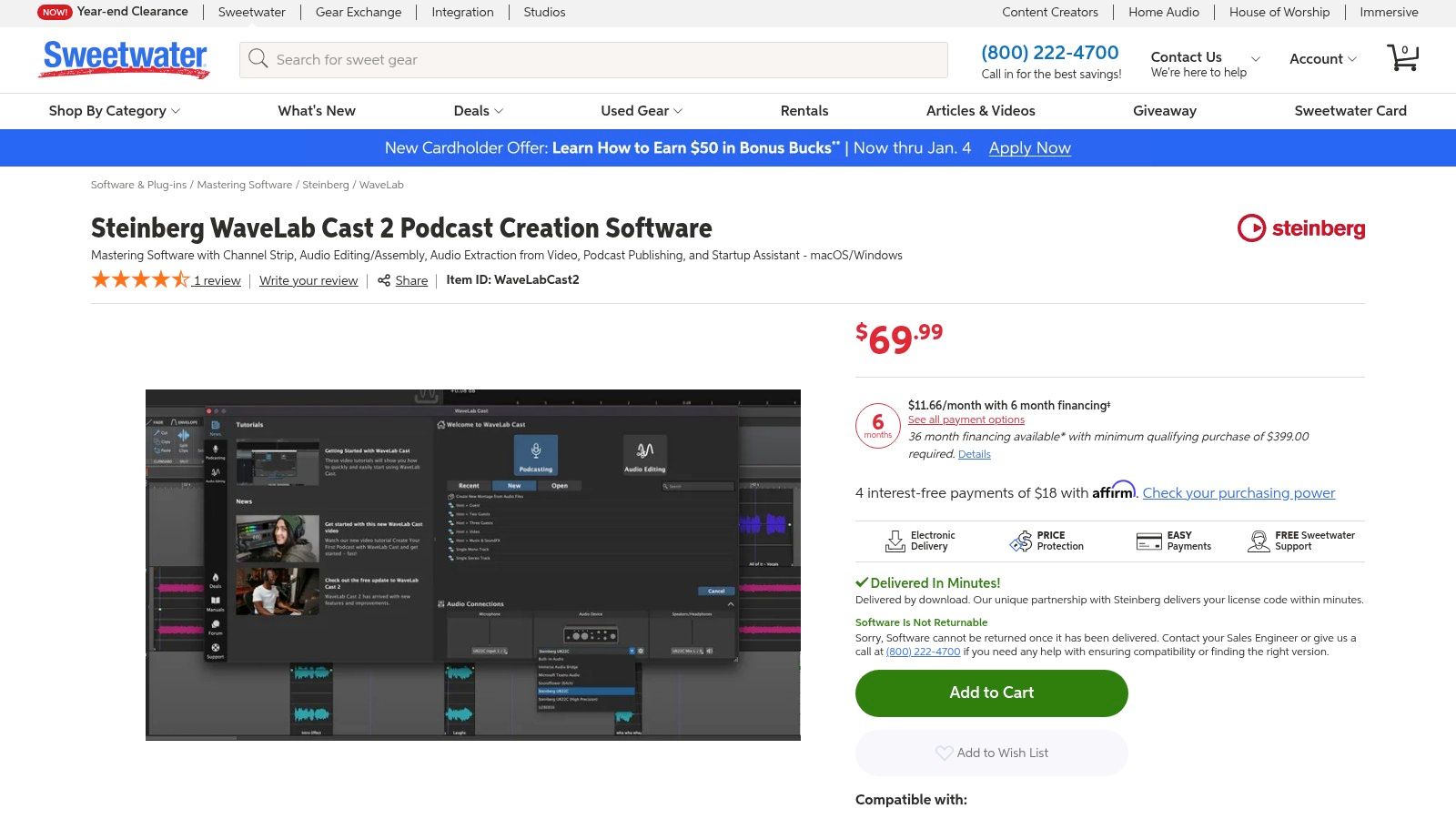
WaveLab Cast 2’s strength lies in its streamlined workflow for polishing spoken-word content. It includes specialized tools like Track Inspector, which offers one-click clean-up and enhancement processors to fix common audio issues quickly. For a practical example, if your recording has inconsistent volume levels, you can use the built-in loudness normalizer to instantly bring your episode to the -16 LUFS broadcast standard required by many platforms, a task that can be much more complex in general-purpose editors.
Key Features and Pricing
The software is engineered for efficiency, featuring direct upload capabilities to major podcast hosts like Buzzsprout, Spreaker, and Podbean. It also provides essential mastering tools, including an EQ and compressor, to give your podcast a final professional sheen before publication. Purchasing through Sweetwater ensures you receive a legitimate download code promptly, often within minutes of your order.
- Pricing: Steinberg WaveLab Cast 2 is available as a one-time purchase for $99.99 from Sweetwater, delivered as a download.
- Best For: Podcasters on a budget, educators, and content creators who need a focused set of high-quality dialogue editing and mastering tools without a steep learning curve.
Our Take: Buying specialized software from a trusted pro-audio retailer like Sweetwater is a smart move. Their sales engineers can provide pre-purchase advice to ensure the tool fits your workflow, offering a level of support you won't find on a standard software marketplace. While it lacks the multitrack power of Audition, its focused feature set is perfect for producing high-quality, dialogue-centric podcasts efficiently.
Top 12 Podcast Editing Software — Quick Comparison
| Tool | Core features | UX & quality | Value proposition | Target audience | Pricing / license |
|---|---|---|---|---|---|
| Adobe Audition | Multitrack, waveform & spectral editing, Essential Sound, batch processing | Industry‑standard repair, precise dialogue cleanup, steeper learning curve | Professional post‑production + tight Premiere Pro integration | Audio/post editors, video‑podcast producers | Subscription (Creative Cloud) |
| Descript | Transcript‑based edit, Studio Sound, overdub, multicam video, captions | Fast, collaborative, intuitive for non‑engineers | Rapid text‑first editing & social repurposing | Creators, marketing teams, editors scaling output | Free trial; tiered subscription (hour caps vary) |
| Hindenburg PRO | Story‑focused interface, Magic Levels, loudness normalization, transcription | Quick voice workflows, journalist‑oriented UX | Purpose‑built for narration/interviews | Journalists, storytellers, interview podcasters | Paid tiers (personal vs business), trial available |
| Auphonic | AI loudness leveling, noise reduction, batch encoding, metadata | Consistent, automated finishing; cloud‑based | Easy finalization for broadcast‑ready loudness & clarity | Podcasters needing consistent masters; complements DAWs | Pay‑as‑you‑go credits or monthly plans |
| Riverside | Local 4K video & 48 kHz audio, multi‑track, AI edits, hosting | High‑quality remote recording, end‑to‑end workflow | Reliable remote record → edit → publish pipeline | Remote interview shows, teams repurposing video | Free tier; tiered plans with recording caps |
| Alitu | One‑click filters, automatic leveling, remote recording, music library | Very approachable, onboarding & templates | Simplifies podcast production for beginners | First‑time podcasters, non‑technical teams | Subscription with optional hosting add‑ons |
| Audacity | Multitrack editing, plug‑in support, cross‑platform | Lightweight, utilitarian UI, large community | Free, capable editor for basic podcast tasks | Budget creators, educators, quick edits | Free, open‑source |
| REAPER | Unlimited tracks, advanced routing, scripting, video timeline | Fast, stable, highly customizable; steeper setup | Pro DAW flexibility with affordable perpetual license | Power users, engineers, complex workflows | Affordable perpetual license; 60‑day trial |
| Logic Pro | Advanced voice tools, mastering assistant, Stem Splitter, plugins | Polished macOS performance, feature‑rich | One‑time purchase for deep sound design on Mac | Mac users, narrative podcasts, music‑centric shows | One‑time purchase (macOS only) |
| iZotope RX 11 | Spectral editor, De‑noise, De‑reverb, Dialogue Isolate modules | Best‑in‑class restoration; surgical tools require skill | Salvage and restore difficult audio to pro quality | Post engineers, audio restorers | Elements/Standard/Advanced tiers; can be pricey |
| Podcastle | Browser recording/editing, AI cleanup, dubbing, hosting | Friendly UI, collaborative roles, integrated hosting | All‑in‑one browser studio for fast production | Teams, educators, creators wanting hosted workflow | Free tier; paid plans with AI minute caps |
| WaveLab Cast 2 (via Sweetwater) | Podcast workflow, loudness tools, dialogue cleanup | Podcast‑focused, affordable, U.S. retailer support | Easy entry to podcast editing with retailer assistance | Beginners wanting a dedicated podcast tool, U.S. buyers | One‑time purchase via retailer; returns/support per seller policy |
Final Thoughts
Navigating the landscape of podcast editing software can feel overwhelming, but the journey to finding the perfect tool is ultimately about aligning software capabilities with your unique creative workflow and production goals. We've explored a wide spectrum of options, from industry-standard powerhouses like Adobe Audition and Logic Pro to innovative, AI-driven platforms like Descript and Podcastle. Each tool offers a distinct approach to audio editing, catering to different skill levels, budgets, and production demands.
The central takeaway is that there is no single "best podcast editing software" for everyone. The ideal choice is deeply personal and context-dependent. A solo creator just starting might find the simplicity and automation of Alitu revolutionary, while a professional sound engineer will require the granular control and extensive plugin support offered by REAPER or the advanced restoration tools in iZotope RX 11.
Key Considerations Before You Choose
Before you commit to a subscription or purchase, it's crucial to revisit your core needs. Your decision should be a strategic one, not just a reaction to a popular name or an impressive feature list. A 2023 study by "The Podcast Host" revealed that over 60% of podcasters who switched editing software did so because their initial choice didn't align with their long-term workflow needs, leading to wasted time and money.
To avoid this, ask yourself these critical questions:
- What is my current skill level? Be honest. Choosing an advanced Digital Audio Workstation (DAW) like Logic Pro when you're a complete beginner can lead to immense frustration. Conversely, if you're an experienced editor, a tool designed for simplicity might feel restrictive and hinder your creative potential.
- What is my budget? Your financial commitment is a major factor. Free, open-source software like Audacity remains a viable and powerful starting point. Subscription models like Descript or Adobe Audition offer continuous updates and support, while one-time purchases like Hindenburg PRO or REAPER provide long-term value.
- What does my production workflow look like? Do you record interviews remotely? Riverside's integrated recording and editing platform is built for this. Do you need to collaborate with a team? Descript's project-sharing features are a game-changer. Are you focused purely on audio quality and post-production? A dedicated tool like iZotope RX 11 might be the most critical part of your toolkit.
Actionable Next Steps for Selecting Your Software
The path forward is clear: experiment and validate. Nearly every paid software on this list offers a free trial or a limited free tier. Use this opportunity to your advantage. Don't just explore the interface; put the software to the test with a real project.
- Define a Test Project: Take a short, 5-10 minute raw audio clip that represents your typical content. It should include intros, outros, a main speaking segment, and maybe even a common audio issue you face, like background noise or inconsistent levels.
- Run the Same Project Through Your Top 2-3 Choices: Edit the exact same clip in each of your shortlisted applications. This direct comparison is the most effective way to evaluate which tool feels most intuitive and delivers the best results for your audio.
- Evaluate the "Feel" and Efficiency: How long did it take you to complete the edit in each program? Did the process feel frustrating or empowering? The best podcast editing software for you will be the one that not only produces a great final product but also makes the creative process enjoyable and efficient, encouraging you to produce more content.
Ultimately, the software is a means to an end. The goal is to create compelling, high-quality audio that connects with your audience. The right tool will feel like an extension of your creative vision, removing technical barriers and allowing you to focus on what truly matters: telling your story. Choose wisely, and you'll set your podcast up for consistent quality and long-term success.
Once your episodes are polished and ready, the work isn't over. Maximizing your content's reach is the next critical step. Swiftia helps you automatically repurpose your finished podcast episodes into engaging, shareable video clips for social media, complete with dynamic captions and branded templates. Instead of spending hours manually creating promotional assets, you can amplify your podcast's visibility across platforms in just a few clicks by visiting Swiftia.