If you want to grow your audience, you need to think about clipping your YouTube videos as more than just a task—it’s a core part of your content strategy. This isn't just about trimming down videos; it's about strategically finding those killer moments in your long-form content and spinning them into short, shareable gold for platforms like TikTok, Reels, and Shorts.
Done right, this approach lets you multiply your content output without actually multiplying your workload.
Why Clipping YouTube Videos Is a Growth Superpower
Repurposing your big videos isn't just a time-saver. It's how you tap into the way people actually watch content today: in short, snappy bursts. By turning your longer videos into bite-sized clips, you meet viewers where they are and give them a taste of what you offer. It’s a single strategy that can massively expand your reach, spike engagement, and funnel new viewers back to your main channel.
Think of it as maximizing the value of every single minute you hit "record." Instead of one video for one audience, you're building a whole content ecosystem. A single interview can become a dozen different clips, each one a hook to catch new followers on a different platform. Each clip is an introduction, a handshake with people who might never have found your channel otherwise.
Expand Your Reach Exponentially
Let’s get practical. Say you run a podcast with hour-long interviews. From just one episode, you could easily pull 10-15 powerful short-form videos. One clip could feature a controversial hot take, another could be a moving personal story, and a third could be a super-quick, actionable tip.
This diagram perfectly illustrates the flow: one long video becomes many short clips, ready to conquer social media.
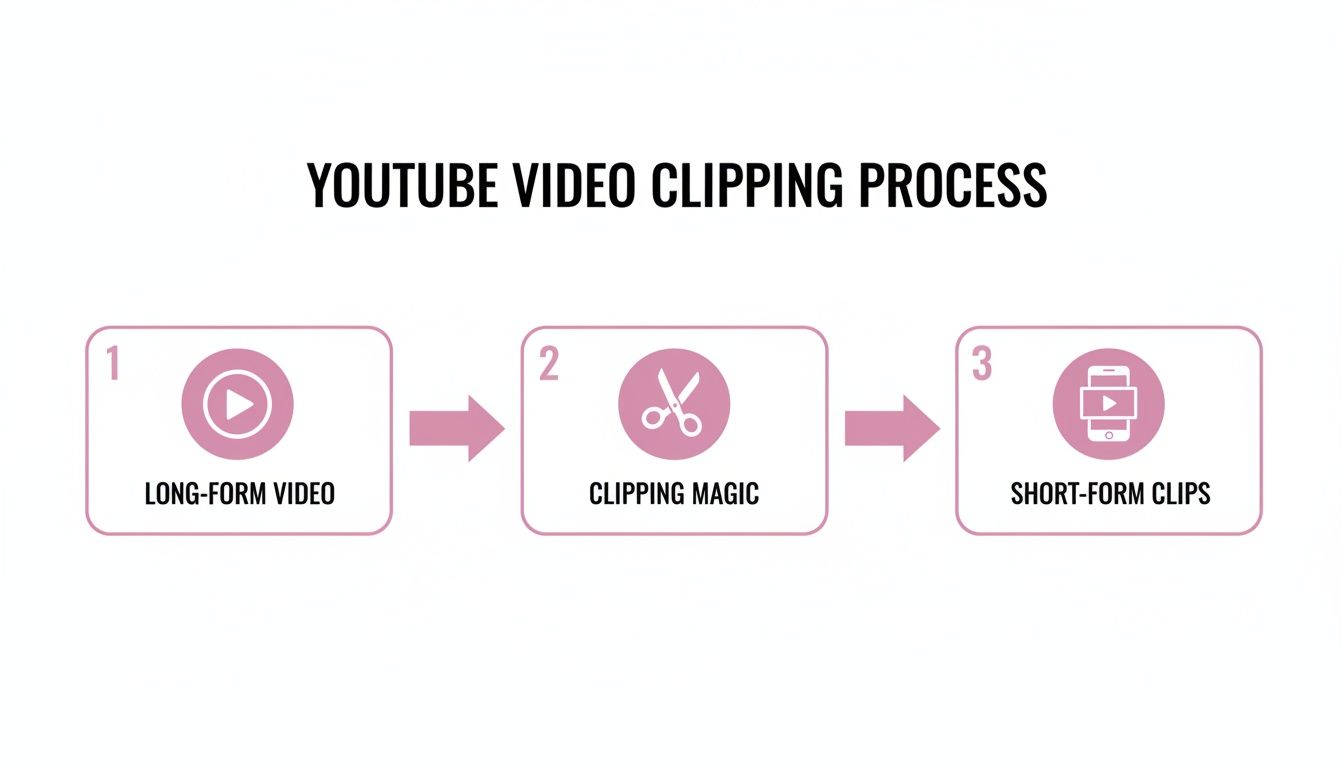
This process transforms a single piece of content into a whole fleet of assets, dramatically increasing your chances of grabbing someone's attention.
The goal is to meet your audience where they are. Not everyone will sit through a 60-minute video, but they’ll absolutely watch a 60-second clip that solves a problem or makes them laugh. That clip is your gateway to a much larger relationship.
The numbers back this up, and they're staggering. YouTube Shorts alone now pulls in over 70 billion daily views, with over 2 billion logged-in users watching Shorts every month. You can read more about the rise of Shorts and how it’s changing the game for creators.
This multi-platform approach creates a powerful cycle. A clip goes viral on TikTok and sends thousands of new visitors to your YouTube channel. An engaging Reel gets you more Instagram followers, who then subscribe to your podcast. When you master how to clip your YouTube videos effectively, you’re not just making more posts—you’re building a sustainable, efficient engine for growing your audience and your brand.
Three Core Methods to Clip YouTube Videos at a Glance
Before diving into the "how," it's helpful to see the main paths you can take. Each has its pros and cons depending on your goals, tech-savviness, and how much time you have.
| Method | Best For | Speed | Technical Skill |
|---|---|---|---|
| YouTube Studio Clipper | Quick, simple clips from your own videos for Shorts without leaving YouTube. | Very Fast | Beginner |
| Download & Edit Manually | Full creative control over clips from any public video, adding custom branding and effects. | Slow | Intermediate |
| AI-Powered Tools | Repurposing videos at scale, finding viral moments automatically with AI. | Blazing Fast | Beginner to Advanced (UI & API) |
This table gives you a quick snapshot. Now, let's break down the step-by-step process for each of these methods so you can get started.
The Old-School Way: Clipping Videos by Hand
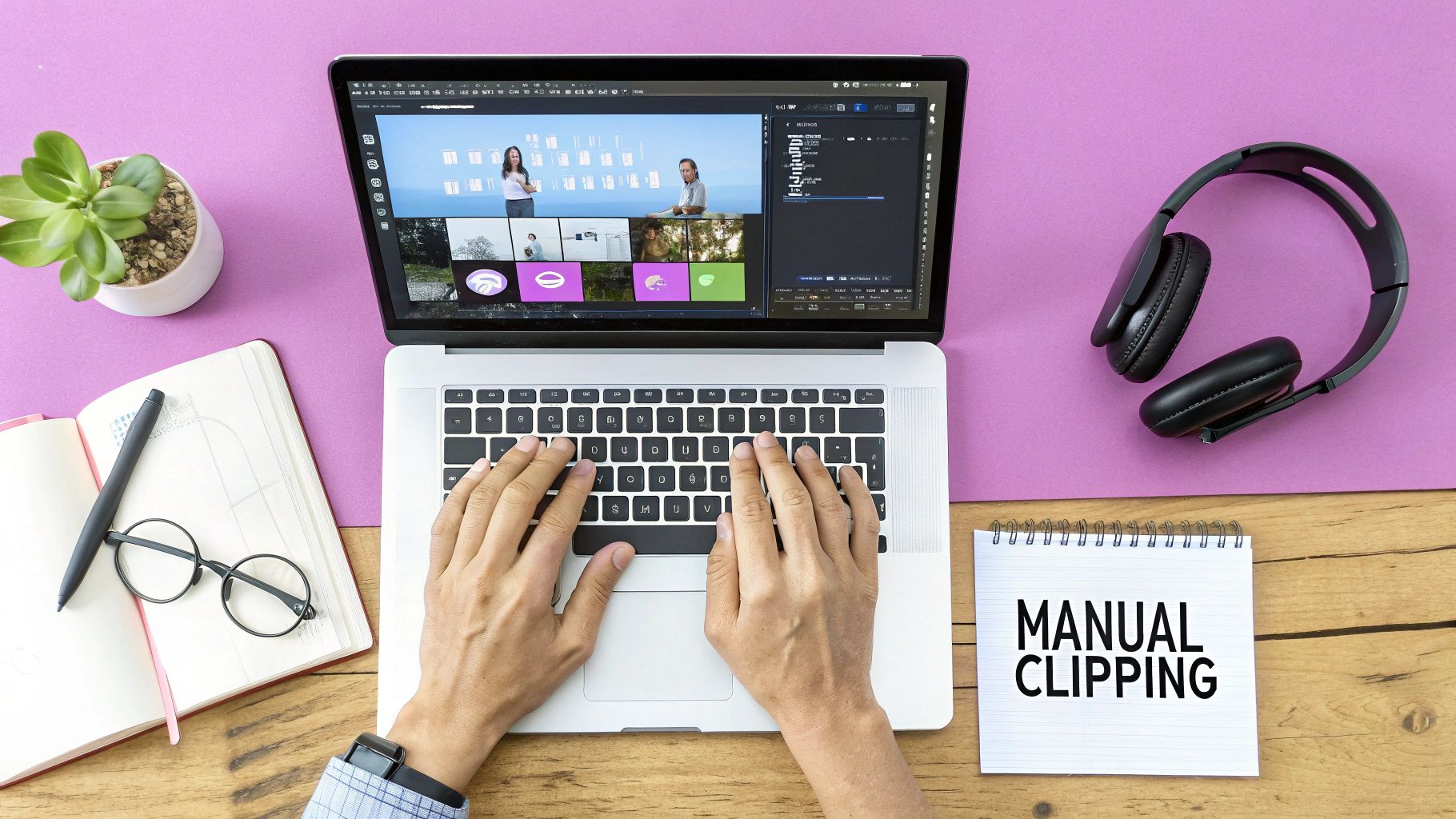
Before automated tools became a thing, we had to do everything manually. This hands-on approach gives you total creative freedom over every frame, but it comes at a cost: your time. Lots of it.
Your starting point is often YouTube's own "Clip" feature. It's built right into the platform and lets you grab a quick 5 to 60-second segment from an eligible video. It's great for sharing a quick highlight with a friend, but that’s about it. For serious social media content, it falls flat. You can't change the format to vertical, add your own branding, or do any real editing.
For that, you need to roll up your sleeves and dive into a professional workflow.
The Professional Editor's Workflow
If you're serious about repurposing long-form content, the real work starts after you download the source video. You'll bring that file into a professional video editor like Adobe Premiere Pro or DaVinci Resolve, and that’s where you get granular control.
The first job is to scrub through the entire timeline to find those "aha!" moments. This isn't just about passively watching; seasoned editors use keyboard shortcuts to fly through footage.
- J Key: Rewinds the video. Keep tapping it to go faster.
- K Key: The all-important pause button. It stops playback instantly.
- L Key: Plays the video forward. Tapping it speeds up the playback.
This "J-K-L" combo is the secret handshake of video editors. It allows for lightning-fast scanning, letting you pinpoint the exact frame to start and end a clip. Once you find a golden nugget, you set your in-and-out points to isolate it. Our detailed guide covers more on how to take clips from YouTube videos using various techniques.
Manually clipping is like panning for gold. You get to inspect every single rock, which gives you complete control, but it's a slow, painstaking process. You need a sharp eye and a lot of patience to find the good stuff.
A Real-World Agency Example
Imagine a marketing agency that needs to pull client testimonials from a two-hour webinar. Their editor downloads the whole thing and drops it into Premiere Pro.
Using the J-K-L keys, they’ll shuttle back and forth through the footage, listening for those key soundbites and glowing customer reviews. When they hear a powerful quote, they’ll mark an in-point just before the person starts talking and an out-point right after they finish.
But that’s just the raw clip. The original webinar is in a 16:9 widescreen format, which is a disaster for mobile platforms like TikTok or Reels.
Now the editor has to create a new vertical 9:16 sequence. This means they have to manually reframe the shot for every single clip, zooming in and repositioning the video to keep the speaker centered. After that comes adding branded captions, a call-to-action, and maybe some background music. All said and done, a single 30-second clip can easily chew up 30 to 45 minutes of focused work.
It’s effective, for sure. But when you need to create content at scale, this manual process becomes a massive bottleneck.
Automating Your Workflow with AI-Powered Clipping Tools
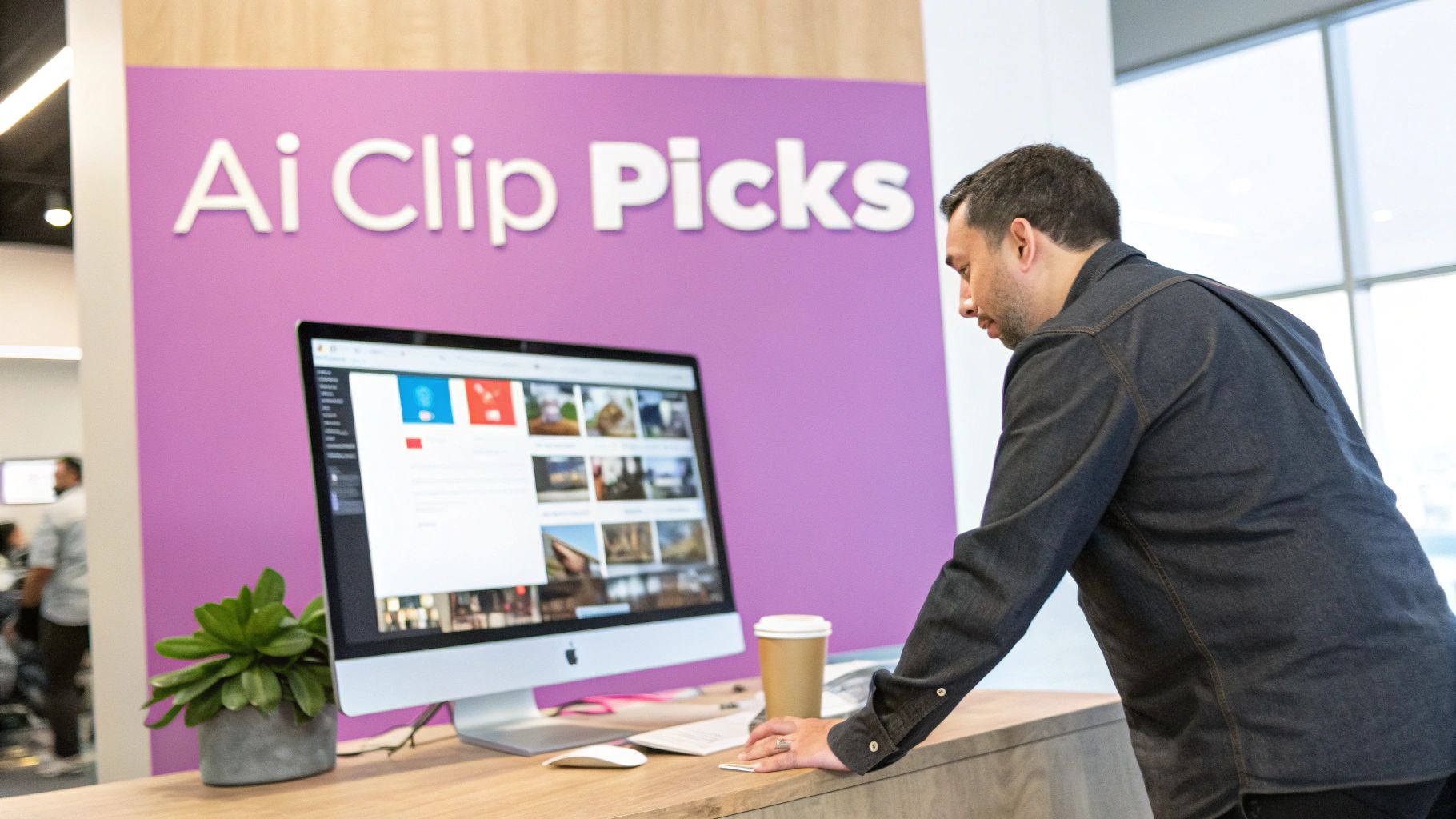
While manual editing gives you absolute control, it comes at a steep price: your time. This is where AI-powered clipping tools have completely changed the game. Letting artificial intelligence do the heavy lifting isn't just about moving faster; it's about making smarter, data-driven decisions at a scale you could never manage on your own.
These tools are built to automate the most tedious parts of clipping. They dive deep into your video, analyzing both the audio and visuals to pinpoint moments with the highest potential for engagement. It's a fundamental shift in how creators approach content repurposing.
Smarter Clipping, Not Just Faster
Imagine a tool that goes beyond simple trims. These platforms can intelligently identify who is speaking and keep them perfectly centered in a vertical 9:16 frame, even if they shift around. This feature, often called active speaker detection, saves you the mind-numbing task of manually reframing shots—a process that can easily eat up hours.
They also clean up your audio on the fly. A good AI can spot and slice out all the "ums," "ahs," and awkward pauses that make dialogue feel unpolished. The result is a much crisper, more professional clip, and you never had to open an audio editor.
The true power of AI isn't just speed; it's intelligence. It analyzes content for subtle engagement cues that a human might easily miss, finding gold in footage you might have otherwise skipped over.
But the most obvious benefit is usually the captioning. We all know how tedious it is to create dynamic, on-brand captions by hand. AI tools can transcribe, animate, and style your captions in minutes, making your videos perfect for silent viewing on mobile.
From a Full Day's Work to a Coffee Break
Let's go back to our podcast example. A creator just wrapped a 60-minute interview. Manually finding and editing even a few solid clips from this would be a whole day's project.
Here's how that entire process gets turned on its head with an AI tool:
- First, you just upload the full-length interview file. No pre-cutting needed.
- The AI immediately gets to work, transcribing the entire conversation and analyzing the content for key topics, insightful questions, and moments of high emotion.
- In about the time it takes to make a cup of coffee, the tool serves up a list of suggested clips. For an hour-long video, you might get 15 or more high-potential segments to choose from.
Each suggestion is ready to go, saving you from the soul-crushing task of scrubbing through an hour of raw footage.
And these aren't just random snippets. Many platforms now assign a virality score to each suggested clip, using data to predict which moments are most likely to pop off on social media. You can simply review the top-scoring options, make a few quick tweaks, and have a week's worth of content ready to publish.
If you're ready to see this in action, the best place to start is with an AI video clip generator.
When you stack this up against manual editing or basic clippers, the difference is night and day. What was once a major production bottleneck becomes a smooth, scalable part of your content machine, helping you clip YouTube video content consistently and effectively.
Best Practices for Creating High-Impact Social Clips
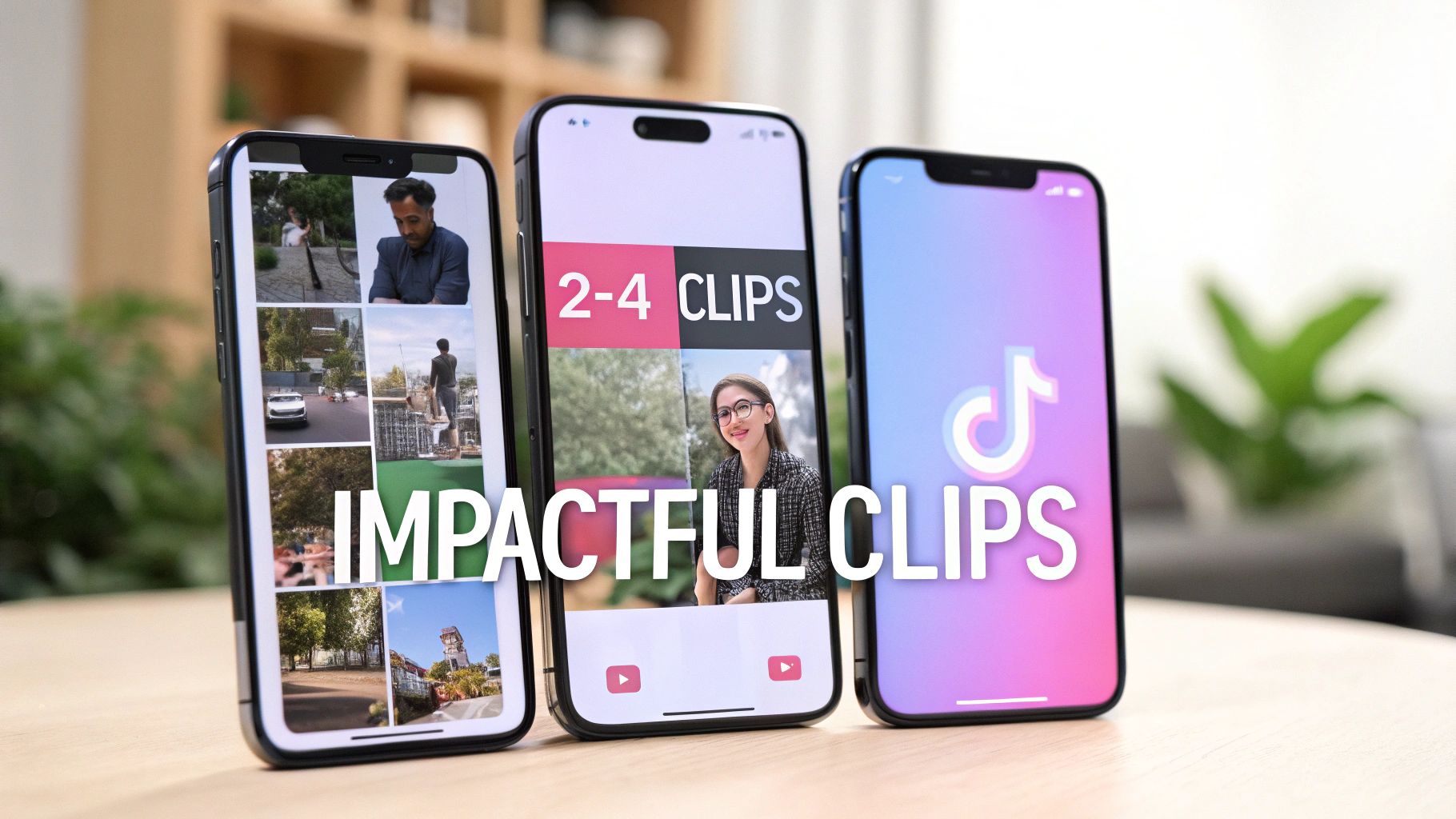
Pulling a clip from your long-form video is just the starting line. The real challenge is crafting something that actually stops the scroll and makes people pay attention. The rules for short-form video are completely different, and what keeps someone hooked for 20 minutes on YouTube will almost certainly fail in a 30-second clip.
Your hook is everything. Seriously. You have less than three seconds to give a viewer a reason to keep watching. Forget the slow intros and branded bumpers—they’re a death sentence here. You need to jump straight into the most compelling part, whether that's a controversial statement, a surprising reveal, or the emotional peak of the moment.
Tailor Your Clips for Each Platform
It’s tempting to just blast the same clip across all your social channels, but that one-size-fits-all approach just doesn't work. To get real traction, you have to play by each platform’s rules and cater to its unique audience.
Let's say you have a fantastic one-minute segment from a podcast interview. Instead of posting it everywhere as is, you could adapt it like this:
- For TikTok: You'd chop it down to a sharp, punchy 15-second soundbite. Maybe you'd layer a trending audio track underneath and use bold, fast-paced text to emphasize the core message. The whole point is to make it rewatchable.
- For Instagram Reels: Here, you could use a slightly longer 30-45 second cut that leans more into storytelling. Use Instagram's native text features and stickers to build a small narrative arc, nudging people to comment and share.
- For YouTube Shorts: Go for a value-packed 60-second version. Keep the visuals clean and the captions clear. Frame it as a direct answer to a common question or a solution to a problem your audience faces.
By tailoring your clips this way, you're respecting the user experience on each app, which the algorithms absolutely notice and reward. Following established YouTube Shorts best practices is a solid way to make sure your efforts pay off.
Design for Mobile-First Viewing
Every single creative choice needs to be made with a smartphone screen in mind. That means embracing the vertical 9:16 aspect ratio and designing around its limitations.
Never assume people will turn their phones sideways or watch with the sound on. Design every clip for silent, vertical viewing, and you'll capture the 85% of social media users who watch videos without audio.
This is why burned-in captions (also called open captions) are non-negotiable. They aren't just an accessibility feature anymore; they're a fundamental part of the viewing experience. Use a large, clean font that stands out against your background.
You also need to be aware of the text-safe zones. Every platform has its own interface overlays—like buttons, usernames, and descriptions—at the top and bottom of the screen. Keep your most important visuals and captions centered so they don't get awkwardly covered. A polished, professional-looking clip is far more likely to be taken seriously and shared.
The data backs this up. A 2023 study found that vertical videos on platforms like TikTok and Reels can see up to 90% higher completion rates than horizontal videos. These short, punchy clips are incredibly sticky, with a 73% average viewer retention rate on YouTube Shorts—which is huge. When you clip a YouTube video, optimizing it for this mobile-first world isn't just a good idea; it's your ticket to actually getting seen.
When you move past being a solo creator, the tools and mindset have to change. For agencies juggling multiple clients or developers engineering custom video workflows, manual clipping and simple AI tools just won’t cut it. The real secret is to stop thinking in terms of one-off edits and start building a systematic production pipeline.
For an agency, this shift looks like a central hub for managing brand presets across every client. Think about it: pre-set templates for captions, logos, and color palettes for each brand. When you go to clip a YouTube video for Client A, their specific branding gets stamped on automatically. This simple step eliminates human error and guarantees brand consistency on every single clip.
Beyond that, a smooth approval process is a must-have. Instead of the endless back-and-forth of emailing video files, a shared workspace lets clients review, drop comments, and approve clips directly. This creates a transparent, easy-to-track workflow that saves everyone a headache.
Programmatic Video Editing for Developers
If you're a developer or part of a media company, the pinnacle of scaling is programmatic video editing through an API. This completely transforms the process of clipping YouTube videos from a manual chore into a fully automated, code-driven pipeline. It's the difference between building a single car by hand and operating a full-scale assembly line.
Picture a large media outlet that livestreams hours of content every single day. Creating highlight reels manually is simply not feasible. But by integrating a video API, they can build an automated system that works like this:
- Ingests the Livestream Recording: The system automatically grabs the video file the moment the stream ends.
- Finds the Best Moments: Code can be written to analyze engagement signals from the live chat—like a sudden spike in comments or a flurry of specific emoji reactions—to pinpoint the most compelling segments.
- Generates Clips on Autopilot: The API then programmatically clips these high-engagement moments, slaps on branded captions, and renders the final short-form videos.
This setup creates a hands-off content machine that effortlessly turns long broadcasts into a consistent stream of social-ready highlights, all without a human lifting a finger. The benefits of using an API for video repurposing are massive, offering scale and customization you can't get any other way.
For teams looking to build AI clipping right into their own platforms, checking out specialized developer resources from PixelPanda is a smart move. These tools provide the necessary building blocks to create powerful, custom video solutions for your exact needs.
In the end, it doesn't matter if you're an agency centralizing client work or a developer building an automated video pipeline. The goal is identical: create a repeatable, efficient system to clip YouTube video content that scales with your business, instead of becoming a bottleneck that holds it back.
Common Questions About Clipping YouTube Videos
As you start turning your long-form videos into clips, a few questions always seem to come up. Let's tackle them head-on so you can create with confidence and know your work is going to pay off.
What Is the Best Length for a YouTube Clip for Social Media?
This is a great question, and the honest answer is: it depends on where you're posting. Each platform has its own rhythm and audience expectations.
For TikTok, the sweet spot is often just 7-15 seconds. It might sound incredibly short, but that brevity is what encourages people to watch your clip over and over. That rewatch behavior is a huge signal to the TikTok algorithm that your content is a winner.
When it comes to Instagram Reels and YouTube Shorts, you have a bit more breathing room—up to 60 seconds. But just because you can use the full minute doesn't mean you should. I've consistently found that clips under 30 seconds perform best. The real challenge is to deliver a complete, valuable idea or a satisfying punchline within that short timeframe.
No matter what, your first three seconds are everything. If you don't have an immediate hook to stop the scroll, the total length of your video won't matter. They'll just keep on swiping.
Can I Legally Clip Someone Else's YouTube Video?
This one's tricky and ventures into the murky waters of copyright law. The simple, safe answer is to be very, very cautious. Your best bet is to only clip and reuse content that you personally created or have explicit, written permission to use from the creator.
You might hear people bring up "Fair Use," which allows for using copyrighted material for things like commentary, news reporting, or education. But here's the reality: "Fair Use" is a legal defense, not a permission slip. It's incredibly nuanced and something you'd have to argue in court if it came to that. Relying on it is a gamble that could get your channel hit with copyright strikes, so it's a risk I wouldn't recommend.
Stick to your own content. It’s the only truly safe and ethical path forward.
How Can I Add Captions to My YouTube Clips Automatically?
If you've ever tried to manually type out and time captions in a video editor, you know how painfully slow it is. Forget that. The modern way to do this is with an AI-powered tool that handles it all for you.
These tools don't just give you a block of text; they're much more sophisticated. You can get accurate transcriptions and even create dynamic, animated captions that highlight words as they're spoken. Think of the popular styles you see all over social media—that’s what these tools produce. You can even customize them to match your brand's specific fonts and colors.
Using automation for captions is a no-brainer. It saves a ton of time and makes every single clip you post more accessible and effective, especially since so many people watch videos with the sound off.
Ready to stop wasting time and start creating clips at scale? Our AI finds your best moments, adds stunning animated captions, and gets your content ready for social media in minutes. Try it for free and see how much faster you can work.