Video content's effectiveness is increasingly tied to its accessibility and engagement, making the right closed captions software a critical tool rather than a mere accessory. With over 80% of social media videos being watched on mute, clear and accurate captions are essential for capturing audience attention and ensuring message delivery. This guide is designed to navigate the crowded market of captioning tools, moving beyond generic feature lists to provide a practical analysis of the best options available today.
To begin, a foundational understanding of what closed captions entail is essential. For those needing a refresher on the technical standards and accessibility requirements, this guide on Closed Captions provides an excellent overview. Our focus here, however, is on the software that brings them to life.
We will evaluate twelve leading solutions, from AI-powered platforms ideal for social media repurposing to enterprise-grade systems built for compliance and broadcast. Each review will dissect key performance areas:
- Transcription Accuracy: How well does the AI handle various accents and technical jargon?
- Workflow Integration: Does it offer an API, batch processing, or seamless collaboration features?
- Customization & Styling: Can you animate captions, apply brand kits, and export specific formats?
- Use-Case Suitability: Is it best for a solo creator, a marketing agency, or a large media publisher?
This resource provides direct comparisons, screenshots, and honest assessments of each tool's limitations. You will leave with a clear understanding of which closed captions software aligns with your specific needs, production scale, and budget, enabling you to make an informed investment that enhances your video strategy.
1. Swiftia
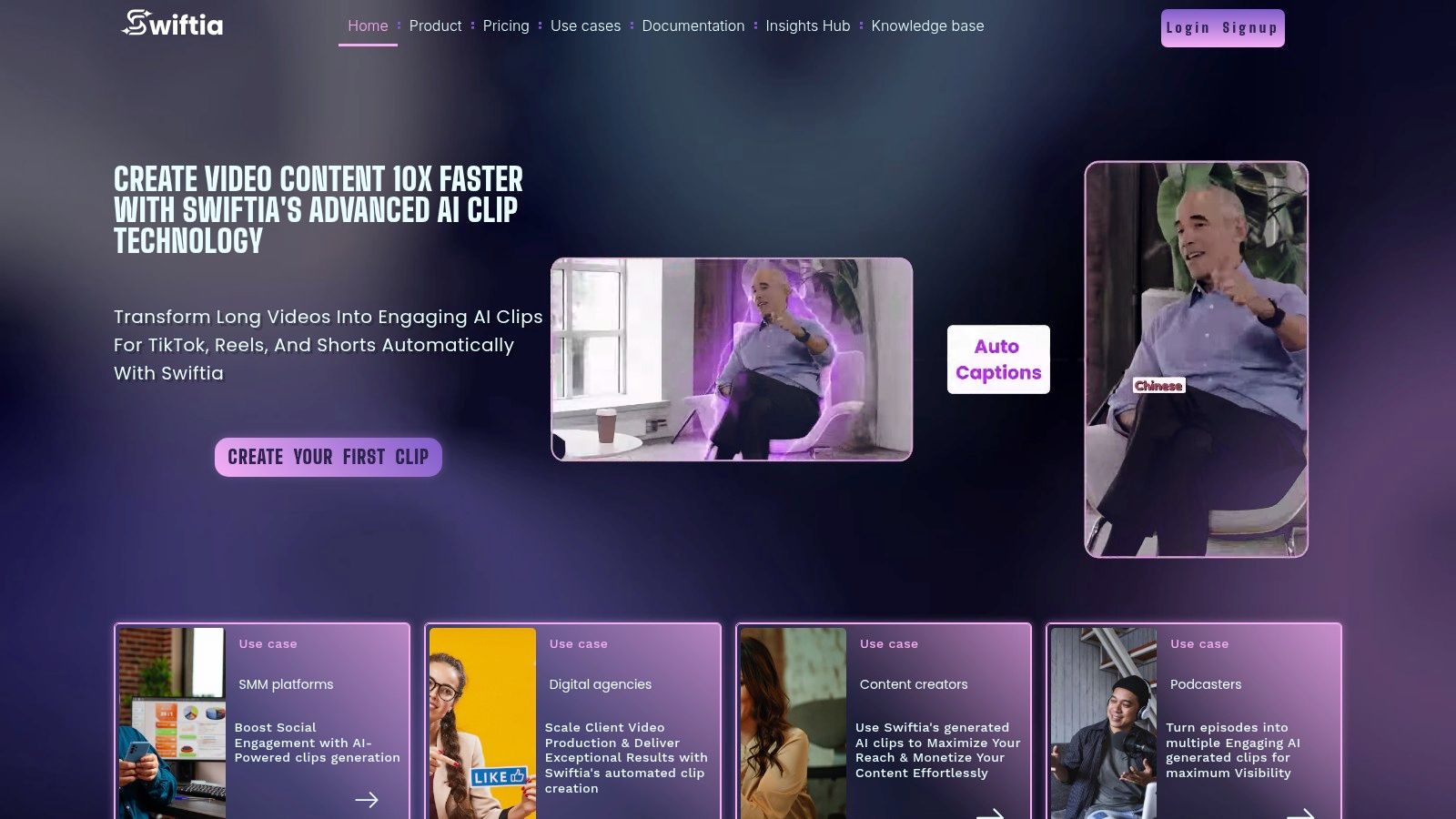
Swiftia establishes itself as a powerful, AI-driven platform that excels not just as closed captions software but as a comprehensive solution for content repurposing. It’s engineered to transform long-form video and audio content, such as podcasts or webinars, into a high volume of engaging, shareable short clips for platforms like TikTok, Reels, and Shorts. The platform helps accelerate production workflows by up to 10x, a significant efficiency gain for agencies and creators managing extensive content calendars. For example, a marketing agency can upload a one-hour client webinar and use Swiftia to auto-generate 15 captioned, branded social media clips in under 30 minutes, a task that would manually take hours.
Its core strength lies in a sophisticated suite of automated tools. Swiftia's Caption Animation Engine goes beyond static text, allowing users to create dynamic, visually appealing captions that capture viewer attention and align with brand aesthetics. This is paired with an intelligent filler-word removal algorithm ("um," "ah") that automatically cleans up audio tracks, creating a more professional and polished final product.
Key Features & Use Cases
- Advanced Captioning and Translation: The platform's auto-captioning is enhanced with speaker detection and a powerful auto-translation feature supporting over 90 languages. This makes it an ideal tool for creators and brands aiming to reach a global audience without manual translation workflows. You can learn more about the best ways to add subtitles to short videos from their detailed guide.
- Intelligent Content Curation: A standout feature is the "virality score," which analyzes long-form content to identify and suggest the most compelling segments for clip creation. This data-driven approach helps teams prioritize content that has the highest potential for engagement, moving beyond guesswork.
- Developer-Friendly API: For businesses and platforms needing to integrate video creation at scale, Swiftia offers a well-documented API. This allows for the automation of repurposing pipelines, enabling programmatic clip generation directly within proprietary systems or client-facing applications.
- Integrated Workflow Tools: Beyond captioning, Swiftia provides tools for cross-platform scheduling and a unique comments integrator, which can pull user comments into videos for creating viral-style response content efficiently.
Pricing and Access
Swiftia offers a tiered pricing structure to accommodate different scales of operation. A free trial is available without a credit card, providing 60 minutes of processing with a watermark. Paid plans start with the Starter tier at approximately $9/month, moving up to the Professional plan (most popular) at $48/month, and the Swift plan at $280/month. Enterprise solutions are available for custom, high-volume needs. It's important to note that higher-tier plans unlock benefits like 1080p rendering and longer content storage windows.
- Pros:
- Significantly accelerates short-form video production from long-form sources.
- Robust automation toolkit including dynamic captions, filler word removal, and active speaker detection.
- Excellent multi-language support and auto-translation for global content strategies.
- Powerful API for developers and platforms seeking to automate video workflows.
- Cons:
- The free plan is quite limited with a watermark and short storage duration.
- Full HD (1080p) and 4K video rendering are gated to higher-priced or enterprise plans.
Website: https://swiftia.io
2. Rev
Rev solidifies its position as a leading closed captions software by blending human expertise with AI efficiency, making it a go-to for users prioritizing accuracy and reliability. While many tools are purely AI-driven, Rev’s flagship service is its human-powered transcription and captioning, which boasts a 99% accuracy rate. This makes it ideal for projects where precision is non-negotiable, such as legal depositions, academic research, and broadcast-quality media that must meet FCC and ADA compliance standards. Swiftia focuses on rapid, AI-powered generation for social media, whereas Rev's strength is its guaranteed accuracy for professional and compliance-driven content.
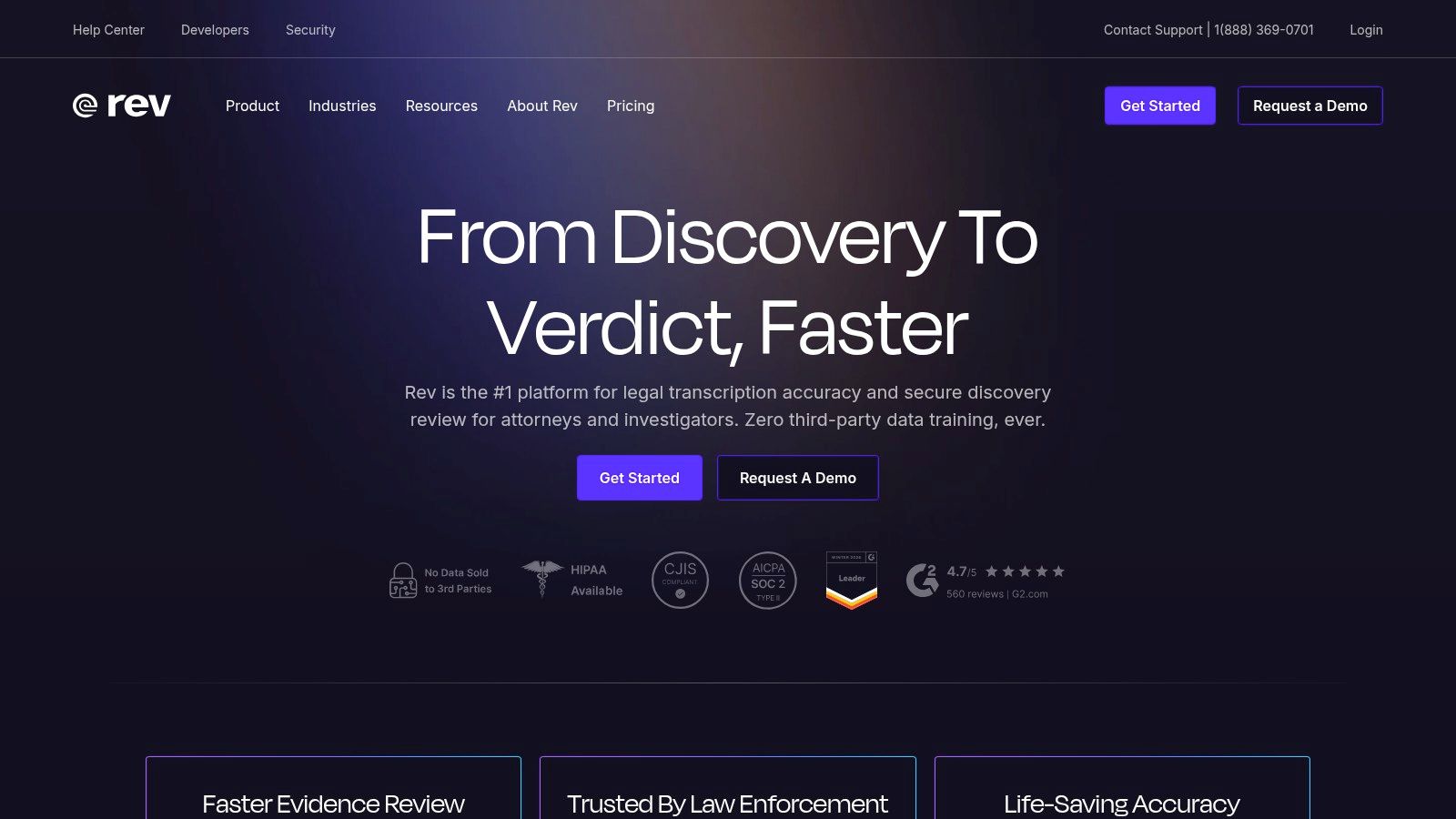
The platform’s workflow is straightforward: upload your media files, select your service, and receive the finished captions, often within 12 hours for human services. For those needing faster turnarounds or broader language support, Rev also offers automated AI captions in over 37 languages. This dual-offering approach allows businesses to balance cost, speed, and accuracy based on specific project needs. For instance, a marketing agency might use the AI service for internal review drafts and then upgrade to human-verified captions for the final client-facing video.
Pricing and Key Features
Rev operates on a transparent, pay-as-you-go pricing model, which is a major advantage for both individual creators and large enterprises. Costs are calculated per minute of audio or video, eliminating complex subscription tiers for basic access.
- Human Captions: $1.75 per minute (English and Spanish)
- AI Captions: $0.25 per minute (37+ languages)
- Integrations: Direct connections with YouTube, Vimeo, and cloud storage like Dropbox.
- Formats: Exports captions in all major formats, including SRT, VTT, and SCC.
Pros and Cons
Pros:
- Exceptional Accuracy: The 99% accuracy guarantee for human captions is a key differentiator for professional use cases.
- Compliance Ready: Provides options for FCC and ADA-compliant captions, crucial for broadcast and public sector content.
- Clear Pricing: Per-minute rates make budgeting predictable, especially for one-off projects.
Cons:
- Limited Human Languages: Human-verified services are currently limited to English and Spanish.
- Cost at Scale: While transparent, per-minute costs can accumulate quickly for organizations with extensive video libraries.
For projects where a full video transcript is the primary goal, especially from platforms like YouTube, exploring different methods can be beneficial. You can learn more about how to get a transcript from a YouTube video to compare workflows and find the best fit.
Website: https://www.rev.com
3. 3Play Media
3Play Media stands out as an enterprise-grade closed captions software designed for organizations where accessibility and legal compliance are paramount. It offers a comprehensive suite of services, including closed captioning, live captioning, and audio description, making it a powerful solution for higher education, government, and media enterprises. The platform’s core strength lies in its multi-step quality assurance process, combining AI with human review to ensure captions meet stringent standards like WCAG, FCC, and ADA. While a platform like Swiftia is built for speed and social engagement, 3Play Media is built for rigorous legal and accessibility compliance.
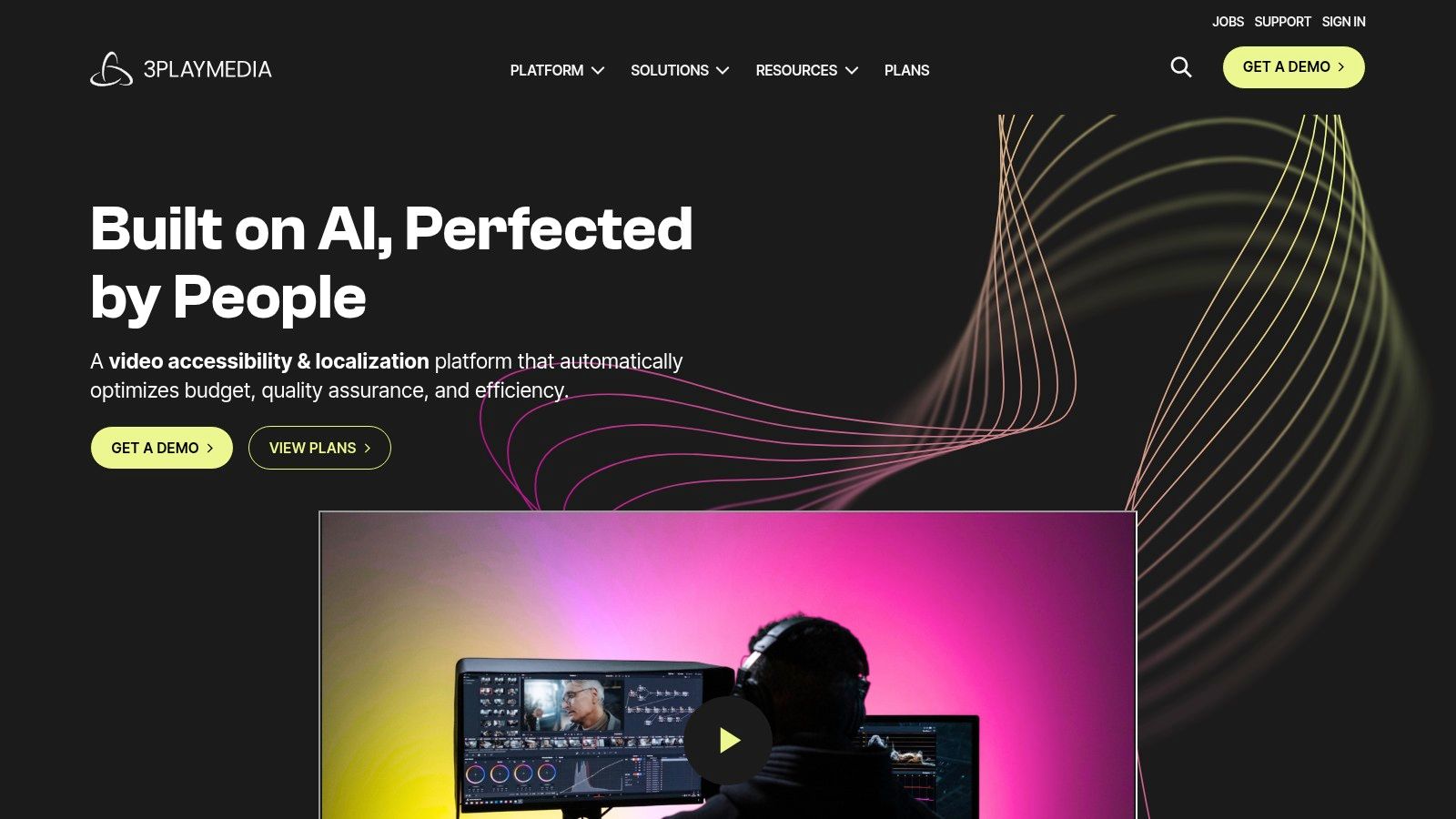
The workflow is built for scale and integration, connecting directly with major video platforms, learning management systems, and cloud storage providers. A key feature is its interactive transcript, which syncs with the video player, allowing users to click on any word in the transcript to jump to that moment in the video. This functionality is particularly valuable in educational and research settings. For example, a university can use 3Play Media to make its entire lecture library fully accessible and searchable, improving the learning experience for all students.
Pricing and Key Features
3Play Media’s pricing is quote-based, tailored to volume, turnaround time, and the specific services required. This model is typical for enterprise solutions that need custom workflows and service-level agreements.
- Captioning Services: AI-powered with multiple human review options for guaranteed accuracy.
- Live Captioning: Professional human captioning for live events, webinars, and broadcasts.
- Compliance Focus: Tools and reports to ensure content meets WCAG 2.1 AA, FCC, and CVAA standards.
- Integrations: Extensive API and pre-built integrations with platforms like Kaltura, Panopto, YouTube, and Brightcove.
Pros and Cons
Pros:
- Built for Compliance: A top choice for organizations that must adhere to strict accessibility regulations.
- Enterprise-Ready: Designed for high-volume video libraries with robust management and reporting tools.
- Comprehensive Services: Offers an all-in-one solution for captions, transcripts, audio descriptions, and translations.
Cons:
- Complex Pricing: The quote-based model is less transparent and not ideal for small-scale users or one-off projects.
- Higher Cost Potential: The focus on quality and compliance often results in a higher per-minute cost compared to purely AI-driven tools.
Website: https://www.3playmedia.com
4. Adobe Premiere Pro
Adobe Premiere Pro stands out as a top-tier closed captions software by integrating powerful transcription and captioning tools directly into a professional non-linear video editing (NLE) environment. Instead of exporting a finished video to a separate captioning service, editors can generate, style, and QC captions within the same timeline. This unified workflow is a massive time-saver for professional video teams, filmmakers, and agencies who need broadcast-ready exports without switching applications. The built-in Speech to Text engine automates the initial transcription, which can then be refined directly on the caption track. In contrast to a web-based repurposing tool like Swiftia, Premiere Pro provides unparalleled granular control for high-end video production.
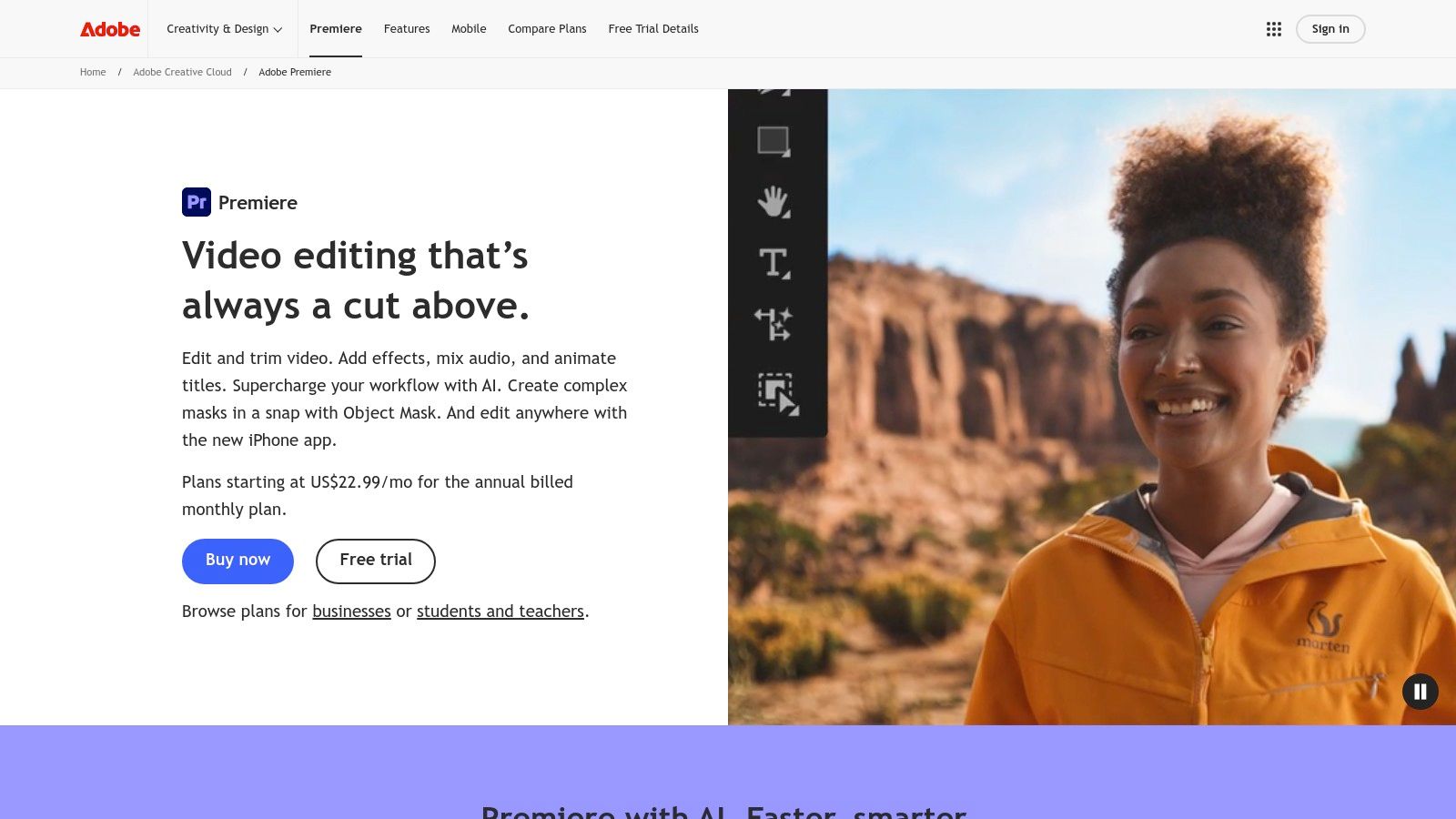
The platform’s strength lies in its deep customization and control. Users can adjust everything from font and color to placement and timing with keyframe precision, ensuring captions perfectly match the project’s aesthetic and meet strict accessibility guidelines. For example, a documentarian can easily create captions that avoid covering on-screen graphics or lower-thirds. Furthermore, its integration within the Adobe Creative Cloud means seamless workflows with other apps like After Effects for advanced motion graphics or Audition for audio sweetening, making it a comprehensive solution for high-production value content.
Pricing and Key Features
Premiere Pro is available through a subscription model, either as a single app or as part of the Creative Cloud All-Apps plan, which offers the best value for teams using multiple Adobe products.
- Automatic Transcription: Built-in Speech to Text engine with multi-language support and translation capabilities.
- Caption Track Editing: A dedicated caption track on the timeline for precise styling, placement, and QC.
- Flexible Exports: Supports both sidecar files (like SRT) and embedded/broadcast-compliant formats.
- Creative Cloud Integration: Works seamlessly with After Effects, Audition, and other Adobe applications for a complete post-production pipeline.
Pros and Cons
Pros:
- Integrated Workflow: Eliminates the need for third-party tools, streamlining the editing and captioning process into a single application.
- Broadcast-Ready Deliverables: Offers extensive control to create professional, compliant captions for broadcast and film.
- Extensive Resources: Supported by a vast ecosystem of tutorials, plugins, and third-party integrations.
Cons:
- Subscription Cost: The Creative Cloud subscription can be a significant expense, especially for individual creators or small businesses.
- Resource Intensive: As a professional NLE, it requires a powerful computer to run smoothly, particularly with complex projects.
Website: https://www.adobe.com/products/premiere.html
5. Descript
Descript redefines the concept of closed captions software by treating video and audio editing like a word document. Its standout feature is AI-powered transcription that allows users to edit media by simply editing the text transcript. Deleting a word from the transcript automatically cuts the corresponding video clip, creating a seamless and intuitive workflow for podcasters, marketers, and content repurposing teams. This text-based editing approach makes it exceptionally fast to turn long-form content, like a one-hour webinar, into dozens of short, captioned social media clips. While Descript excels at text-based editing for individual clips, Swiftia offers a broader, API-driven workflow for generating a high volume of clips automatically.
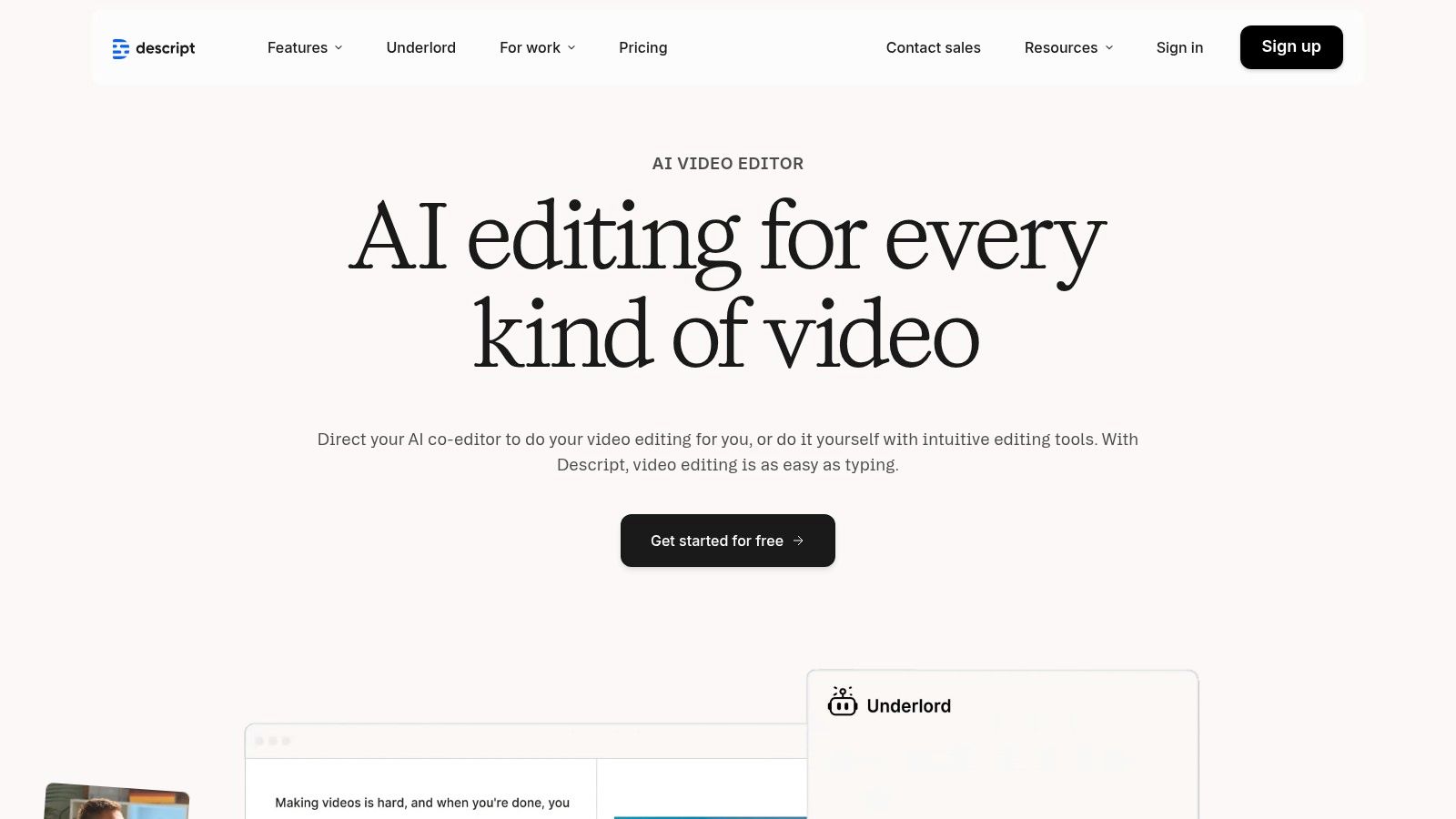
The platform is built for collaborative, AI-driven production. Beyond standard captioning, it includes powerful tools like automatic filler-word removal ("um," "uh") and speaker detection, which cleans up raw recordings with a single click. For teams aiming for brand consistency, Descript allows for creating and saving caption styles, ensuring every video maintains a uniform look. Its ability to generate dynamic, word-by-word captions makes it a favorite for creating engaging content for platforms like TikTok and Instagram Reels.
Pricing and Key Features
Descript uses a subscription-based model with tiered access to transcription hours and advanced AI features. Plans are designed to scale from individual creators to large enterprise teams.
- Free Plan: Includes 1 hour of transcription.
- Creator Plan: $12/editor/month (10 hours of transcription).
- Pro Plan: $24/editor/month (30 hours of transcription and AI features).
- Key Features: Edit video by editing text, automated filler-word removal, speaker detection, dynamic caption styles, and translation to over 60 languages on higher tiers.
Pros and Cons
Pros:
- Revolutionary Workflow: The text-based video editing is incredibly intuitive and speeds up content repurposing significantly.
- Strong AI Tools: Features like filler-word removal and speaker labels streamline the post-production process.
- Ideal for Social Content: Dynamic, customizable captions are perfect for creating engaging short-form videos.
Cons:
- Usage Limits: Transcription and AI features are capped by monthly credits, which may require top-ups for heavy users.
- Tier-Gated Features: Advanced functionality, like extensive translation, is reserved for more expensive plans.
Website: https://www.descript.com
6. Kapwing
Kapwing positions itself as a streamlined, browser-based video editor, making it an excellent closed captions software for social media managers and marketing teams who need to create engaging content quickly. Its strength lies in its accessibility; since it operates entirely online, there is no software to install, allowing for rapid edits from any device. The platform's auto-subtitle tool is a core feature, designed for creating the dynamic, stylized captions popular on platforms like TikTok and Instagram. Unlike platforms built for large-scale repurposing, Kapwing excels at quick, one-off video edits and captioning tasks.
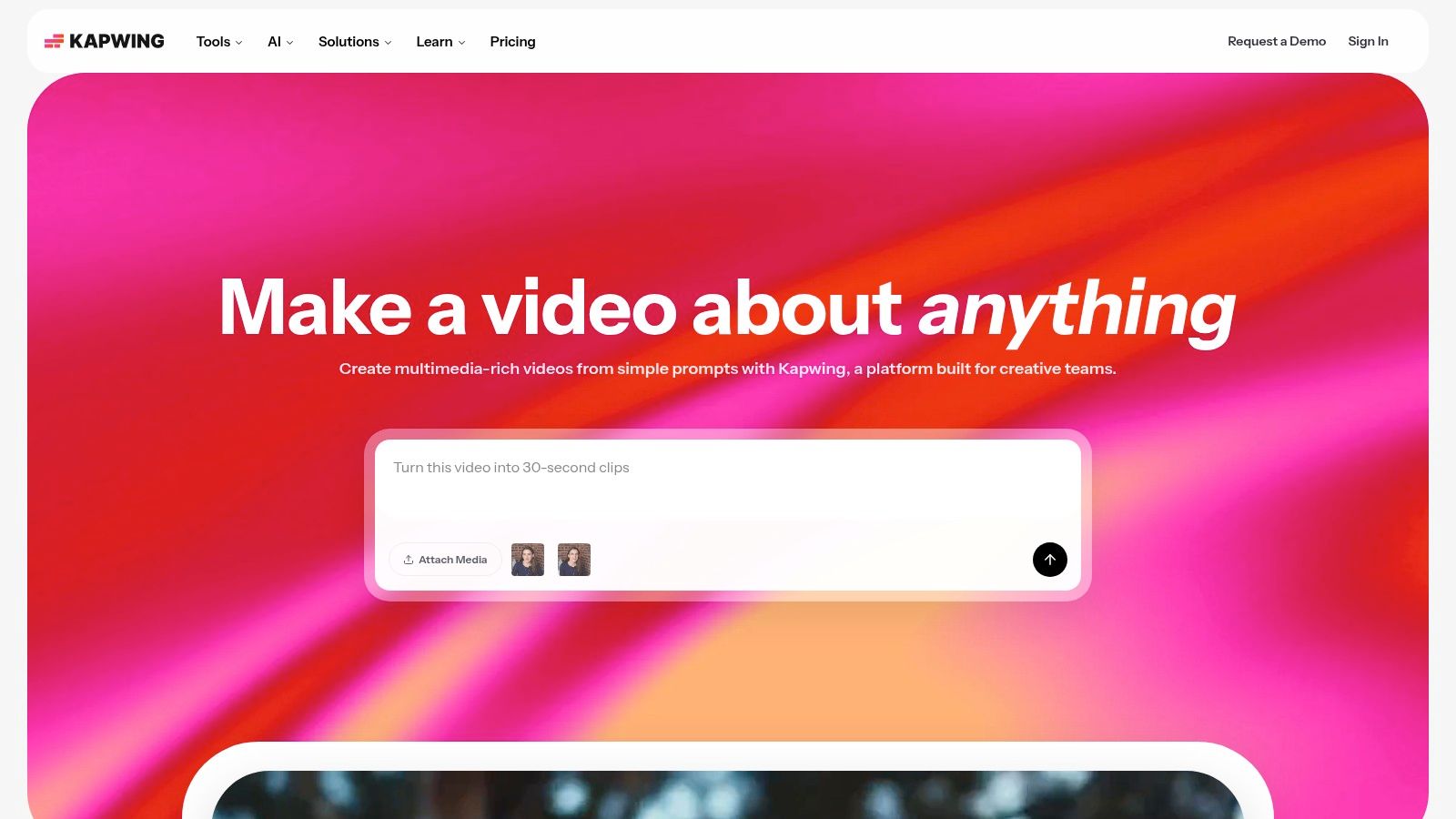
The workflow is intuitive: upload a video, use the "Subtitles" tool to auto-generate captions, and then customize the font, color, and animation to match brand aesthetics or social media trends. Beyond simple generation, Kapwing supports translation into over 60 languages, making it useful for reaching global audiences. For instance, a marketing agency can repurpose a single English ad for Spanish and French-speaking markets in minutes by auto-translating and styling the captions directly within the editor.
Pricing and Key Features
Kapwing uses a freemium model with subscription tiers that unlock more features and remove limitations. Its pricing is transparent about the "credits" system, which is used for AI-powered tasks like auto-subtitling.
- Free Plan: Includes watermarks, limits exports to 4 minutes, and provides 10 minutes of transcription per month.
- Pro Plan: Starts at $16/month (billed annually) for watermark-free exports, 4K quality, and 300 minutes of transcription per month.
- Formats: Exports burned-in captions or downloadable SRT/VTT files.
- Brand Kit: Allows users to save brand colors, fonts, and logos for consistent content creation.
Pros and Cons
Pros:
- No-Install Convenience: The browser-based editor is perfect for quick turnarounds and collaborative projects without software dependencies.
- Social-Friendly Styling: Offers a wide array of animation and styling options designed for modern social video.
- Transparent Credit System: Users can easily track their usage of AI features like transcription.
Cons:
- Watermarks on Free Plan: The free version includes a prominent watermark, making it unsuitable for professional use.
- Credit Consumption: Heavy use of AI tools can deplete monthly credits quickly, potentially requiring a plan upgrade.
For creators focusing on specific platforms, understanding the nuances of captioning is key. You can learn how to add captions to Instagram Stories to master platform-specific techniques and maximize engagement.
Website: https://www.kapwing.com
7. VEED
VEED positions itself as an all-in-one, browser-based video editor where closed captions are a core component, not just an add-on. It’s designed for marketing teams and social media creators who need to produce engaging, accessible video content quickly without specialized editing software. Its primary strength lies in integrating AI-powered subtitle generation directly into a user-friendly editing timeline, allowing users to create, style, and burn captions into their videos in a single workflow. Compared to a tool like Swiftia that automates clip creation, VEED provides a more manual, all-in-one editing environment for single video projects.
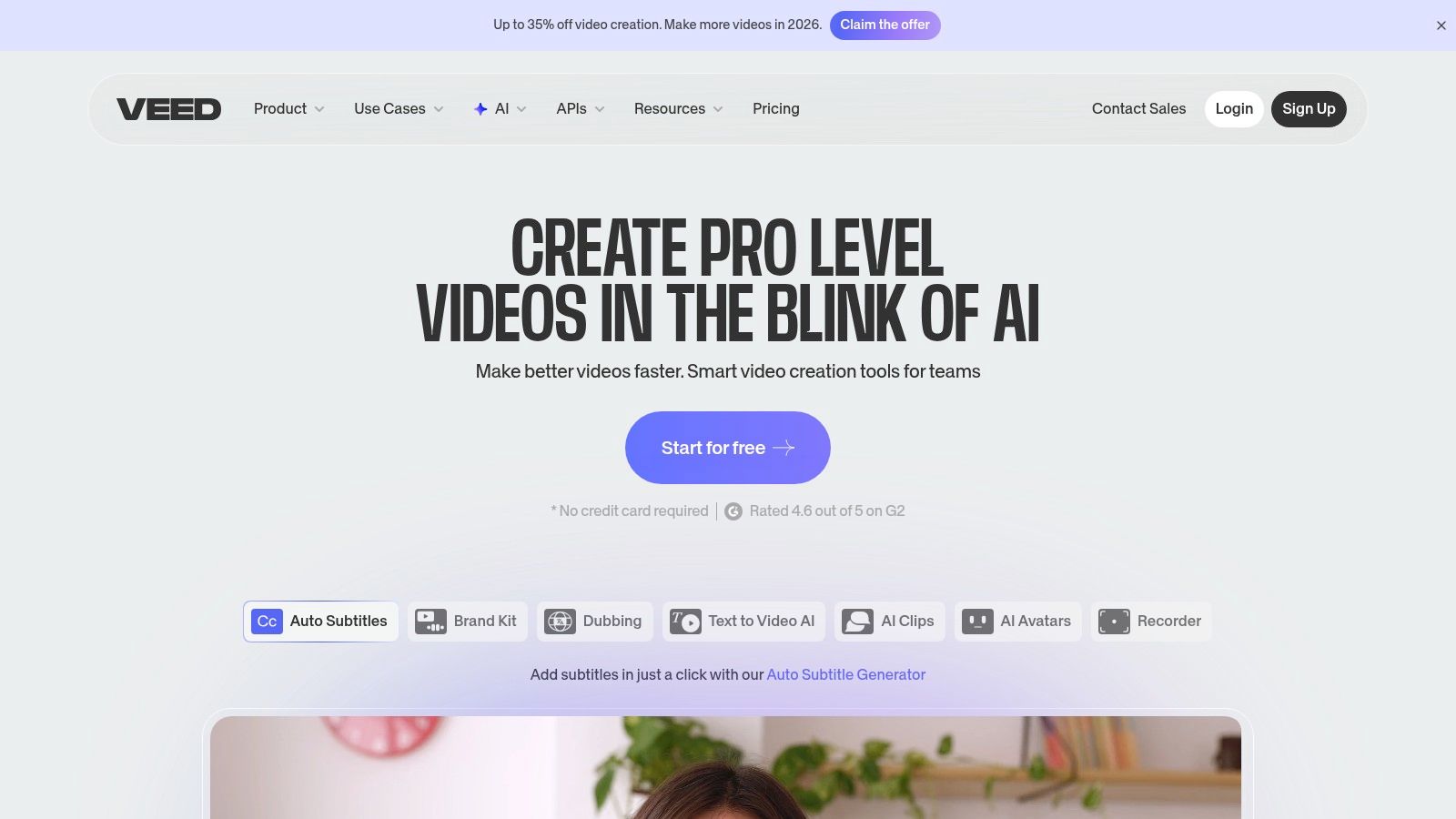
The platform streamlines social media content creation by combining transcription with a full suite of editing tools like progress bars, brand kits, and animated text. A marketing team, for example, can upload a podcast clip, auto-generate captions, apply their brand’s font and color scheme, and export a ready-to-post video for Instagram Reels in minutes. This integrated approach makes it a powerful closed captions software for those whose primary goal is producing finished, shareable content rather than just generating a caption file.
Pricing and Key Features
VEED uses a freemium model with tiered subscriptions that unlock more features, higher export quality, and increased AI credit allowances. Pricing can vary, so users should check the latest details upon login.
- Auto-Subtitles: AI-powered caption generation and translation into multiple languages.
- Brand Kits: Store brand assets like fonts and color palettes for consistent caption styling.
- Team Workspaces: Collaborative features for teams to work on video projects together.
- Export Options: Download captions as SRT/VTT files or burn them directly into the video.
Pros and Cons
Pros:
- Simple Browser Workflow: Extremely intuitive for non-editors, making captioning accessible to anyone on a team.
- Integrated Video Editor: Combines captioning with a robust set of tools for a one-stop-shop content workflow.
- Team & Brand Controls: Scales effectively for marketing teams needing to maintain brand consistency across all video output.
Cons:
- Complex Pricing: Pricing tiers and AI credit limits can sometimes be confusing and may vary by region or plan.
- Web-Based Limitations: Performance can be dependent on internet connection, and it lacks the power of desktop-based editors for complex projects.
If you're looking for other powerful video editing and captioning options, you might explore some VEED alternatives to compare features and find the best fit for your specific needs.
Website: https://www.veed.io
8. TechSmith Camtasia
TechSmith Camtasia is primarily known as a powerful screen recording and video editing suite, but it secures its spot on this list with robust, integrated captioning features. It is a favored tool in corporate and educational settings for creating training videos, software tutorials, and e-learning modules. Unlike web-based platforms, Camtasia offers an all-in-one desktop application where users can record, edit, and add captions within a single, unified workflow, making it exceptionally efficient for content that requires both screen capture and accessibility. While a tool like Swiftia is built for external social marketing, Camtasia is purpose-built for internal training and educational content.
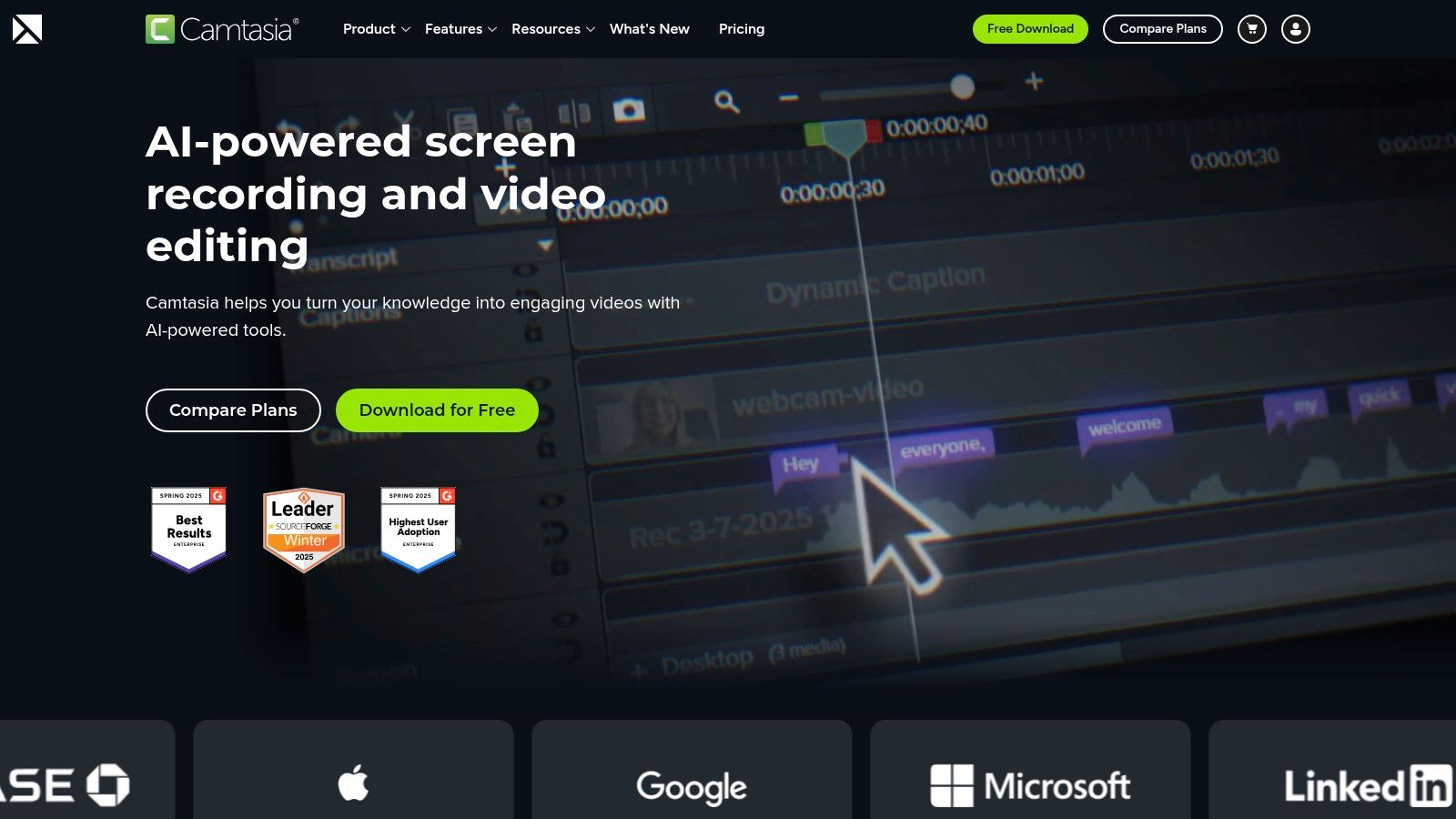
The platform supports both manual captioning and importing existing script files, such as SRT or SAMI formats. This flexibility is crucial for organizations that need to meet accessibility standards like WCAG or Section 508. For example, an instructional designer can record a software demonstration, use the built-in editor to add precise captions synced to the on-screen actions, and then export the final video with embedded captions or a separate SRT file. This integrated approach removes the need to switch between multiple applications, streamlining the production of compliant educational content.
Pricing and Key Features
Camtasia is sold as an annual subscription, which includes the software for both Windows and macOS, along with maintenance and support.
- Individual Subscription: Starts at $299.99 for the first year, with a renewal fee of $50/year.
- Enterprise & Education: Custom volume licensing and deployment options are available.
- Integrated Workflow: Combines screen recording, video editing, and captioning tools.
- Format Support: Imports and exports standard caption formats like SRT and SAMI.
Pros and Cons
Pros:
- All-in-One Solution: Excellent for creating tutorials and training content from start to finish without leaving the app.
- Reliable and Established: A large user community and extensive support resources make it a dependable choice.
- Compliance-Focused: Strong support for SRT workflows aids in creating accessible e-learning materials.
Cons:
- Subscription Model: The shift from perpetual licenses to an annual subscription may not suit all budgets.
- Annual Billing: The subscription is billed annually, which can be a significant upfront cost for individual creators.
Website: https://www.techsmith.com/camtasia.html
9. Happy Scribe
Happy Scribe serves as a versatile closed captions software, balancing the speed of AI-driven transcription with the precision of human proofreading services. It is particularly effective for multilingual projects, offering AI transcription and subtitling in over 120 languages. The platform is designed for teams who need a quick initial draft from AI and then want the option to easily elevate it to near-perfect accuracy with a professional review. This makes it ideal for academic institutions producing lecture series or marketing teams localizing video ads for global campaigns. While Swiftia automates captioning as part of a clip generation workflow, Happy Scribe is a dedicated transcription and subtitling service.
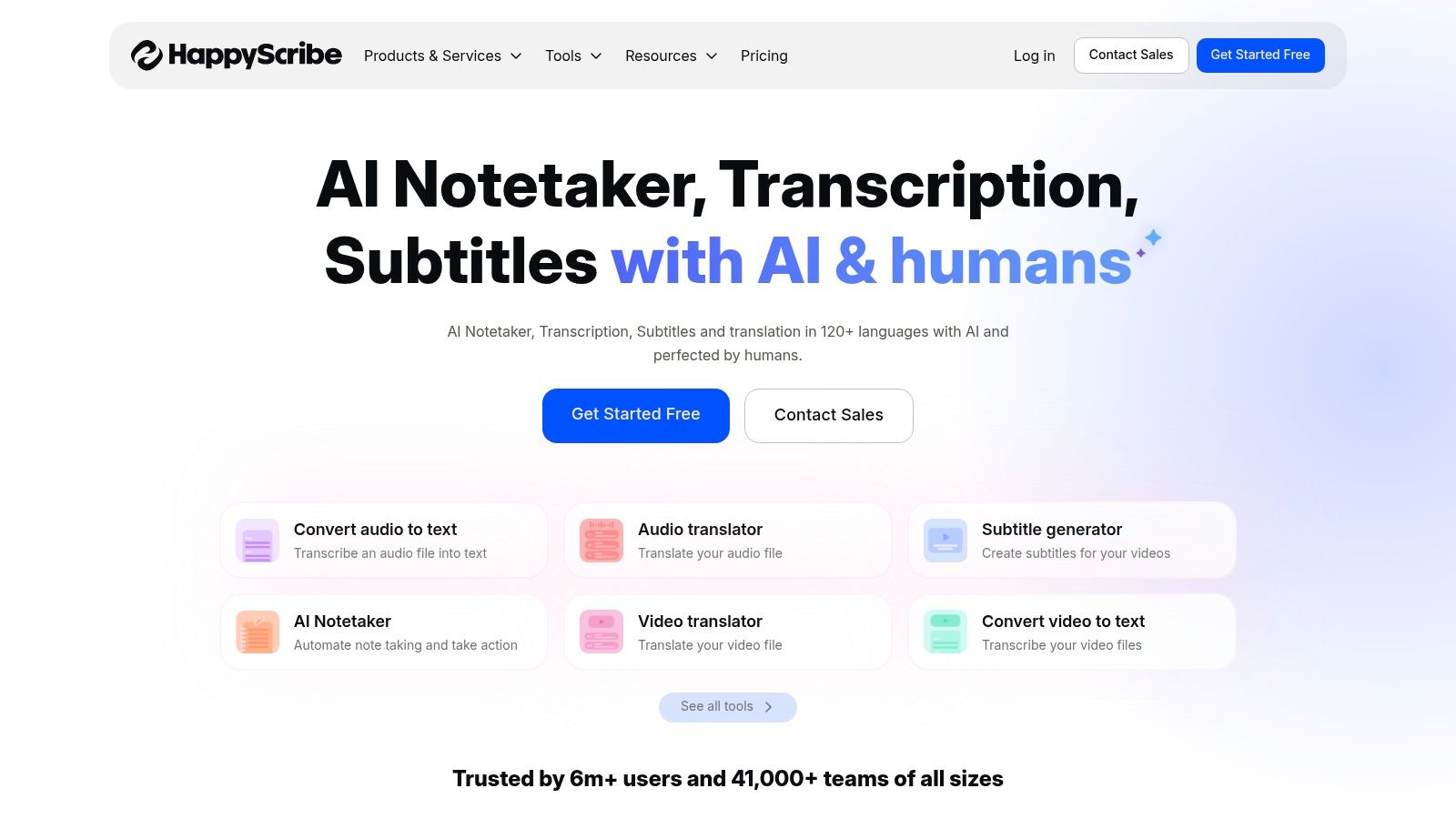
The platform’s user experience is streamlined and collaborative. Users can upload files directly or connect their YouTube, Vimeo, or cloud storage accounts. The interactive editor allows team members to review and modify the AI-generated text, highlight sections, and leave comments before exporting. For example, a production company could use the AI service for daily rushes and then select key scenes for human verification to ensure broadcast-level quality, all within the same ecosystem.
Pricing and Key Features
Happy Scribe uses a combination of subscription plans based on minutes for its AI services and a per-minute rate for human-made services. This provides flexibility for varying usage levels.
- Human-Made Services: Starts at €2.00 per minute for 99% accuracy.
- AI Transcription & Subtitles: Plans start around €10/month for 120 minutes, with larger minute bundles available.
- Integrations: Connects with YouTube, Vimeo, Zoom, Dropbox, and Google Drive.
- Formats: Supports export to various formats including SRT, VTT, TXT, and PDF.
Pros and Cons
Pros:
- Extensive Language Support: AI services cover over 120 languages, making it a strong choice for international content.
- Flexible Workflow: Easily transition from a fast AI draft to a human-verified final product.
- Collaborative Editor: The interface is built for teams to review and edit transcripts and captions efficiently.
Cons:
- Variable Human-Made Costs: Pricing for human services can increase for less common languages or faster turnaround times.
- AI Requires Review: As with most AI tools, the initial transcript requires a manual check to catch errors in terminology or speaker identification.
Website: https://www.happyscribe.com
10. Sonix
Sonix positions itself as a robust automated transcription and closed captions software, catering to users who need fast turnarounds across dozens of languages. It combines AI-powered transcription with an intuitive in-browser editor, allowing teams to quickly generate, edit, and finalize subtitles without complex software. The platform’s ability to handle over 40 languages and dialects makes it a strong contender for global marketing teams, academic researchers, and media companies producing multilingual content. Its pay-as-you-go model is ideal for variable workloads, differing from Swiftia's subscription tiers designed for consistent, high-volume content repurposing.
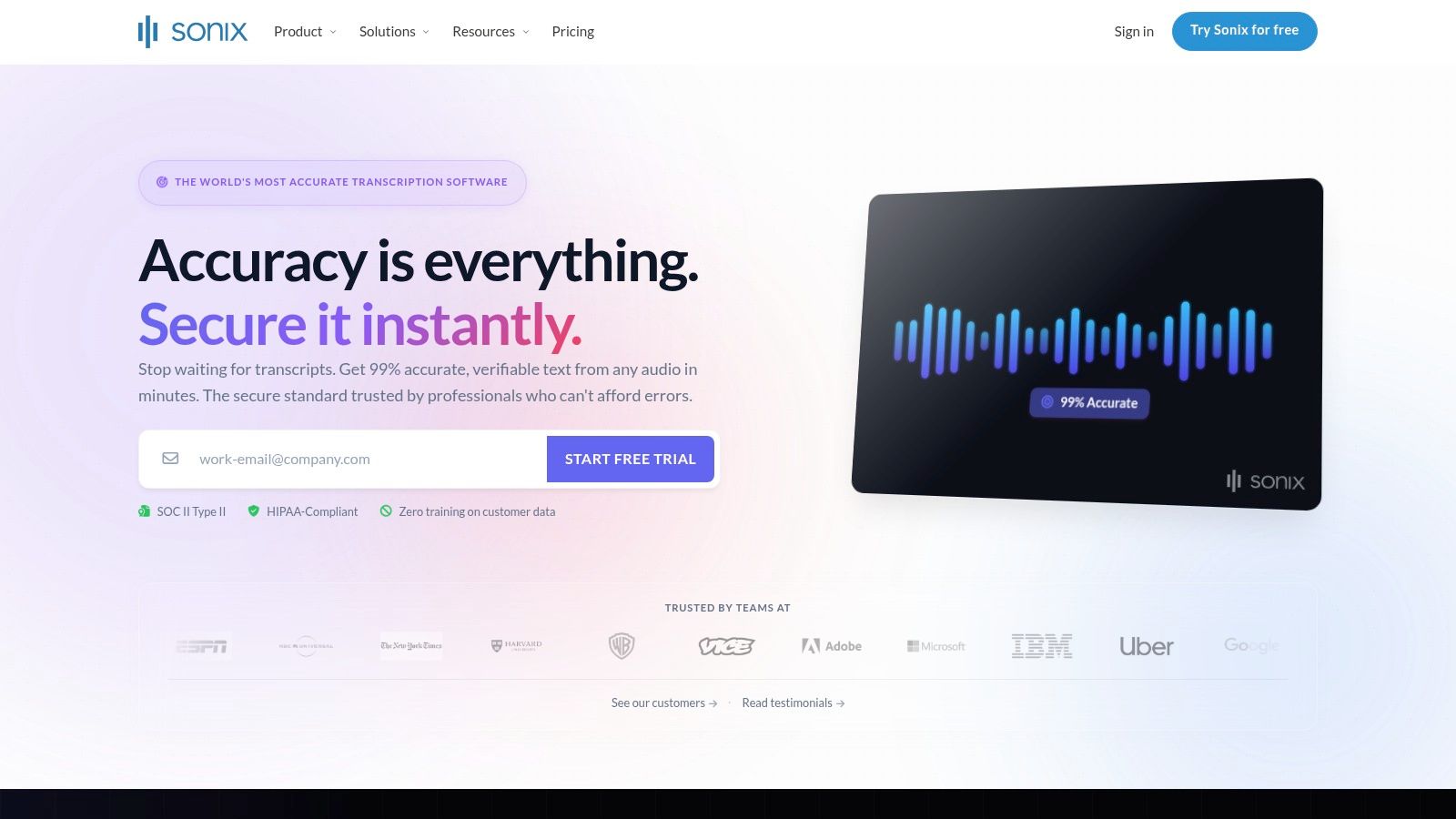
The workflow is designed for efficiency: upload a file, and Sonix returns a timestamped transcript with speaker diarization in minutes. Users can then adjust timings, correct text, and merge or split caption blocks directly in the editor. A practical use case is a podcasting team that needs to create both a full transcript for their website and an SRT file for YouTube. Sonix streamlines this by generating both outputs from a single transcription process, complete with a custom dictionary to ensure brand-specific terms are spelled correctly.
Pricing and Key Features
Sonix’s primary appeal is its flexible, pay-as-you-go pricing, which is prorated to the second. This model is ideal for teams with fluctuating monthly workloads, as they only pay for what they use. Subscription plans are also available for higher-volume users seeking lower per-hour rates.
- Pay-As-You-Go: Starts at $10 per hour.
- Premium Subscription: $5 per hour plus a $22 per user/month fee.
- Key Features: AI transcription in 40+ languages, in-browser subtitle editor, speaker diarization, and custom dictionaries.
- Formats: Exports to SRT, VTT, and can burn captions directly into video.
Pros and Cons
Pros:
- Transparent Usage Billing: Per-hour pricing prorated to the second offers clear, predictable costs for variable workloads.
- Strong Language Support: Automated transcription and translation for over 40 languages is a major benefit for global content.
- Integrated Editor: The browser-based editor simplifies the process of refining AI-generated captions.
Cons:
- Automated Only: The platform lacks a human review service, so high-stakes projects requiring near-perfect accuracy may need external editing.
- Accuracy Varies: Caption quality is highly dependent on the source audio clarity and can require significant manual correction.
Website: https://sonix.ai
11. Telestream CaptionMaker
Telestream CaptionMaker is a powerhouse desktop software designed for broadcast professionals and post-production houses where compliance and technical precision are paramount. Unlike cloud-based tools, CaptionMaker is a dedicated Windows application built to handle the complex requirements of broadcast standards like CEA-608/708. This makes it an essential tool for creating, editing, and embedding legally compliant captions directly into professional video formats like MPEG-2, MXF, and ProRes for television broadcast and other regulated distribution channels. Its focus on broadcast compliance places it in a different category than a social media tool like Swiftia.
The platform excels in workflows that demand deep format support and automation. Users can author captions from scratch, import and convert between various formats (SCC, MCC, WebVTT, DFXP/TTML), and even embed data directly into video files, a critical step for broadcast delivery. For large-scale operations, the Enterprise tier offers command-line automation, allowing studios to integrate CaptionMaker into their existing media pipelines for batch processing and hands-off conversion, a feature not commonly found in web-based closed captions software.
Pricing and Key Features
CaptionMaker is sold as a licensed desktop application with tiered pricing, reflecting its focus on professional and enterprise markets rather than casual creators.
- Desktop and Enterprise Licensing: Pricing is provided upon request, reflecting a higher upfront investment for perpetual software licenses.
- Timed Text Speech: Provides automatic transcription in over 100 languages for generating an initial draft.
- Broadcast Format Support: Natively handles embedding and extraction for formats like MPEG-2, H.264, MXF, and ProRes.
- Automation: Pro and Enterprise versions include batch conversion and command-line interface (CLI) for automated workflows.
Pros and Cons
Pros:
- Broadcast Compliance: Unmatched support for US broadcast standards (CEA-608/708), ensuring FCC compliance.
- Deep Integration: Embeds captions directly into professional video files, a crucial feature for broadcast deliverables.
- Enterprise Automation: Scales effectively for high-volume, automated post-production pipelines.
Cons:
- Windows-Only: The software is limited to the Windows operating system, excluding Mac and Linux users.
- High Upfront Cost: Perpetual license pricing is significantly higher than the subscription or pay-as-you-go models of web-based tools.
Website: https://www.telestream.net/captioning/captionmaker.htm
12. Amara
Amara stands out as a unique closed captions software, combining a free public subtitling platform with professional-grade team collaboration tools. Its mission-driven approach makes it a favorite among educational institutions, nonprofits, and volunteer communities who need to create accessible video content collaboratively. The platform centers on a powerful browser-based subtitle editor that supports crowd-sourced translation and captioning projects, allowing multiple users to contribute to a single video. This collaborative, community-first approach is a key differentiator from commercial, AI-first platforms like Swiftia.
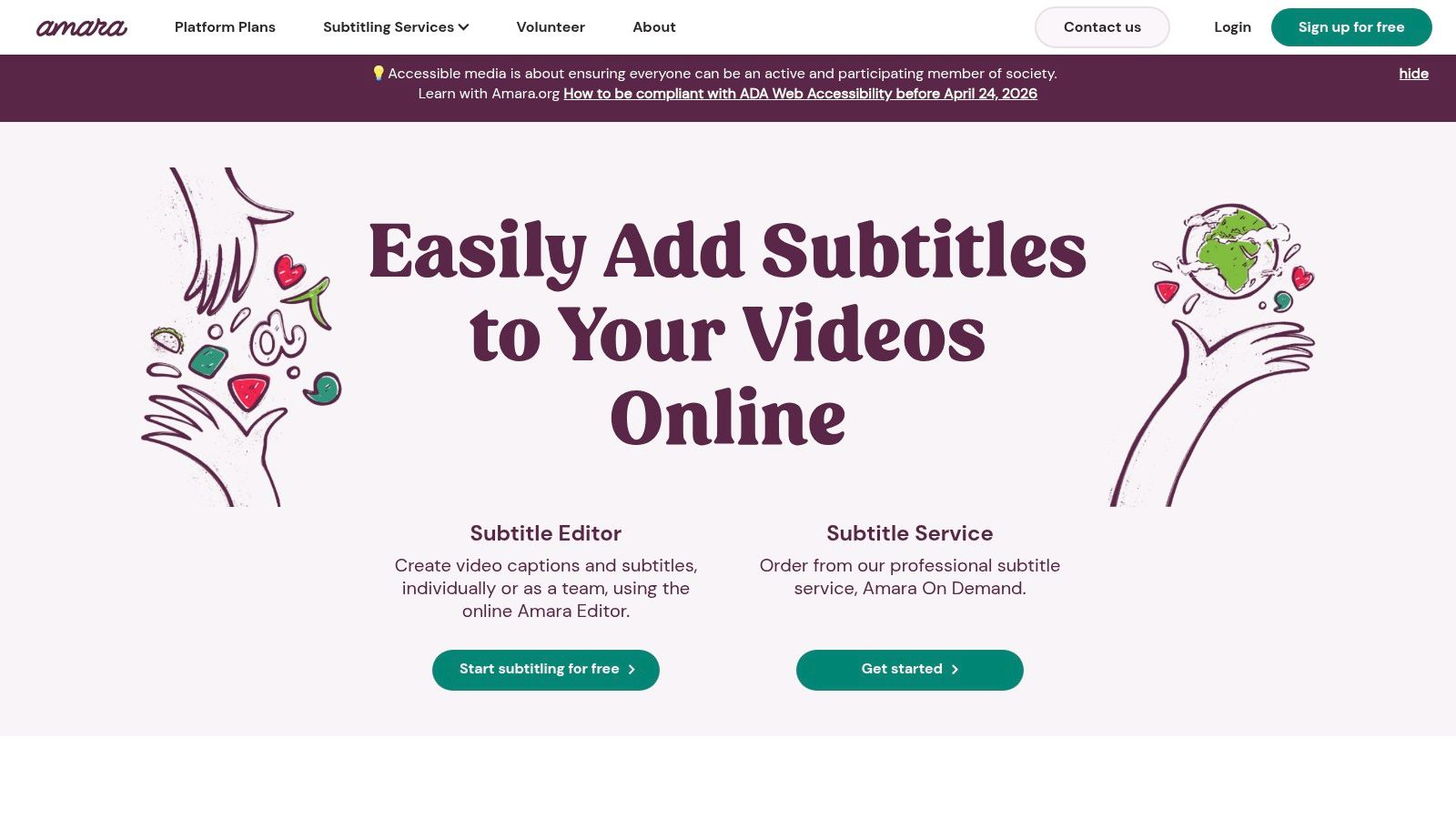
For organizations requiring private workflows, Amara offers paid plans and on-demand services. The Amara Plus plan provides private workspaces where teams can manage projects without public visibility, while Amara On Demand allows users to order professional human or AI-generated captions and translations. For example, a university language department could use the free public platform for student translation exercises and then purchase professional captions via Amara On Demand for official course materials, all within the same ecosystem.
Pricing and Key Features
Amara's model is uniquely flexible, catering to public good projects and private enterprise needs simultaneously. Its pricing scales from free public access to customized enterprise solutions.
- Public Workspace: Free for collaborative, public subtitling projects.
- Amara Plus (Teams): Starts at $128/year for private workspaces and 100 AI caption minutes.
- Amara On Demand: Pay-as-you-go human captioning and translation services.
- Integrations: Connects directly with YouTube, Vimeo, and Kaltura.
- Formats: Exports to standard formats like SRT, VTT, DFXP, and more.
Pros and Cons
Pros:
- Strong Collaboration Tools: Excellent for teams and volunteer groups working on captioning and translation projects together.
- Flexible Model: Offers free public tools, affordable private plans, and professional on-demand services.
- Community-Focused: Ideal for educational and nonprofit organizations aiming to improve content accessibility.
Cons:
- Private Work Requires Payment: Key features like private workspaces and team management are locked behind paid plans.
- AI Minutes are Limited: The entry-level team plan includes a very limited number of AI captioning minutes.
Website: https://amara.org
Top 12 Closed-Captioning Software Comparison
| Product | Core features | UX & accuracy | Key workflows / USPs | Target audience | Pricing & plans |
|---|---|---|---|---|---|
| Swiftia (recommended) | AI clip editor; Caption Animation Engine; filler-word removal; active-speaker detection; auto-translate; up to 4K support | Very fast (claimed up to 10×); brand-ready captions; 90+ languages; high-res gated to higher tiers | API-first integration; cross-platform scheduling; virality scoring; comments integrator; cost-effective rendering | Marketers, creators, agencies, platforms, developers | Free trial (watermarked); Starter ~$9/mo; Pro $48/mo (most popular); Swift $280/mo; Enterprise; minute quotas & storage windows |
| Rev | Human + AI captions & transcripts; exports SRT/VTT; platform integrations | Human captions |
Clear per-minute billing; FCC/ADA options; interactive editor | Creators, broadcasters, compliance-focused teams | Per-minute pricing; scales with subscriptions; costs add up for large libraries |
| 3Play Media | Captions, live captions, audio description, subtitling/dubbing; APIs & reporting | Enterprise-grade accuracy with human QA; compliance-focused | Strong WCAG/FCC/EN compliance tooling; live caption workflows | Higher education, media companies, large enterprises | Quote-based pricing; volume/turnaround dependent |
| Adobe Premiere Pro | NLE with Speech-to-Text, transcription, caption track editing, translation | Broadcast-ready captions; deep timeline control; integrated QC | One-stop editing + captioning; ties into Creative Cloud apps | Video editors, broadcast/post teams, agencies | Subscription-based (single app or All-Apps); can be costly for some teams |
| Descript | Auto-transcription; edit-by-text video; dynamic captions; filler removal; 4K export | Fast iteration; strong speaker detection; collaborative workspaces | Edit-as-text workflow; brand tools; team workspaces | Podcasters, social teams, marketers, creators | Tiered plans with media minute/AI credit caps; pay-ups or upgrades for heavy users |
| Kapwing | Browser-based editor; auto-subtitles & translation; templates; Brand Kit | Quick, no-install workflow; social-first outputs | Templates & collaborative workspace; easy exports | Individual creators, small marketing teams | Free plan (watermark); credits system; Pro/Business tiers for limits removal |
| VEED | Cloud editor; AI subtitles & translations; brand kits; SRT/VTT export | Simple browser workflow for non-editors; frequent updates | Team workspaces and brand control | Marketing & social teams | Freemium with paid tiers; some pricing/credit details shown post-login |
| TechSmith Camtasia | Screen recording + editing + captioning; SRT import/export; desktop app | Reliable for tutorials & training; strong support resources | Desktop workflow for e-learning; enterprise deployments | Corporate training teams, educators, instructional designers | Annual subscription model; enterprise licensing available |
| Happy Scribe | AI subtitling + optional human QA; exports; Zoom/YouTube integrations | Fast AI output; human review option for high accuracy | Mixed AI+human workflows; minutes/credit bundles | Multilingual teams, journalists, researchers | Pay-as-you-go AI + per-minute human rates; bundles available |
| Sonix | AI transcription (40+ languages); speaker diarization; in-browser editor | Automated accuracy varies by audio; speaker labels & timestamps | Per-hour pay-as-you-go billing prorated by second | Teams with variable workloads and flexible budgets | Transparent per-hour pricing; 30-minute free trial |
| Telestream CaptionMaker | Author/export/embed CEA-608/708, SCC, MCC, TTML; batch & CLI automation | Broadcast-grade compliance; timed text speech in 100+ langs | Deep broadcast format support; enterprise automation | Broadcast/post houses, compliance-heavy orgs | Higher upfront/enterprise pricing; Windows-only desktop licenses |
| Amara | Browser subtitle editor; Amara Plus teams; Amara On Demand human captions | Simple collaborative editor; public free editing option | Free public workflows + paid team & on-demand human services | Nonprofits, universities, media organizations | Free public tier; Amara Plus for teams; pay-for human/on-demand services |
Final Thoughts
Navigating the landscape of closed captions software can feel overwhelming, but as we've explored, the right tool is less about finding a single "best" option and more about identifying the perfect fit for your specific workflow, audience, and goals. The digital content sphere has moved past captions being an afterthought; they are now a fundamental component of accessible, engaging, and high-performing video.
From dedicated transcription services like Rev and 3Play Media offering near-perfect accuracy for compliance-heavy projects, to integrated video editors like Adobe Premiere Pro and Descript that bake captioning directly into the creative process, the diversity of tools reflects the varied needs of modern creators. Meanwhile, browser-based platforms like VEED and Kapwing have democratized video editing and captioning, making it accessible to everyone, regardless of technical expertise.
Key Takeaways for Selecting Your Software
Reflecting on the dozen tools we've analyzed, several core themes emerge. Your decision-making process should pivot on three critical questions:
Where does captioning fit in my workflow? Are you a social media agency batch-processing hundreds of clips for repurposing? A tool with robust API and batch features like Swiftia or Happy Scribe is essential. Are you a filmmaker fine-tuning a documentary? The deep integration within Premiere Pro or the precision of Telestream CaptionMaker will be more valuable.
What level of accuracy and customization do I need? For projects requiring FCC compliance or legal documentation, human-powered services like Rev offer unparalleled accuracy (99%+). For social media content, where engagement is key, the dynamic styling and animation capabilities of tools like Swiftia or VEED are far more critical than achieving perfect transcription on the first pass. A recent study showed that videos with captions can increase view time by up to 12%, a statistic that underscores the importance of visual appeal, not just textual accuracy.
How will this tool scale with my operations? A solo creator might thrive with a pay-as-you-go model like Descript's. However, a growing marketing agency or a media platform will need a solution with predictable, scalable pricing and collaborative features. Consider not just your current output but your projected needs in six months to a year. Look for platforms that offer team workspaces, asset libraries, and tiered pricing that won't penalize growth.
Final Guidance on Implementation
Once you've chosen your preferred closed captions software, successful implementation depends on standardization. Create a simple style guide for your captions. Define your brand's font, color palette, and preferred animation style. This consistency reinforces brand identity and makes your content instantly recognizable in a crowded feed.
For example, a digital marketing agency could create different caption style templates for each client, ensuring every video clip produced aligns perfectly with that client's brand guidelines. This simple step elevates the perceived production value and maintains a cohesive brand presence across all social channels.
Ultimately, the power of closed captions extends far beyond accessibility. They transform silent-play videos on social feeds into engaging narratives, unlock global audiences through translation, and boost SEO by making your video content indexable. The investment you make in choosing and implementing the right closed captions software is an investment in the reach, impact, and inclusivity of your message. Choose the tool that not only solves today's problems but also empowers tomorrow's growth.
Ready to transform your video content with dynamic, on-brand captions at scale? Swiftia is designed for agencies and creators who need to repurpose content quickly without sacrificing quality. Explore how our advanced caption animations, multi-language support, and streamlined workflow can elevate your video strategy at Swiftia.