Think of TikTok, and what comes to mind? Probably a dance challenge, a funny skit, or a viral trend. The one thing they all have in common is music. It’s not just an afterthought; it’s the core of the experience.
Ready to add a soundtrack to your next video? It’s surprisingly straightforward. For example, once you're in the creation screen, just look for the "Add sound" button right at the top. Tapping it opens up TikTok's entire universe of audio, letting you jump on a trending song, explore curated playlists, or search for that one perfect track.
Why Music Is Critical for TikTok Success
On TikTok, sound isn't just background filler—it’s the engine. The right audio can take a simple clip and turn it into a viral phenomenon. It’s what drives trends, fuels challenges, and gets people to engage. In fact, a study by MRC Data revealed that 67% of users are more likely to seek out a song on a streaming platform after hearing it on TikTok. Sound creates an instant emotional hook, setting the entire mood and making your content stick in someone's mind long after they've scrolled past.
Content built around music is made to be shared. When someone hears a great sound, they don't just listen; they get inspired to put their own spin on it. This is the secret sauce to TikTok's explosive growth. It’s a participatory culture, and using the right track is your ticket to getting discovered by a whole new audience.
The Power of Sound in Numbers
The numbers don't lie: silent videos are a performance killer on TikTok. We’re talking a significant jump in user interaction for videos that include music versus those that don't. With over 1 billion active users, many of whom spend over 90 minutes a day on the app, audio is constantly shaping their experience.
We're also seeing clear patterns emerge. For instance, 88% of TikTok users report that sound is "essential" to the app experience. Keeping a finger on the pulse of these audio trends is key.
The best audio choice isn't always about your personal favorite song. It's about tapping into what your audience is already listening to and loving. Using a trending sound is like joining a huge, ongoing conversation, which instantly boosts your video's visibility.
For musicians and artists, this is a huge opportunity. Learning how to promote your music on TikTok and other short-form platforms can be a game-changer for getting heard.
At the end of the day, knowing how to add music to TikTok is more than just a technical skill; it's the first real step toward mastering the platform.
Finding the Perfect Song in TikTok's Sound Library
TikTok's built-in sound library is more than just a list of songs; it’s the engine room of trends. This is your first and best stop for finding audio that will get your content noticed. If you want to master adding music to your videos, getting comfortable here is non-negotiable.
Your first move is to tap the "Add sound" button at the top of the camera screen. This opens the door to TikTok's massive audio collection, all organized to help you find exactly what you need.
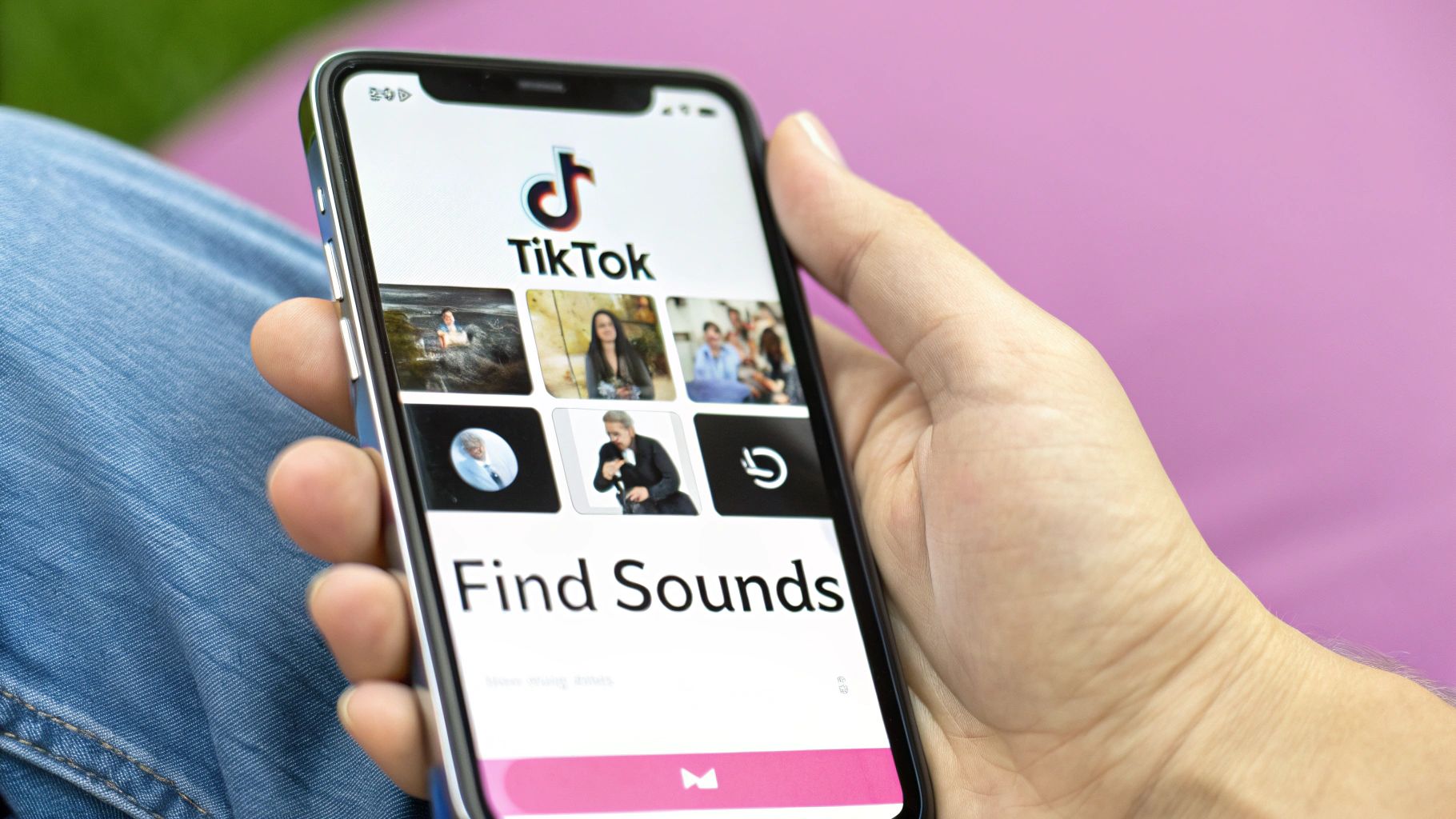
From here, you can dive into personalized suggestions and curated playlists to find the perfect soundtrack for your latest creation.
Navigating Playlists and Recommendations
The 'For You' tab is the first thing you'll see, and it’s powered by TikTok’s algorithm. It serves up sounds it thinks you'll like based on your past activity, and honestly, it’s surprisingly good at predicting the next big thing.
But don't just rely on the algorithm. Take some time to explore the curated playlists. These are goldmines for inspiration, especially when you're stuck.
- For example, if you’re filming a high-energy workout video, you could jump into the "Upbeat" or "Dance" playlists. You'll likely find a track that's already gaining steam, which can give your video an instant visibility boost.
- On the flip side, a quiet "get ready with me" video or a relaxing recipe tutorial would be better served by something from the "Chill" or "Acoustic" playlists. A subtle instrumental track can set the mood without stealing the show.
Commercial vs. Personal Use: A Critical Distinction
This is something you absolutely need to get right. The music you can use depends entirely on your account type, and mixing them up can cause big headaches.
Creator and Personal accounts get the keys to the kingdom—the full library of trending hits and popular songs. But Business Accounts are limited to the Commercial Music Library, which contains over 1 million royalty-free tracks that are pre-cleared for marketing and promotional content.
For brands, this isn't just a suggestion; it's a rule. Using a popular song you don't have the rights to for an ad is a fast track to getting a copyright strike or having your video taken down. If you're running a business account, do yourself a favor and stick exclusively to the commercial library. It’s the only way to keep your content safe and compliant.
Using Your Own Audio and Custom Sounds
TikTok’s built-in sound library is fantastic, but sometimes the real magic happens when you bring your own audio to the table. This is how you go from just following trends to actually starting them. Using your own voice or a custom track is one of the best ways to make your content feel truly unique and personal.
The most direct way to add your own audio is by recording a voiceover right inside the app. For instance, you could film a silent video of you unboxing a new product, and then use the "Voiceover" button on the editing screen's sidebar to record your live reaction over the clip. Tap it, hit record, and you can talk over your video in real-time.
Importing Custom Songs and Sounds
What if you want to use a specific song or sound effect that isn't on TikTok? This is where a little prep work outside the app comes in handy. Many of the most original videos you see use audio that was added with a separate video editor before the video was even uploaded.
The whole process is pretty simple once you get the hang of it. You'll essentially create your finished video on your phone first, then upload it to TikTok. Here's a practical example:
- Pick your video editor. I recommend starting with CapCut because it's built to work perfectly with TikTok, but something like Adobe Rush works great too.
- Lay out your video clips. Import them into the editor and get them arranged on the timeline just how you want them.
- Drop in your audio file. This is where you add that special track—maybe it's a song you have a license for, a royalty-free beat, or even a custom sound effect you made.
- Sync everything up. This is the important part. You’ll need to trim your video clips and the audio so the big moments in your video hit right on the beat or sound cue.
- Export the final video and save it to your camera roll.
- Upload to TikTok. From there, you just upload the finished video file like you would any other.
Crucial Copyright Note: Just because you add the music yourself doesn't mean you can skip copyright rules. TikTok’s system is smart and will scan your upload for copyrighted material. Always make sure you have the legal right to use any music you add. If you don't, TikTok might mute your audio or even take the video down completely. To be safe, stick to royalty-free music libraries or tracks you've composed yourself.
Editing and Syncing Audio Like a Pro
https://www.youtube.com/embed/XB_tb6MRdAI
Adding a sound is just the first step. The real magic happens when you sync it perfectly with your video. This is what makes content feel polished and professional, turning a simple clip into something that grabs and holds attention.
Getting comfortable with TikTok's built-in editing tools is a game-changer. Once you’ve picked your track, don't just drop it in and call it a day. Look for the little scissors icon—that's your gateway to the trim tool. It lets you see the song's waveform, so you can scrub through and find that perfect 15 or 60-second snippet that matches the vibe of your video.
Getting the Audio Mix Just Right
Another tool you'll use constantly is the 'Volume' control. This is non-negotiable for any video where you're also using the original audio from your clip, like if you're talking or capturing ambient sounds. You can lower the music volume so your voiceover isn’t completely drowned out by a thumping bassline.
For a practical example, think about a classic "get ready with me" video. You can dip the music volume when you're explaining your skincare routine and then bring it back up for the quick makeup transitions. It's a simple trick that makes a huge difference. Honestly, a big part of great editing is learning how to properly sync audio with video to create the right emotional impact.
This workflow breaks down how to prep your own sounds for TikTok.
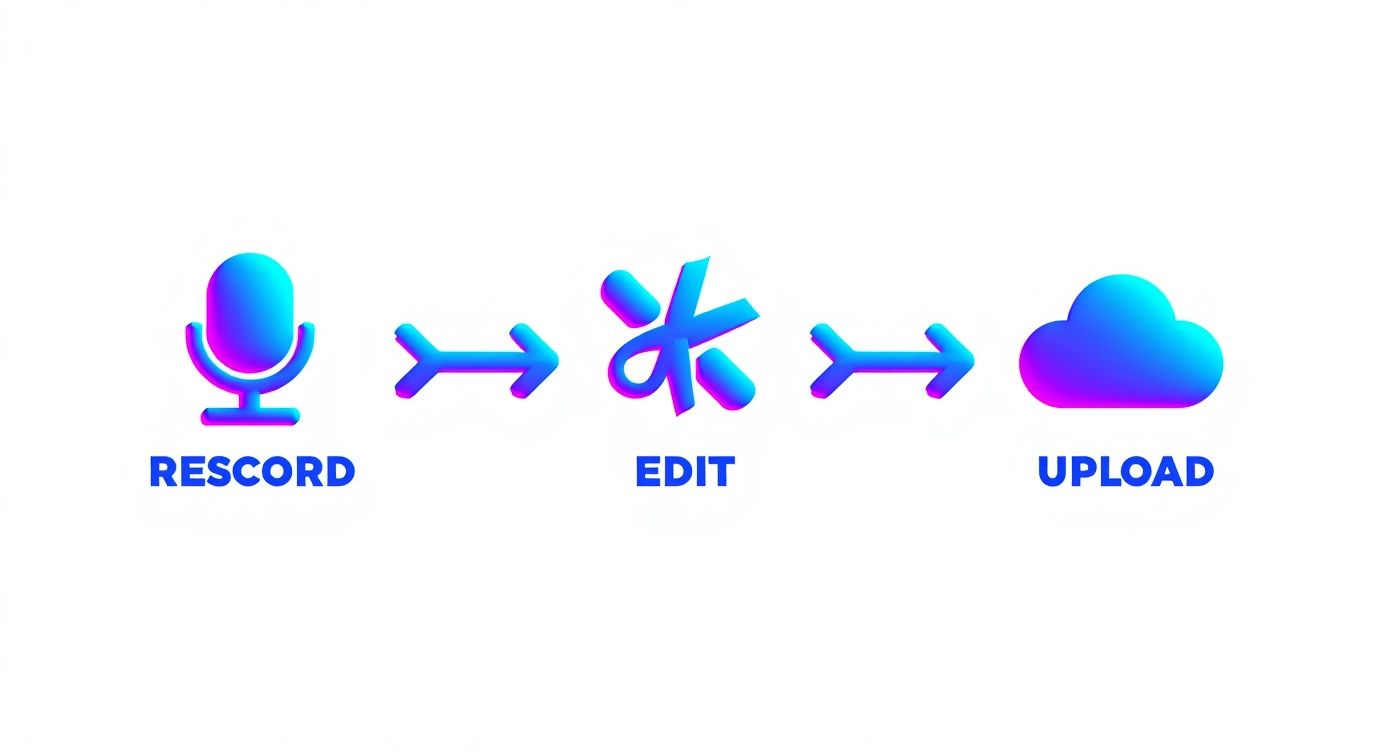
As you can see, creating something truly unique often involves some prep work before you even hit record in the app.
Key Audio Editing Tools in TikTok
To help you get the hang of it, here’s a quick rundown of the essential audio tools you'll find right inside the TikTok editor.
| Tool | Function | Best Used For |
|---|---|---|
| Trim (Scissors Icon) | Selects a specific segment of a song. | Finding the perfect chorus or beat drop for your video. |
| Volume | Adjusts the volume of the original video sound and the added music. | Balancing dialogue over a background track. |
| Replace Sound | Swaps out the current sound for a new one from the library. | Quickly trying out different song options without re-editing. |
| Sound Sync | Automatically syncs video clips to the beat of a selected song. | Creating dynamic montages and transition-heavy videos. |
Mastering these four tools is a fast track to making your TikToks look and sound incredibly professional.
A Quick Guide to Beat Syncing
Let's try a real-world example. Imagine you're putting together a travel montage with a bunch of short clips from your trip.
- First, find a song with a really clear, punchy beat. Something with a strong rhythm is perfect for this.
- In the editor, play the track and listen for those key moments—the downbeat of the chorus, a snare hit, you name it.
- Now, go back and trim your video clips so that each cut to a new scene lands exactly on one of those beats.
This is called beat syncing, and it’s one of the most satisfying editing techniques for viewers. It gives your video a rhythm that can seriously boost how long people watch. If you want to dive deeper into techniques like this, take a look at these https://swiftia.io/10-essential-video-editing-tips-for-beginners-in-2025/.
The right song can make or break a video, and TikTok's influence on music discovery is wild. A study found that 75% of TikTok users discover new artists through the platform. It just goes to show that creators and users on the platform have the power to turn a new track into a global hit.
Navigating Music Copyright and Attribution
Let's talk about the tricky part of adding music to TikTok: copyright. It’s a crucial hurdle for every creator, but it's not as scary as it sounds once you know the rules.
The easiest way to stay safe is to stick with TikTok’s official sound library. When you pick a track from there, you’re automatically covered by the licensing agreements TikTok has with artists and labels. This is the main reason why videos with custom audio sometimes get muted—the platform's system flags copyrighted material being used without the proper license.
Rules for Business Accounts
If you're running a business account, the rules are even tighter. You absolutely must use the Commercial Music Library, which contains tracks cleared for promotional content. Trying to use a trending Taylor Swift song for your brand's video is a surefire way to get a copyright strike, and nobody wants that.
A quick tip on etiquette and attribution: If you're hopping on a trend by using another creator's original sound, just tap the 'Use this sound' button. TikTok automatically links back to their profile, giving them the credit they deserve and properly connecting you to the trend.
The platform's impact on the music industry is undeniable. A recent report showed that 430 songs surpassed one billion video views on TikTok in a single year. It’s a powerful tool for music discovery, turning viral clips into tangible streams for artists. You can dig deeper into how the platform is changing the game with these music marketing stats.
These principles of using licensed audio aren't just for TikTok. The same logic applies to other short-form video platforms, as you can see in our guide on how to add music to YouTube Shorts.
Troubleshooting Common Music Issues on TikTok
Even once you get the hang of adding music, you'll inevitably run into a few snags. It happens to everyone. Here are some of the most common questions, along with quick fixes to get you back on track.
"Why Can't I Find the Song I Want?"
This is probably the most frequent frustration, and it almost always boils down to one of two reasons. The first is licensing—a song might be a global hit, but if the record label hasn't licensed it for TikTok in your specific country, it won't show up.
The second, and more common reason, has to do with your account type. If you're using a TikTok Business Account, your access is restricted to the Commercial Music Library. This is a collection of royalty-free tracks that are pre-cleared for marketing and promotional content. To get the trending sounds and pop songs, you'll need to switch to a Personal or Creator account. Just remember, you can't legally use those popular tracks to advertise a product or service.
"How Can I Make My Music Longer Than 60 Seconds?"
So, you've made a video longer than a minute, but TikTok's sound library clips everything short. There's a pretty straightforward workaround for this.
The trick is to do your editing outside of TikTok. Use a video editing app on your phone or computer—something like CapCut or Adobe Rush works perfectly. For example, if you have a 3-minute storytelling video, you can import your clips and the full 3-minute song into CapCut. Once you’ve synced everything up just right, export the final cut and upload it to TikTok. Since the audio is now embedded in the video file, it bypasses TikTok's native sound length limits. Many accounts can now upload videos up to 10 minutes long this way.
A quick heads-up: The 10-minute upload limit isn't universal yet. TikTok is still rolling it out, so your account might be capped at three minutes or five. It's always a good idea to double-check your account's current limits before editing a long-form masterpiece.
"Help! TikTok Muted My Video for a Copyright Violation!"
Seeing that dreaded "audio removed" notification is a bummer, but it's not the end of the world. This just means TikTok's algorithm flagged audio that it believes you don't have the rights to use. You've got two main paths forward.
- The easy fix: Simply replace the sound. Tap on the muted video, and TikTok will give you an option to edit it and choose a new, approved track from its library.
- The appeal process: If you're certain you have the rights to the audio—maybe it's your original music or you have a license—you can challenge the flag. Just follow the instructions in the notification to file an appeal and provide your proof of ownership.
Ready to create more high-impact clips without the tedious editing? Swiftia uses AI to transform your long-form videos into engaging, ready-to-post shorts for TikTok, Reels, and more. Check out how you can create video content up to 10x faster.