Video podcasting is no longer a niche-it's a critical strategy for expanding your reach and deepening audience connection. With major players like YouTube and Spotify prioritizing video, creators who adapt are gaining a powerful discovery advantage. Integrating video transforms your podcast from an audio-only experience into a dynamic, shareable asset that thrives on social media.
Statistics confirm the power of this shift. According to Semrush, "What is a podcast" was searched 142,000 times a month on average in the US alone in 2023, showing massive audience interest. For podcasters, integrating video translates directly into organic growth, allowing your best moments to become viral clips on platforms like TikTok, Instagram Reels, and YouTube Shorts. For example, a clip from "The Diary Of A CEO" podcast discussing a guest's morning routine can get millions of views on TikTok, driving thousands of new subscribers back to the full episode. This visual element also builds a stronger parasocial relationship, as your audience can see your expressions and guest interactions, making the content more memorable and engaging.
Finding the right tools to manage this transition can be overwhelming. You need more than just a place to upload files; you need a robust ecosystem for recording, editing, hosting, distributing, and monetizing your content. This guide dives deep into the 12 best video podcasting platforms, analyzing their core functionalities from high-fidelity remote recording to AI-powered clip creation and multi-platform distribution. We'll provide a clear, actionable breakdown of each platform-complete with screenshots and direct links-so you can confidently select the perfect solution for your specific needs, whether you're a solo creator or a digital marketing agency scaling a client's media presence.
1. Spotify for Creators (Spotify for Podcasters)
Spotify for Creators, formerly Anchor, has evolved into a formidable, free-to-start hub among video podcasting platforms, especially for those prioritizing access to Spotify's massive user base. Its primary advantage is the seamless integration into an ecosystem where, according to Spotify's 2023 data, over 500 million users listen. The platform allows creators to directly upload video episodes, which appear natively within the Spotify app, offering a rich media experience unavailable through standard RSS feeds on the platform.
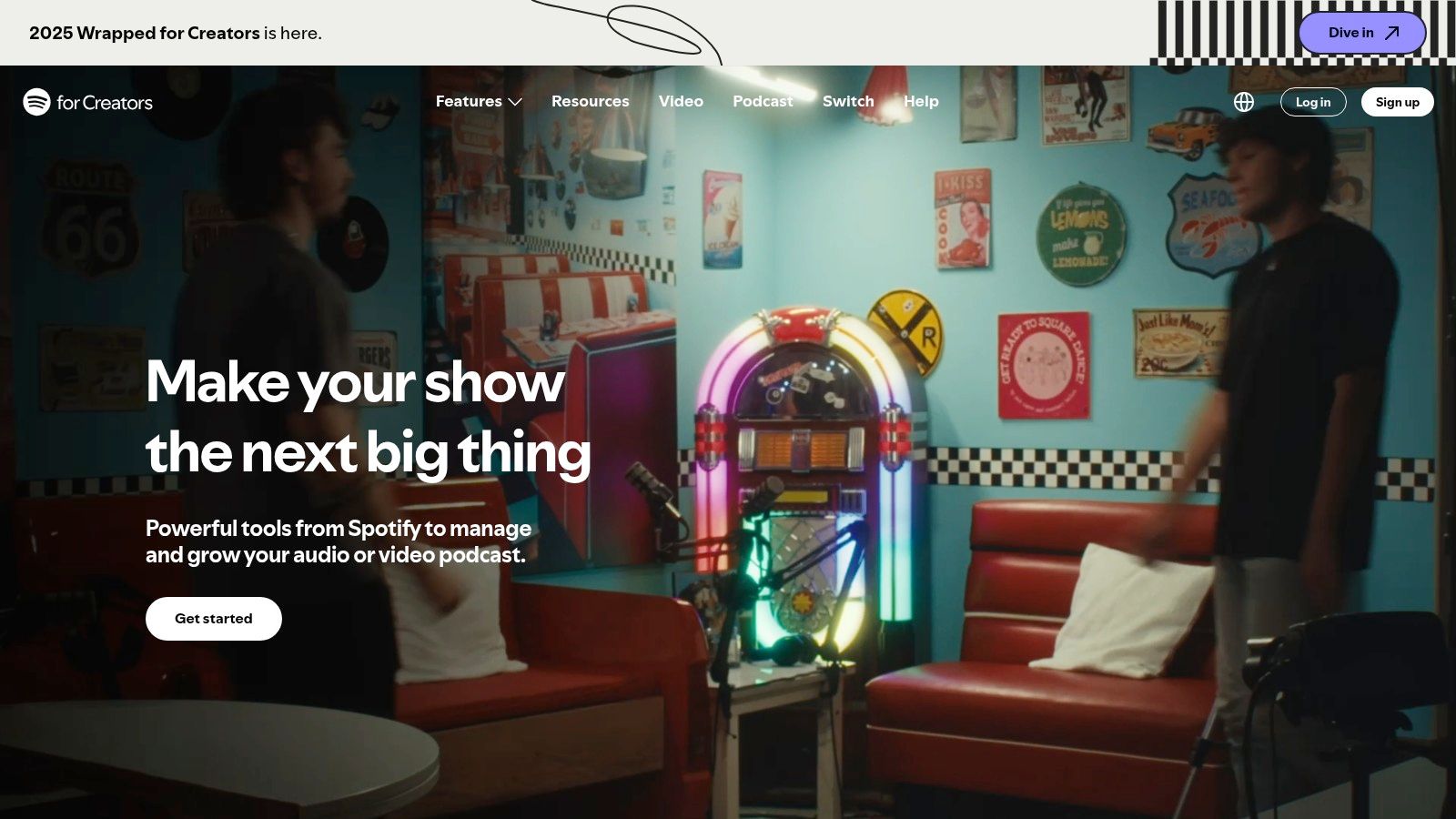
This direct pipeline is a significant edge. For example, when Joe Rogan publishes a video episode, it's immediately available to his millions of followers within the app they already use daily, with no need to click an external link to YouTube. For creators, this means not just hosting but also leveraging built-in engagement tools like polls and Q&As that foster a direct connection with the audience. Furthermore, the integration with Riverside simplifies the production workflow, allowing for high-quality recording and direct publishing to Spotify.
Key Features & Ideal Use Case
- Direct Video Hosting: Upload video files directly to Spotify, bypassing traditional audio-only RSS limitations on the platform.
- Monetization Pathways: Access the Spotify Partner Program for ad revenue sharing and, in eligible markets, earn from Premium video plays.
- Audience Engagement Tools: Utilize interactive features like polls and Q&As to build a community directly within the listening app.
- Built-in Analytics: Track performance metrics specific to the Spotify audience, including listener demographics and engagement rates.
Ideal for: New and established creators who see the Spotify audience as their primary target. It's particularly powerful for podcasters aiming to build a brand within a single, integrated ecosystem without initial hosting costs.
Website: https://creators.spotify.com/
| Feature Analysis | Assessment |
|---|---|
| Hosting Cost | Excellent: Free and unlimited hosting is a major draw. |
| Monetization | Good: Direct monetization is available but requires meeting eligibility thresholds. |
| Audience Reach | Excellent: Unparalleled access to Spotify's built-in listener base. |
| Workflow | Good: Riverside integration is a plus, but video handling can be rigid. |
2. YouTube (Podcasts on YouTube)
YouTube has solidified its position as the de facto leader among video podcasting platforms, leveraging its unparalleled scale as the world's second-largest search engine. By officially embracing podcasts with dedicated features, it offers creators a direct path to an audience of over 2.7 billion monthly active users actively seeking video content. Uploading a video podcast to a playlist designated as a "Podcast" in YouTube Studio unlocks specialized discovery features, making shows eligible for the YouTube Music app and podcast-specific charts.
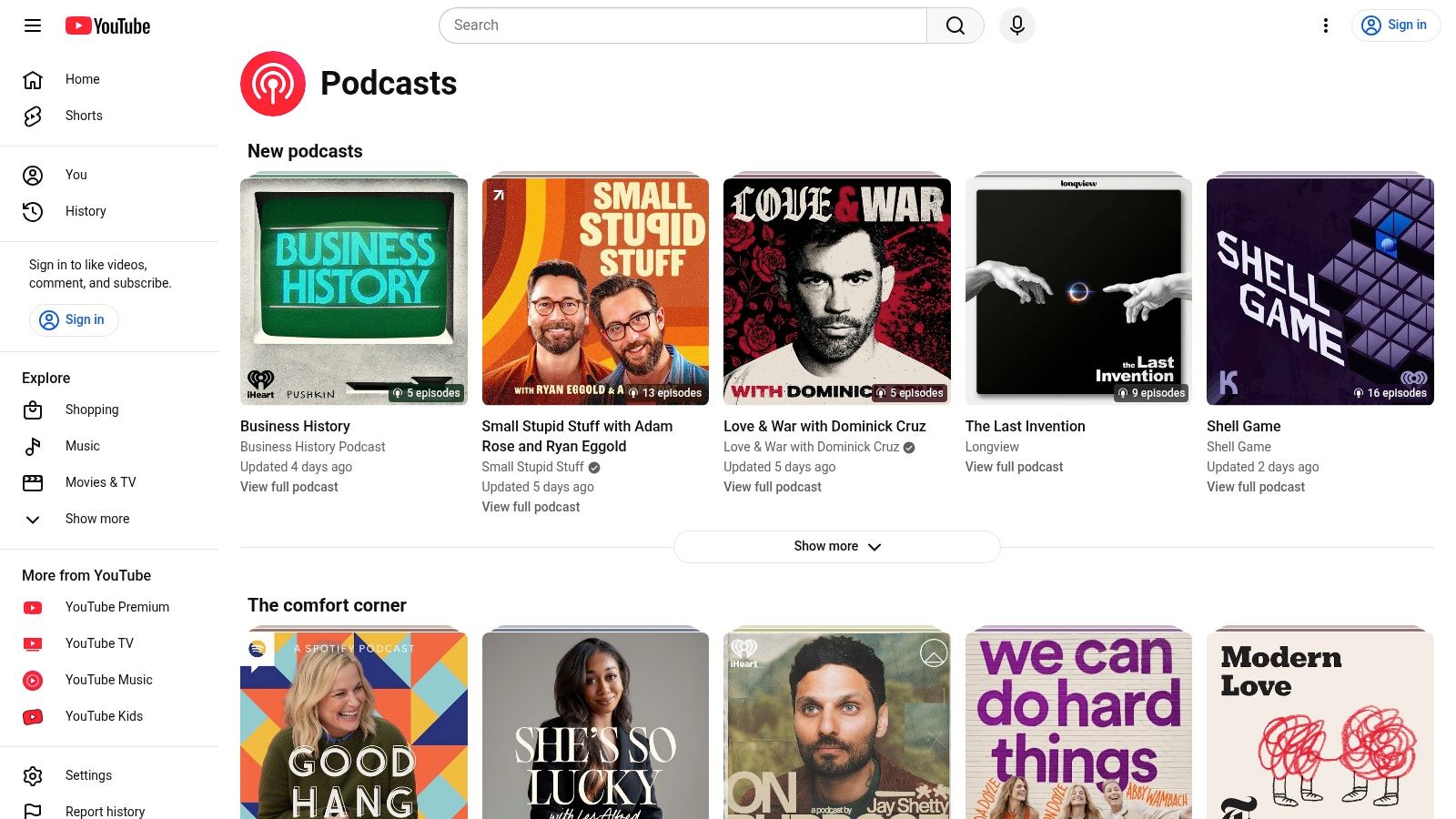
Unlike dedicated hosting services, YouTube's primary strength is its powerful recommendation algorithm. A practical example is a new tech podcast publishing a high-quality interview with a well-known founder; YouTube's algorithm can surface this video to millions of users interested in entrepreneurship, generating more views in a week than a traditional audio podcast might get in a year. This ecosystem is uniquely suited for content repurposing; creators can use Shorts to promote full-length episodes, a strategy proven to drive channel growth. This built-in promotional loop, combined with robust, free analytics and monetization through the YouTube Partner Program, makes it an essential distribution channel.
Key Features & Ideal Use Case
- Unmatched Discovery Engine: Leverage YouTube’s algorithm for immense organic reach and audience growth.
- Integrated Promotional Tools: Use YouTube Shorts, Premieres, and Livestreaming to engage your audience and promote new episodes. For instance, you can learn how to clip a YouTube video to create compelling short-form content.
- Robust Monetization (YPP): Access diverse revenue streams through the YouTube Partner Program, including ad revenue, channel memberships, and Super Chats.
- Deep Analytics: Gain detailed insights into viewer demographics, watch time, and traffic sources to refine your content strategy.
Ideal for: Creators prioritizing audience growth and discoverability above all else. It's the best platform for those who plan to build a strong promotional ecosystem around their show using short-form clips and live interaction.
Website: https://www.youtube.com/podcasts
| Feature Analysis | Assessment |
|---|---|
| Hosting Cost | Excellent: Completely free with unlimited video uploads. |
| Monetization | Excellent: Multiple, robust revenue streams are available upon meeting YPP criteria. |
| Audience Reach | Excellent: Unrivaled access to a global audience actively searching for video content. |
| Workflow | Good: No native RSS ingestion, requiring direct uploads and a video-first production mindset. |
3. Apple Podcasts for Creators (Apple Podcasts Connect)
Apple Podcasts for Creators serves as an essential distribution directory, not a hosting service, making it a critical component for any creator aiming to reach the massive built-in audience on iOS, macOS, and iPadOS. Unlike platforms that host your files directly, Apple operates on the traditional RSS feed model. This means you must generate a video-enabled RSS feed from a separate host (like Libsyn or Podbean) and submit it through Apple Podcasts Connect. Its strength lies in its ubiquity within the Apple ecosystem, where podcast consumption is deeply integrated. A 2023 stat from Buzzsprout shows Apple Podcasts still accounts for over 37% of all podcast downloads, making it a non-negotiable distribution point.
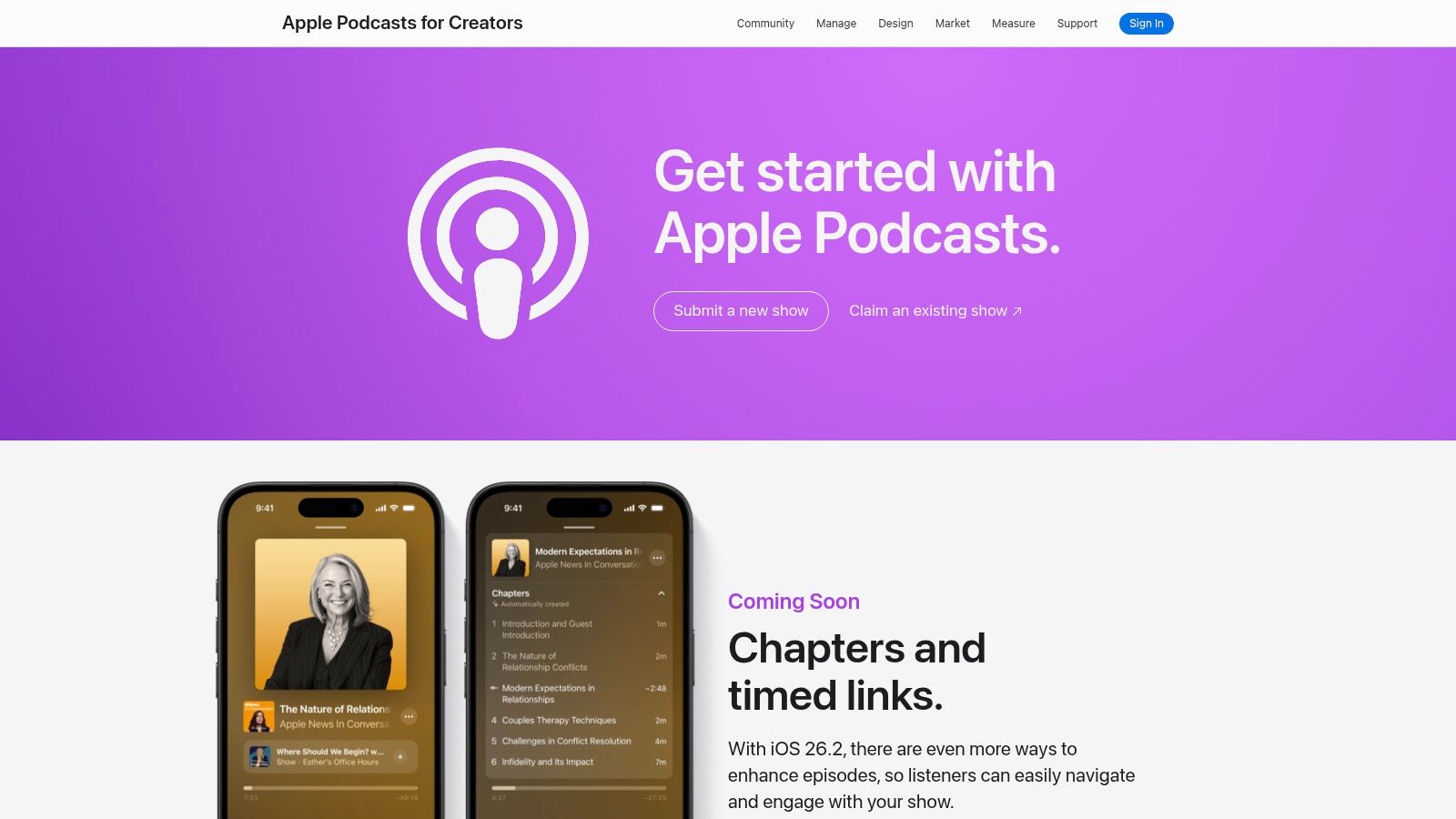
The platform provides robust technical documentation, specifying requirements for MOV, MP4, and M4V files up to 4K resolution. This ensures creators can optimize their content for high-quality playback across Apple devices. For example, a podcaster using a compatible host can publish a 4K video episode that appears seamlessly in the Apple Podcasts app for viewers, providing a native experience without Apple ever storing the source file. This makes it one of the most important video podcasting platforms for distribution, even if it isn't a host.
Key Features & Ideal Use Case
- Video Podcast Support via RSS: Submits and distributes video episodes from your hosting provider to the entire Apple Podcasts directory.
- Dedicated Creator Documentation: Offers clear technical guidance on file specifications, chapter markers, and validation tools to ensure compatibility.
- Global Distribution: Taps into one of the largest podcast listening audiences in the world, natively available on all Apple devices.
- High-Resolution Video: Supports multiple file formats (MOV/MP4/M4V) with resolutions up to 4K.
Ideal for: Creators who already have a preferred hosting provider and want to maximize their reach to the significant Apple user base. It is a non-negotiable distribution point for podcasters seeking comprehensive audience access.
Website: https://podcasters.apple.com/
| Feature Analysis | Assessment |
|---|---|
| Hosting Cost | N/A: Apple does not host files; cost is determined by your chosen media host. |
| Monetization | Fair: Apple Podcasts Subscriptions supports audio-only content for monetization. |
| Audience Reach | Excellent: Direct access to hundreds of millions of native listeners in the Apple ecosystem. |
| Workflow | Good: Requires a third-party host but offers a straightforward, well-documented submission process. |
4. Riverside.fm
Riverside.fm has cemented its position as the go-to platform for creators who refuse to compromise on remote recording quality. Unlike many browser-based video podcasting platforms that rely on internet connection strength, Riverside records each participant's audio and video locally in up to 4K resolution. This ensures that the final output is crystal-clear and free from the glitches and compression artifacts that often plague remote interviews, providing a studio-grade foundation for post-production.
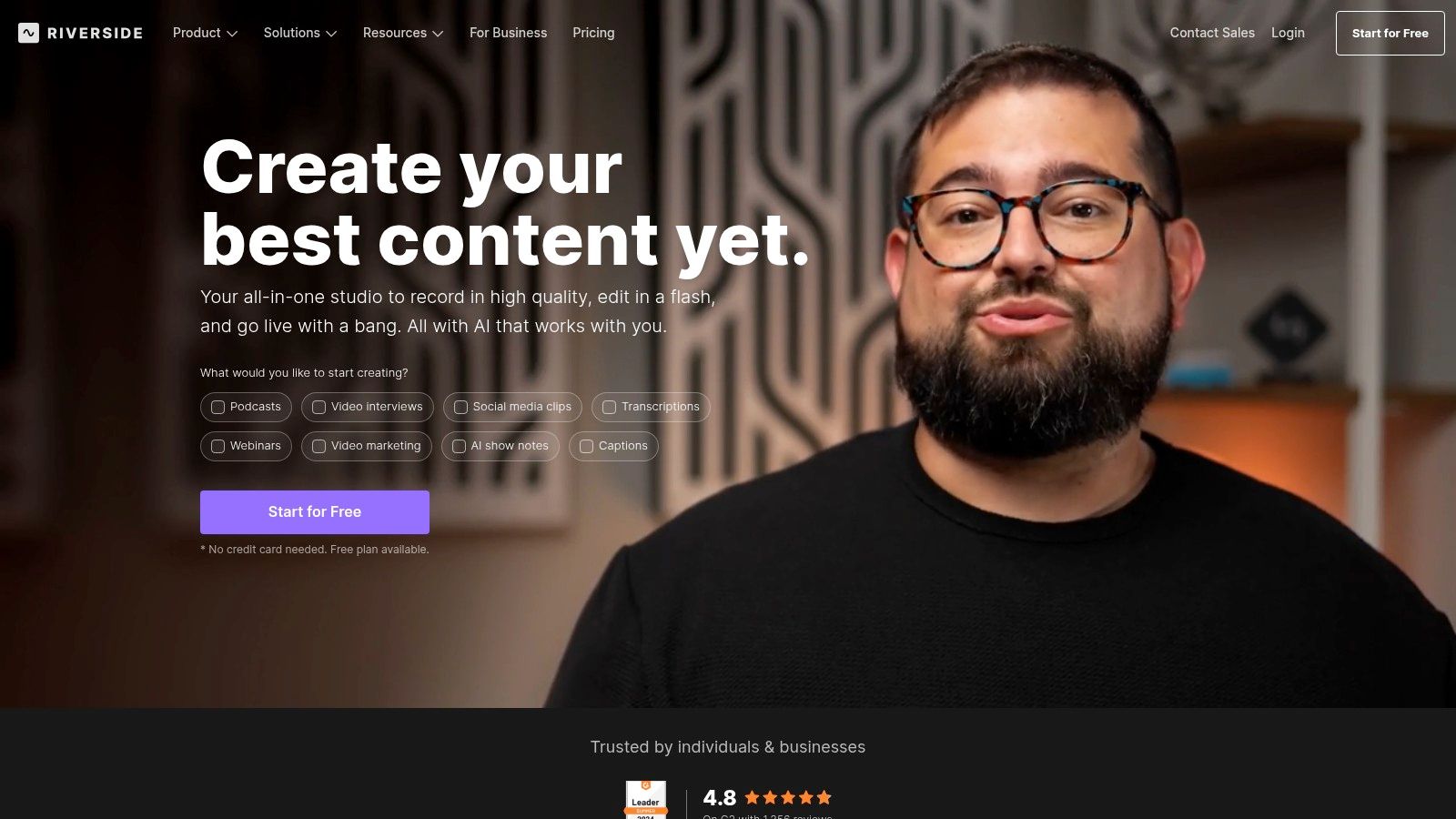
This local recording method is its core differentiator. For a practical example, if a guest's internet connection drops to 1 Mbps mid-interview on a standard streaming tool, their video becomes a pixelated mess. With Riverside, the recording saved on their computer remains in perfect 4K, unaffected by the connection issue. Beyond capture, Riverside integrates a powerful suite of AI-driven editing and repurposing tools. Features like "Magic Clips" automatically identify shareable moments for social media, while AI transcription and show notes generation significantly accelerate the post-production workflow.
Key Features & Ideal Use Case
- Local 4K Recording: Captures separate, uncompressed audio and video tracks for each guest, ensuring maximum quality regardless of internet stability.
- AI-Powered Editor: Includes tools for text-based video editing, automatic clip creation ("Magic Clips"), and generating transcripts and show notes.
- Multistreaming & Live Call-ins: Broadcast your live recording session to YouTube, X (Twitter), and Facebook, and allow audience members to call in.
- Direct Publishing Integrations: Streamline your workflow with direct publishing to platforms like Spotify for Creators and Transistor.
Ideal for: Podcasters and content creators who prioritize pristine remote recording quality and want an all-in-one solution for capture, editing, and repurposing. It’s perfect for interview-based shows where guest audio and video clarity are paramount.
Website: https://riverside.fm/
| Feature Analysis | Assessment |
|---|---|
| Hosting Cost | Fair: Not a hosting platform; its value is in production. Free plan has watermarks. |
| Monetization | N/A: Focus is on content creation, not direct monetization channels. |
| Audience Reach | Good: Integrations and multistreaming help reach audiences on other platforms. |
| Workflow | Excellent: Unbeatable for high-quality remote capture and rapid AI-assisted editing. |
5. StreamYard
StreamYard has cemented its place among leading video podcasting platforms by positioning itself as an accessible, browser-based live production studio. Its core strength lies in simplifying the complexities of live broadcasting, allowing creators to multistream shows across YouTube, Facebook, LinkedIn, and more, simultaneously. For video podcasters who thrive on live audience interaction, this platform removes significant technical barriers.
Unlike dedicated recording software, StreamYard’s value is in its live-first approach. For example, a host can add custom-branded overlays and lower thirds with a single click during a live show, something that would require post-production work in other tools. After the live show concludes, you can download high-quality, locally recorded audio and video files for each participant, ensuring your final podcast edit isn't compromised by internet glitches.
Key Features & Ideal Use Case
- Browser-Based Studio: No software installation is required for hosts or guests, making for a frictionless setup experience.
- Multistreaming: Broadcast your video podcast live to multiple social media platforms and custom RTMP destinations at once.
- Local Recordings: Capture isolated audio and video tracks for each participant in up to 4K resolution (on higher tiers) for post-production.
- Audience Engagement: Pull live comments from platforms like YouTube and Facebook directly into the stream to interact with your community.
Ideal for: Creators who prioritize live shows, audience interaction, and guest interviews. It's perfect for podcasters who want a reliable, easy-to-use system to produce a professional-looking live broadcast that can be repurposed into a polished podcast episode.
Website: https://streamyard.com/
| Feature Analysis | Assessment |
|---|---|
| Hosting Cost | N/A: StreamYard is a production tool, not a hosting platform. |
| Monetization | Good: Enables monetization through super chats and channel memberships on platforms like YouTube. |
| Audience Reach | Excellent: Leverages the built-in audiences of major social platforms through multistreaming. |
| Workflow | Excellent: Incredibly simple and intuitive for both hosts and guests, even for non-technical users. |
6. SquadCast.fm (now part of Descript)
SquadCast has carved out a niche as a premium remote recording studio among video podcasting platforms, now amplified by its integration with the Descript ecosystem. Its core strength is pristine, high-fidelity capture, offering progressive uploads and isolated tracks for each participant to prevent data loss from connection drops. This focus on recording quality, with options up to 4K video, makes it a go-to for creators who refuse to compromise on production value.
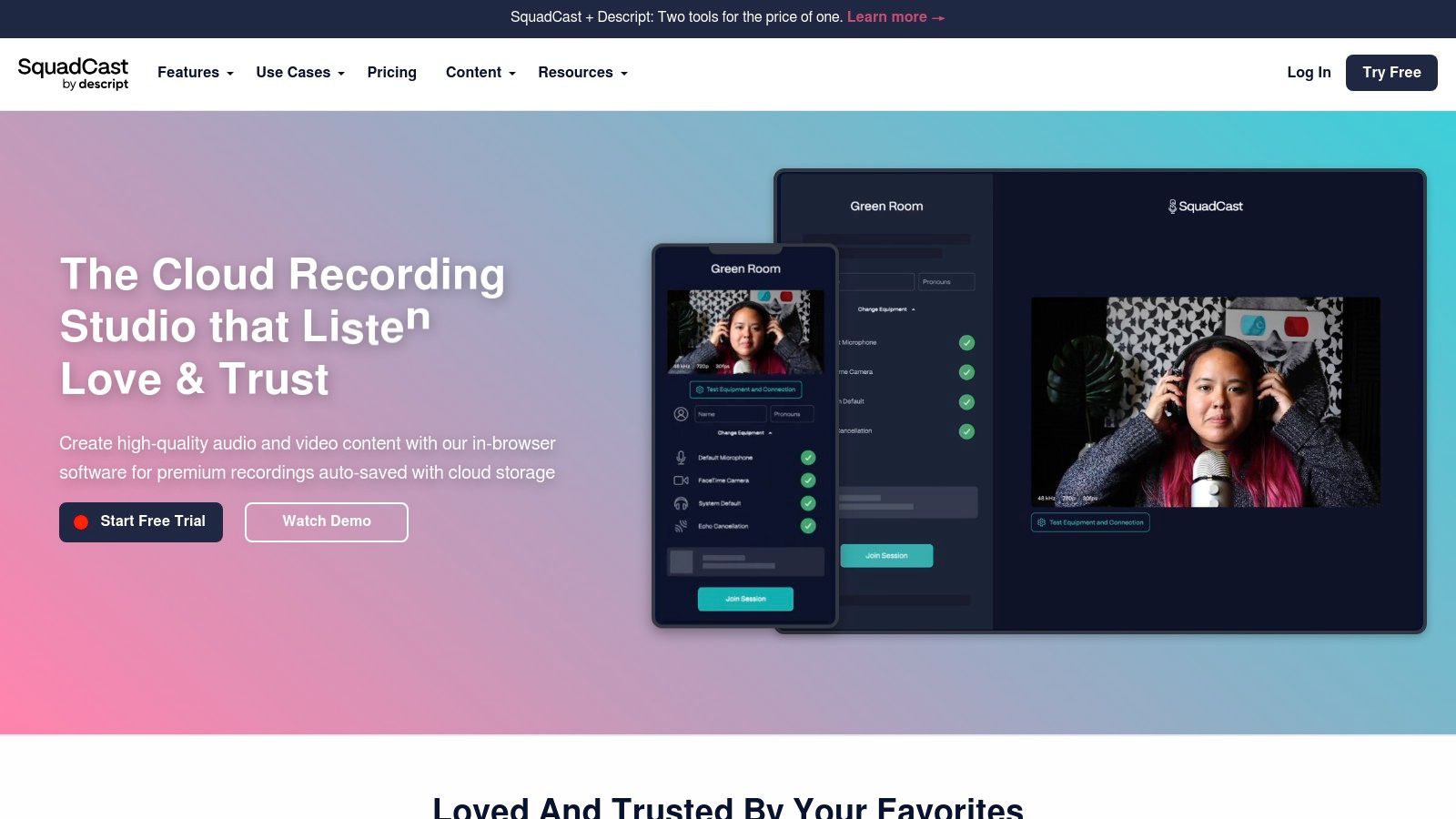
Unlike all-in-one platforms that may treat recording as just one feature, SquadCast specializes in it, providing a stable, browser-based green room and studio that simplifies the guest experience. A practical example is its progressive upload feature: if a guest's computer crashes 45 minutes into a one-hour interview, the first 45 minutes of their 4K recording are already safe in the cloud, whereas other tools might lose the entire file. The direct handoff to Descript creates a powerful record-to-edit workflow, allowing creators to seamlessly move from a high-quality remote interview to a text-based editing suite.
Key Features & Ideal Use Case
- High-Fidelity Remote Recording: Capture separate audio (WAV) and video (MP4) tracks locally for up to 10 participants, with resolutions up to 4K on higher-tier plans.
- Seamless Descript Integration: Effortlessly send recordings to Descript for transcription, AI-powered editing (e.g., filler word removal, eye contact correction), and clip creation.
- Dolby Voice Integration: Enhances audio quality with noise reduction and spatial audio for crystal-clear conversations.
- Cloud Backups & Progressive Uploads: Safeguards recordings by continuously uploading them to the cloud during the session, minimizing data loss.
Ideal for: Podcasters and content teams prioritizing recording quality and a streamlined post-production workflow. It is especially effective for interview-based shows where capturing reliable, high-resolution remote guest footage is non-negotiable.
Website: https://squadcast.fm/
| Feature Analysis | Assessment |
|---|---|
| Recording Quality | Excellent: Uncompromising focus on high-resolution, isolated tracks. |
| Workflow | Excellent: The Descript integration creates a best-in-class record-to-edit process. |
| Ease of Use | Good: The guest experience is simple, though the interface is feature-rich. |
| Hosting Cost | Fair: It's a premium recording tool, not a hosting platform; pricing is based on recording hours. |
7. Descript
Descript revolutionizes the post-production phase of video podcasting by transforming it into a text-editing exercise. Instead of manipulating complex timelines, creators edit the podcast's auto-generated transcript, and the corresponding video and audio cuts are made automatically. This approach drastically reduces editing time, making it one of the most efficient video podcasting platforms for content refinement.
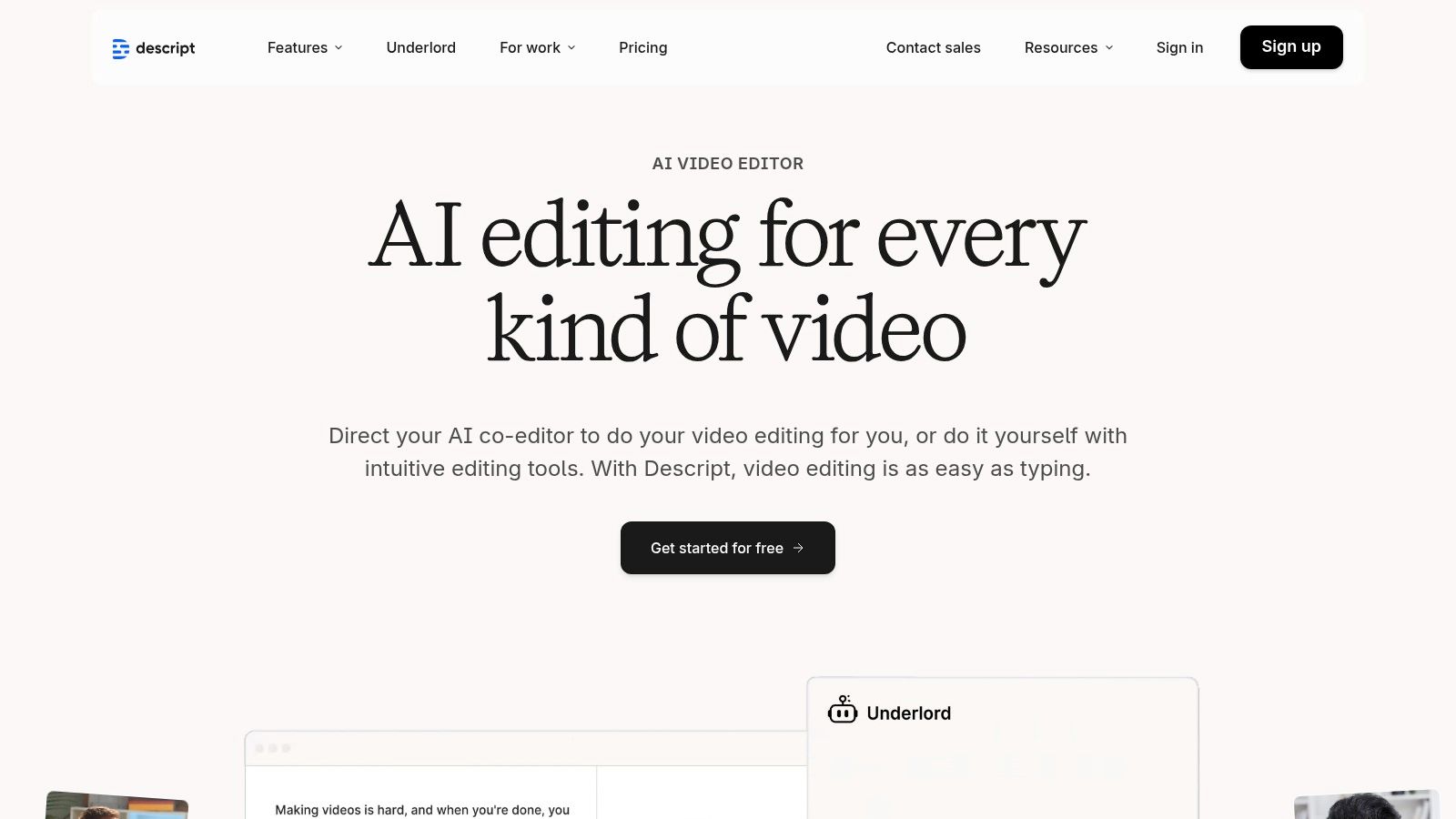
Its power lies in an all-in-one workflow that combines multitrack recording (powered by SquadCast technology), transcription, and AI-enhanced editing. For example, to remove filler words like "um" and "uh" from a 60-minute interview, a user can run a single search-and-delete command that takes about 10 seconds, a task that could take an editor over an hour in a traditional video editor like Premiere Pro. Features like Studio Sound can remove background noise and echo with a single click, while Overdub allows creators to clone their voice to correct minor audio errors.
Key Features & Ideal Use Case
- Text-Based Video Editing: Edit video by simply editing the text of its transcript, a workflow proven to be up to 4x faster than traditional NLEs.
- AI-Powered Tools: Access Studio Sound for audio enhancement, an AI green screen, AI eye contact correction, and Overdub for voice cloning.
- Integrated Remote Recording: High-fidelity remote recording is built directly into the platform, with hours included in paid tiers.
- Social Clip Creation: Effortlessly create and export vertical clips for social media, streamlining content repurposing. For a deeper dive into this, see our guide to automated video clip generation.
Ideal for: Solo creators and teams who prioritize a rapid post-production workflow. It is especially beneficial for those who are more comfortable editing text than navigating complex video timelines and want to quickly repurpose their content for social media.
Website: https://www.descript.com/
| Feature Analysis | Assessment |
|---|---|
| Hosting Cost | N/A: Descript is an editor, not a host, but offers publishing integrations. |
| Monetization | N/A: Monetization is handled by the chosen hosting platform. |
| Audience Reach | Good: Integrates with major hosts, but reach depends on distribution. |
| Workflow | Excellent: Unparalleled speed and simplicity in the editing process. |
8. Zencastr
Zencastr has built its reputation as a gold-standard remote recording tool among video podcasting platforms, prioritizing pristine, locally recorded audio and video over all-in-one publishing features. Its core strength lies in capturing separate, high-fidelity tracks for each guest, which are recorded directly on their local machine to bypass internet stability issues. This process ensures that even if a connection drops, the final recording remains smooth and uncompressed, a critical feature for professional productions.
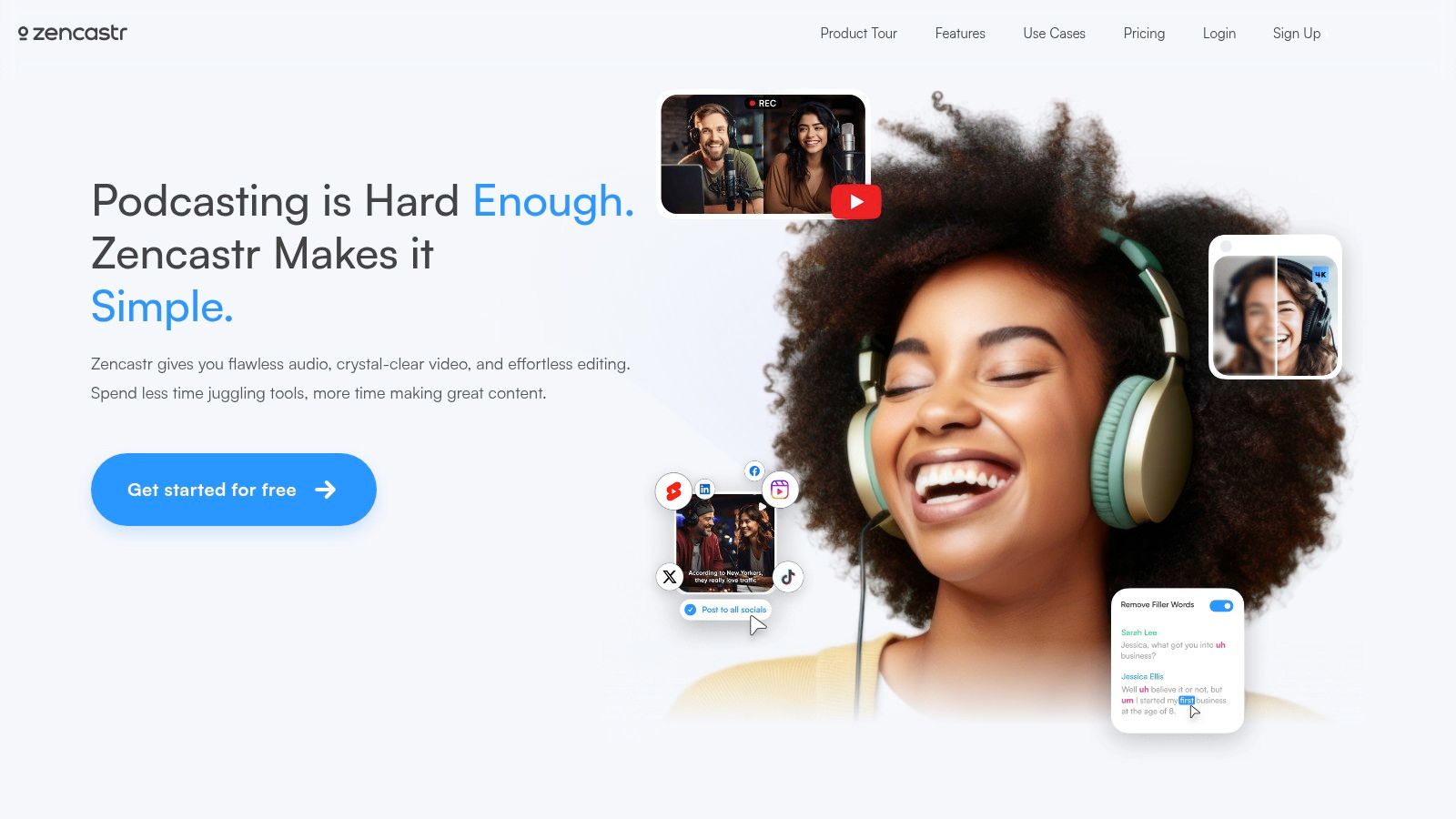
Zencastr's focus is almost purely on capture quality and reliability, supporting up to 4K video and 12 participants. A practical example of its utility is for a roundtable podcast with six guests; Zencastr can handle the complexity of recording six separate 4K video streams and WAV audio files simultaneously, a task that would overwhelm many competing platforms. It offers unlimited recording time on paid plans, making it ideal for long-form interviews or complex multi-guest episodes. The platform is designed for creators who handle post-production in dedicated software and require the highest quality source files to work with.
Key Features & Ideal Use Case
- High-Fidelity Local Recording: Captures separate audio (WAV) and video (up to 4K) tracks for each participant locally.
- Variable Frame Rate (VFR) Capture: Optimizes recording based on content, ideal for interviews that switch between static and high-motion scenes.
- Cloud Backup: Provides a redundant, combined recording in the cloud as a safety net during sessions.
- Post-Production Tools: Includes automatic audio-video sync and basic post-production features for quick content turnaround.
Ideal for: Podcasters and production teams who prioritize recording quality above all else. It's the go-to choice for creators with an established post-production workflow who need reliable, high-resolution source files from remote guests.
Website: https://zencastr.com/
| Feature Analysis | Assessment |
|---|---|
| Hosting Cost | N/A: Zencastr is a recording platform, not a hosting provider. |
| Monetization | Fair: Offers monetization tools, but they are less integrated than dedicated hosts. |
| Audience Reach | N/A: Focuses on content creation, not distribution or audience access. |
| Workflow | Good: Excels at capture but requires exporting files for advanced editing and publishing. |
9. Podbean
Podbean stands out as a veteran hosting platform that has successfully adapted to the rise of video, offering a robust and straightforward solution for creators scaling their media presence. It positions itself as an all-in-one platform where hosting, distribution, and monetization are tightly integrated. While its free and basic tiers are audio-only, the Unlimited Plus and Network plans unlock video capabilities, making it a logical next step for podcasters ready to add a visual dimension to their content.
Podbean's strength lies in its balanced offering. For example, a creator using the Unlimited Plus plan can host their video podcast, automatically distribute it to Apple Podcasts and Spotify, and simultaneously use Podbean's Ads Marketplace to insert pre-roll ads, all from one dashboard. This unified approach is ideal for creators who want to manage both audio and video formats within a single, familiar ecosystem without the complexity of juggling multiple services. It simplifies the process of expanding into video while providing clear pathways to generate revenue.
Key Features & Ideal Use Case
- Integrated Video Hosting: Upload video files directly on higher-tier plans, which are then distributed via a video-compatible RSS feed.
- Comprehensive Monetization Suite: Access an ads marketplace, dynamic ad insertion (DAI), and premium content options to monetize your show.
- One-Click Distribution: Easily submit your audio and video podcast to all major directories, including Apple Podcasts, Spotify, and YouTube.
- Customizable Player & Website: Get a professional-looking podcast website and an embeddable player that supports both audio and video playback.
Ideal for: Established audio podcasters looking to upgrade to video without leaving their trusted hosting provider. It's also an excellent choice for creators and networks who prioritize integrated, easy-to-use monetization tools over advanced video editing features. For those focused on expansion, learning how to grow a podcast audience is a crucial next step Podbean's distribution tools can support.
Website: https://www.podbean.com/
| Feature Analysis | Assessment |
|---|---|
| Hosting Cost | Good: Competitive pricing, but video is locked behind mid-tier plans. |
| Monetization | Excellent: Offers a diverse and powerful set of built-in revenue tools. |
| Audience Reach | Good: Standard RSS distribution to all major platforms, including YouTube. |
| Workflow | Good: Simple upload-and-distribute process; no built-in recording or editing. |
10. Libsyn
Libsyn is one of the original players in podcast hosting, and it has adapted to the modern media landscape by offering robust video podcasting capabilities across all its plans. As one of the most established video podcasting platforms, its strength lies in reliability, IAB-certified analytics, and a clear, storage-based pricing model. While some platforms bundle creation and hosting, Libsyn focuses on being an excellent, dedicated host with powerful distribution tools.
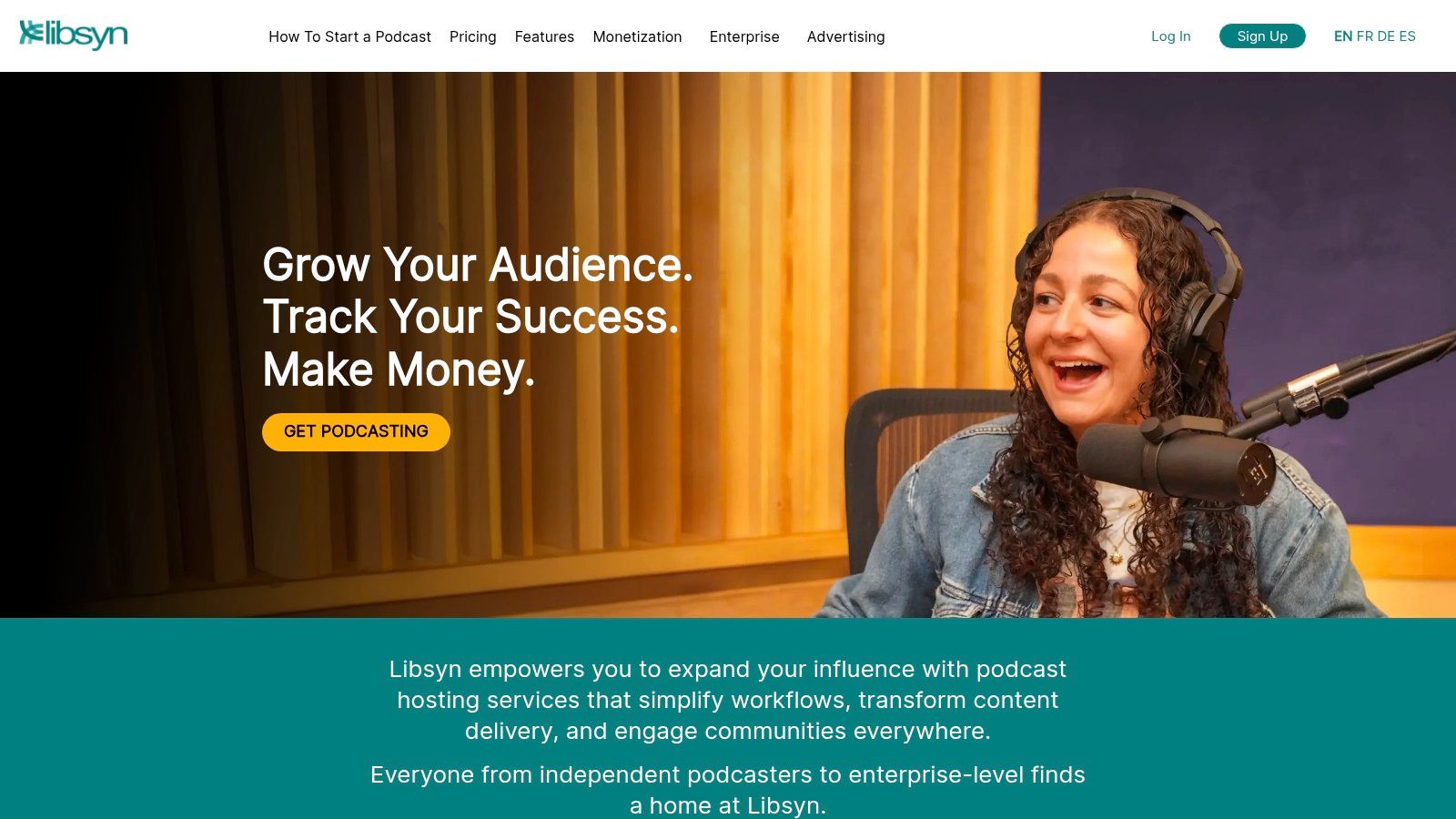
This makes it a go-to choice for serious creators. For example, a professional media company needs to provide sponsors with accurate, industry-standard download numbers; Libsyn's IAB-certified analytics deliver this, providing a level of trust that is crucial for securing high-value ad deals. The platform's tiered storage ensures that as your video production scales, from short 1080p clips to hour-long 4K episodes, there is a plan to accommodate your needs without punishing you with bandwidth limits.
Key Features & Ideal Use Case
- Tiered Video Storage: All plans include video hosting, with storage limits scaling from 162 MB to 3000 MB per month to support various production volumes.
- IAB Certified Analytics: Provides industry-standard, verifiable download statistics, which are crucial for attracting and reporting to sponsors.
- Unlimited Bandwidth: Never worry about your show's popularity incurring extra costs; all plans come with unmetered bandwidth.
- Widespread Distribution: Easily publish your video podcast to major directories, including Apple Podcasts and Spotify, using a reliable RSS feed.
Ideal for: Established podcasters and content creators who need a highly reliable, long-term hosting solution with industry-certified analytics. It's perfect for those who manage their own production and simply need a powerful distribution partner.
Website: https://libsyn.com/
| Feature Analysis | Assessment |
|---|---|
| Hosting Cost | Good: Competitive pricing, but the storage limits require careful management for high-resolution video. |
| Monetization | Good: Integrates with its own ad network (Libsyn's AdvertiseCast) and supports subscriptions. |
| Audience Reach | Excellent: Strong RSS-based distribution ensures your show can reach listeners on any platform. |
| Workflow | Fair: A classic hosting-first approach; it lacks the integrated recording and editing tools of newer platforms. |
11. Castos
Castos positions itself as a robust podcast hosting service that grows with creators, extending its powerful audio features into the video realm. Its key differentiator among video podcasting platforms is the seamless integration with WordPress via its Seriously Simple Podcasting plugin, making it a top choice for creators who manage their content primarily through a WordPress site. The platform simplifies the video workflow by not only hosting video files but also automating their distribution to YouTube.
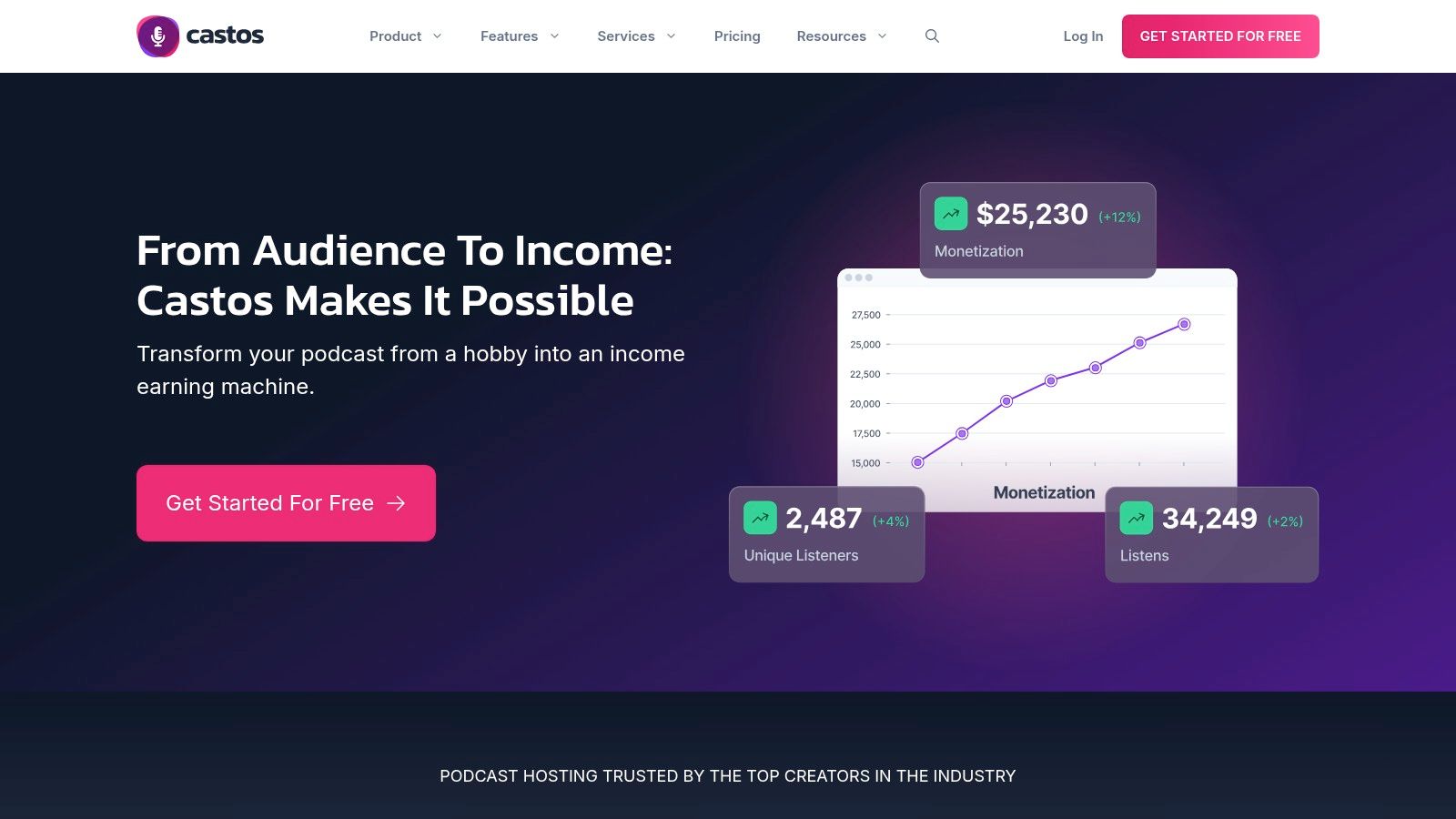
This dual-hosting and republishing feature means podcasters can upload a single video file and have it populate both their podcast RSS feed and their YouTube channel, saving significant time. For example, a podcaster can publish their episode in Castos, and it will automatically appear as a new video on their YouTube channel, complete with titles and descriptions, eliminating manual uploads. While video hosting requires a higher-tier plan, the flat-rate pricing for unlimited shows and episodes provides excellent value for prolific creators.
Key Features & Ideal Use Case
- Integrated Video Hosting: Host video podcast files directly within your podcasting platform on Pro plans and higher.
- YouTube Republishing: Automatically publish your video podcast episodes from Castos to your YouTube channel, streamlining your distribution workflow.
- WordPress Integration: Deep integration with the popular Seriously Simple Podcasting plugin allows for managing your podcast directly from your WordPress dashboard.
- Unlimited Everything: Paid plans offer unlimited podcasts, episodes, and downloads, providing predictable costs as your audience grows.
Ideal for: WordPress users and creators looking for an integrated solution to manage both their audio/video podcast and YouTube channel from a single dashboard. It's perfect for those who want to automate cross-platform distribution.
Website: https://castos.com/
| Feature Analysis | Assessment |
|---|---|
| Hosting Cost | Fair: Video hosting is a premium feature, starting at the Pro tier ($99/mo). |
| Monetization | Good: Offers private podcasting for memberships and supports dynamic ad insertion. |
| Audience Reach | Good: Relies on standard RSS distribution, but the YouTube integration extends reach significantly. |
| Workflow | Excellent: The WordPress and YouTube integrations create a highly efficient, automated workflow. |
12. Vimeo OTT
Vimeo OTT transforms your video podcast from a simple series into a full-fledged, premium subscription service. Unlike traditional video podcasting platforms focused on distribution to directories, Vimeo OTT provides the infrastructure to build a standalone, branded video-on-demand channel. This allows creators to monetize their content directly from their audience through subscriptions, rentals, or one-time purchases, creating a self-sustaining media business.

This model is a significant departure from ad-based revenue. Instead of relying on a third-party directory, you are building your own "Netflix" for your content. For example, a popular educational podcast like "Hardcore History" could bundle its entire back catalog, bonus Q&A sessions, and exclusive interviews into a $5/month subscription package, providing immense value directly to its most dedicated fans without relying on external podcast apps. This creates a predictable, recurring revenue stream.
Key Features & Ideal Use Case
- Flexible Monetization: Sell content via subscriptions (SVOD), one-time purchases, or rentals (TVOD). Enterprise plans add pay-per-view and ad-supported options.
- Branded Experience: Create a web-based channel on the Starter plan. Enterprise plans unlock custom-branded mobile and TV apps (iOS, Android, Roku, etc.).
- Audience Growth Tools: Offer free trials, previews, and free registration options to convert viewers into paying subscribers.
- Transparent Pricing: Clear platform fees based on a per-subscriber or per-transaction model, plus packages based on upload hours.
Ideal for: Established podcasters with a loyal community who want to build a direct, premium revenue stream independent of traditional podcasting ecosystems. It is perfect for creators focused on building a gated content library.
Website: https://vimeo.com/ott/
| Feature Analysis | Assessment |
|---|---|
| Hosting Cost | Good: Plans are based on upload hours and per-subscriber fees, requiring investment. |
| Monetization | Excellent: Provides powerful, direct-to-consumer monetization tools unmatched by standard hosts. |
| Audience Reach | Fair: It's a closed ecosystem; you must bring your own audience and cannot generate an RSS feed for podcast apps. |
| Workflow | Good: Excellent for managing a VOD library but requires a separate platform for podcast RSS distribution. |
Top 12 Video Podcasting Platforms — Feature Comparison
| Platform | Core features | Unique selling point | Best for | Pricing & limits |
|---|---|---|---|---|
| Spotify for Creators | Direct video uploads, RSS distribution, listener tools, Partner Program monetization | Free-hosting start + Spotify audience reach | Creators wanting easy Spotify distribution & monetization | Free option; Partner Program payouts/eligibility apply |
| YouTube (Podcasts) | Full video uploads, Shorts, livestreams, robust analytics, YPP monetization | Unmatched discovery and Shorts-driven growth | Creators prioritizing reach, clips & live formats | Free uploads; YPP eligibility thresholds |
| Apple Podcasts for Creators | RSS video support (MOV/MP4/M4V up to 4K), validation tools, iOS/macOS distribution | Strong iOS/macOS distribution + strict file validation | Shows needing Apple directory reach and technical guidance | Free to submit; must self-host media |
| Riverside.fm | Local 4K per guest, separate tracks, AI editing tools, multistream & publish integrations | Studio-grade remote capture + fast post-production workflow | High-quality remote recording and quick turnaround teams | Tiered plans; recording-hour caps; free exports watermarked |
| StreamYard | Browser live studio, multistream, overlays, guest management, HD/4K local recording on higher tiers | Easiest live multistreaming with simple guest UX | Live shows, interviews and branded streams | Freemium; 4K/local recording on higher plans; pricing gated |
| SquadCast (Descript) | Local multi-guest 4K, separate tracks, Dolby Voice, cloud backups, exports | Reliable remote capture with tight Descript handoff | Interview-based shows needing clean capture for editing | Paid tiers for watermark-free exports; add-on hours possible |
| Descript | Text-based transcript editing, Studio Sound, Overdub, AI tools, 4K export | Rapid post-production & text-first editing workflow | Creators who prioritize fast editing and clip repurposing | Free trial; paid plans with cloud credits and caps |
| Zencastr | Per-guest local files, up to 4K on paid tiers, support for many participants, unlimited recording on paid | Reliable multi-guest local capture with flexible modes | Multi-guest shows needing dependable capture | Freemium; best features (4K, unlimited) on paid plans |
| Podbean | Video hosting (mid+ plans), unmetered bandwidth, ads marketplace, one-click distribution | Straightforward hosting + integrated monetization | Creators seeking simple hosting + ad revenue tools | Video on Unlimited Plus/Network; upload caps vary by plan |
| Libsyn | Audio & video hosting, IAB-verified stats, RSS tools, tiered storage | Longstanding, reliable hosting and clear distribution tooling | Established producers needing dependable host & analytics | Storage-based pricing (MB/hr); upgrades for heavy/4K use |
| Castos | Video hosting (Pro+), auto-republish to YouTube, WordPress integration, transcripts | Built-in YouTube republishing and strong WP workflows | Creators using WordPress and YouTube republishing pipelines | Video starts at Pro (~$99/mo); flat-rate across shows |
| Vimeo OTT | SVOD/TVOD storefronts, subscriptions/rentals, branded apps at Enterprise | Turn a show into a paid streaming channel with apps | Creators monetizing directly via subscriptions or purchases | Starter web channels; Enterprise custom pricing; not an RSS host |
Choosing Your Platform and Scaling with Smart Repurposing
Navigating the landscape of video podcasting platforms can feel overwhelming, but as we've explored, the right choice hinges entirely on your specific goals, production workflow, and long-term growth strategy. The journey from a simple audio recording to a full-fledged video production is now more accessible than ever, thanks to a diverse ecosystem of powerful tools.
We've seen how platforms like Riverside.fm and Descript (which now includes SquadCast) have revolutionized remote recording, delivering studio-quality 4K video from anywhere in the world. For creators prioritizing maximum reach and discoverability, establishing a presence on YouTube and leveraging its podcast-specific features is non-negotiable. Meanwhile, traditional podcasting hosts like Podbean and Libsyn have adapted, offering robust video RSS feeds and reliable hosting, ensuring your content reaches audiences on platforms like Spotify and Apple Podcasts without a hitch.
Making Your Final Decision: A Practical Framework
Your choice of platform is not just a technical decision; it's a strategic one. It dictates how you create, distribute, and ultimately monetize your content. To make the best choice, filter the options through these critical lenses:
- Primary Goal: Are you focused on building a community on a single platform like YouTube, or do you need widespread distribution via an RSS feed? Your primary goal immediately narrows the field. For instance, a brand focused on lead generation might prioritize a platform with strong analytics and integration capabilities like Castos.
- Production Workflow: Consider your team's technical skills. Do you need an all-in-one solution like Descript that combines recording, transcription, and editing into a single, intuitive interface? Or do you prefer a dedicated recording tool like StreamYard for its live-streaming prowess, with plans to edit offline?
- Scalability and Repurposing: This is where the forward-thinking creators separate themselves. Publishing a weekly hour-long episode is only the beginning. The real growth engine lies in atomizing that core content into dozens of shareable assets. According to a 2023 HubSpot report, short-form video delivers the highest ROI of any social media marketing strategy. Therefore, your platform choice must support, not hinder, this process.
Beyond Publishing: The Power of Intelligent Repurposing
The most successful video podcasts are not just episodes; they are content ecosystems. The core recording serves as the raw material for a cascade of promotional assets: short-form clips for TikTok and Reels, audiograms for social feeds, quote cards, and blog post summaries. While some of the video podcasting platforms we've discussed offer basic clipping tools, they are often designed for simple highlight creation, not high-volume, brand-aligned social media campaigns.
This is where integrating a specialized repurposing tool becomes a critical competitive advantage. Manually creating, captioning, and branding 15-20 clips from a single episode can consume an entire day for a content team. An AI-powered tool, however, can achieve this in a fraction of the time. For example, a digital marketing agency producing a client's podcast can use an API to automatically transform a one-hour interview into 25 perfectly captioned, brand-consistent short videos, each optimized for a different social channel. To truly maximize your reach and efficiency, consider implementing effective content repurposing strategies to adapt your video podcast content for various platforms.
By combining a top-tier recording and hosting platform with an intelligent repurposing engine, you create a powerful, scalable workflow. You stop trading time for content and start building a system that multiplies your impact, ensuring every minute of your valuable podcast recording works harder for you long after the initial publish date. Your video podcast becomes the central pillar of a dynamic content strategy that drives audience growth and solidifies your brand's authority across the digital landscape.
Ready to turn your long-form video podcasts into a stream of high-impact social clips? Swiftia uses powerful AI to help you create dozens of engaging, perfectly captioned short videos up to 10x faster. Stop spending days on manual editing and start scaling your content strategy today with Swiftia.