An AI short video generator is a tool that takes your long-form content—think blog posts, webinars, or podcasts—and automatically chops it up into short, shareable clips. The AI handles the heavy lifting: it identifies the most interesting parts, pulls out key takeaways, adds eye-catching captions, and packages it all into a video ready for social media. What used to take a video editor hours now takes just a few minutes.
Why Short-Form Video Is Dominating Content Strategy
In a world of endless scrolling, our attention has become the ultimate currency. Short-form video, the kind you see on TikTok, Instagram Reels, and YouTube Shorts, has mastered the art of capturing that attention. These quick, punchy clips aren't just a fleeting trend; they signal a massive shift in how we all consume content.
This is exactly why an AI short video generator is such a powerful tool. A good way to think about it is what website builders did for web design, these AI tools are doing for video production. They’re tearing down the old barriers of time, high costs, and technical skills, making it possible for anyone—not just professional editors—to create high-quality, engaging videos on a massive scale.
This newfound accessibility is lighting a fire under the industry. The AI video generator market was valued at around USD 615 million and is expected to explode to nearly USD 2,563 million by 2032. That’s a compound annual growth rate of almost 20.0%, a clear sign that businesses are scrambling to get on board. You can dig deeper into these numbers in this detailed report on AI video statistics.
The Core Value: Speed, Scale, and Savings
So, why the rush? It all boils down to three huge benefits that solve the biggest headaches in content creation today. An AI video generator offers an incredible mix of speed, scale, and savings that traditional video editing just can't touch, freeing up your team to focus on the big picture instead of getting bogged down in repetitive tasks.
Here’s a quick look at the impact:
- Unmatched Speed: Finding the best moments, cutting clips, adding text, and syncing everything up used to take a skilled editor hours, if not days. Now, it happens in minutes, letting you jump on trends while they're still hot.
- Effortless Scale: Imagine turning a single one-hour webinar into dozens of unique clips, each tailored for a different social media platform. That’s the kind of output you need to stay relevant and maintain a strong online presence.
- Significant Savings: By automating the most time-consuming parts of video production, companies can dramatically cut down on costs. This means less money spent on specialized editors or tying up your internal team for weeks on end.
A Game Changer for Modern Content Teams
Ultimately, using AI for video creation is about more than just being efficient. It’s about making it possible for anyone to tell a great visual story. For marketing agencies, podcasters, and media companies, this means you no longer have to sacrifice quality for quantity. We dive into the nuts and bolts of this in our guide on crafting compelling short-form content.
By taking over the tedious editing work, an AI short video generator gives creators the power to amplify their message and connect with their audience in a much bigger way. It's not about replacing creativity—it's about scaling it.
How an AI Short Video Generator Actually Works
Ever wondered what goes on behind the scenes of an AI video generator? It’s not magic, but it’s close. Think of it as a highly skilled digital production crew working at lightning speed. This crew takes your raw material—a blog post, a podcast episode, or even just a simple text script—and transforms it into a polished, ready-to-share video clip in minutes.
The process starts with your content. You feed the AI a URL, upload an audio file, or paste in some text. This is the starting block. From there, the AI analyzes, deconstructs, and rebuilds your ideas into a compelling visual story.
The Core Technology Engine
Once you provide the content, a series of powerful AI technologies get to work. Each one acts like a specialist on the team, handling a specific part of the video creation process.
- Natural Language Processing (NLP): This is your AI scriptwriter. NLP is the brains of the operation, reading or listening to your content to grasp its meaning and pinpoint the most important messages. It finds the hook, pulls out the key takeaways, and structures a tight narrative perfect for a short video.
- Computer Vision: Meet your AI cinematographer. Guided by the script from the NLP, computer vision scours huge libraries of stock footage to find the perfect visuals. It's not just matching keywords; it's finding clips that fit the mood, tone, and subject of your story.
- Speech Synthesis and Transcription: This is the audio engineer. If you start with text, text-to-speech (TTS) tech can create a surprisingly natural voiceover. If you upload audio or video, the AI transcribes the speech with incredible accuracy to create perfectly synced captions. This is huge, especially when 85% of social media videos are watched on silent.
This simple visual breaks down how these technologies come together to create a workflow built for speed, scale, and serious cost savings.
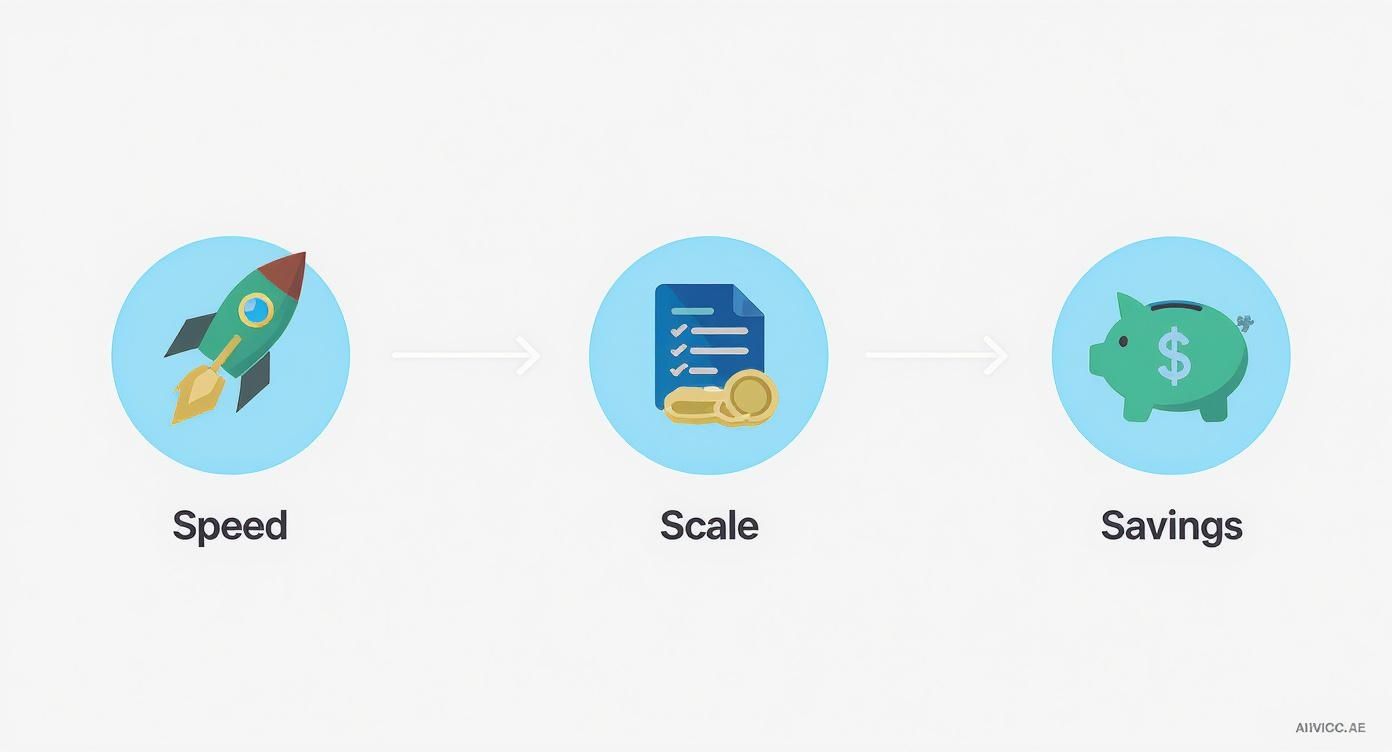
As you can see, the whole point is to make a complex, multi-step process feel effortless and incredibly efficient.
A Practical Example: From Blog to Video
Let’s walk through a real-world scenario. Imagine you have a 1,500-word blog post called "Five Ways to Improve Team Productivity" and you want to turn it into a 30-second video for social media.
- Input: You drop the blog post URL into the generator.
- AI Analysis: The NLP engine instantly reads the article. It identifies your five main tips and cherry-picks the most impactful sentence for each one to build a punchy script.
- Visual Selection: At the same time, the computer vision gets to work, searching for high-quality stock videos related to "teamwork," "collaboration," "focus," and "success," selecting a different clip for each tip.
- Assembly and Polish: The platform then stitches the clips together, overlays the text as eye-catching animated captions, and adds a fitting, royalty-free music track.
The result? A professional-grade video, ready for you to post, all generated in less than five minutes. This entire workflow is the heart of modern automatic video editing software, where the main goal is delivering incredible speed without compromising on quality.
Of course, the best tools do even more. The AI can refine the audio by automatically sniffing out and deleting filler words like "um" and "ah," leaving you with a clean, confident track. It can also detect who's speaking in a video with multiple people and intelligently reframe the shot to keep them in focus. It's these smart automations that truly elevate a tool from a simple generator to a genuine production partner. For those curious about the nuts and bolts, exploring topics like script to video AI content creation offers a deeper look at how these systems turn text into dynamic visuals.
Powerful Use Cases Driving Business Growth
The technology behind an AI short video generator is certainly impressive, but its real magic happens when you apply it to actual business problems. These platforms aren't just clever novelties; they're workhorses for content creation, solving real-world headaches for marketing, training, and communication teams everywhere.
The applications are incredibly practical, from getting more mileage out of the content you already have to scaling up internal education. Let’s dive into where these tools are making a real impact.
Repurposing Long-Form Content At Scale
Right off the bat, the biggest win for most teams is content repurposing. Think about that one-hour webinar your company just hosted, filled with golden nuggets of information. In the past, it would probably sit on your website, its value fading over time. Not anymore.
That single recording is now a goldmine.
An AI video generator can process that entire webinar in minutes, automatically identifying and clipping dozens of shareable moments. The AI pinpoints the best questions from the Q&A, pulls out the most quotable expert insights, and highlights key data points. Then, it packages each one into a perfectly branded, bite-sized video, complete with eye-catching animated captions.
What would have taken a skilled video editor days of painstaking work is now done before you’ve finished your first cup of coffee. This is how you implement smart content repurposing strategies that actually work. Instead of one long video, you suddenly have a month's worth of fresh content for TikTok, Instagram Reels, and LinkedIn, all from one original source.
The market reflects this shift, especially in social media. The social media segment of AI video generation is expected to see a massive 23.5% compound annual growth rate. This incredible growth is fueled by AI's ability to turn scripts or existing long-form content into engaging videos with almost no manual effort, slashing production times from days to minutes.
Accelerating Corporate Training And Onboarding
Beyond marketing, these tools are making waves in internal communications and corporate training. Creating consistent and engaging training materials has always been a pain point for HR and L&D departments. Traditional video production is slow, expensive, and often results in content that’s outdated by the time it’s published.
Now, a department head can just record a simple screen share walking through a new process or software. The AI cleans up the audio by removing all the "ums" and "ahs," adds clear captions for accessibility, and slices the content into short, easy-to-digest modules. This allows companies to build out a full library of high-quality training videos quickly and affordably, ensuring every employee gets the same clear message.
Think about it: a sales team can take a dense, 20-page product update document and transform it into a series of punchy, 60-second videos. Each video can highlight a single new feature, making the information far more memorable and easier to absorb than a PDF ever could be.
Creating Dynamic Marketing And Sales Videos
Finally, the sheer speed of an AI video generator gives marketing teams a huge competitive edge. Whether it's a product explainer, a customer testimonial, or a quick promotional announcement, the ability to go from a simple idea to a finished video in a matter of minutes is a game-changer.
This is especially true for creating high-quality, professional-looking content that builds trust. An AI tool with advanced features like active speaker detection automatically keeps the person who is talking perfectly framed, which is perfect for interview-style videos or customer testimonials. It’s a small detail that makes a huge difference.
While some tools might just offer basic clipping, more advanced AI handles these professional touches automatically, delivering a polished video that’s ready for a high-stakes marketing campaign without any manual reframing. This frees up marketing teams to focus on strategy and messaging instead of getting bogged down in the technical weeds of video editing.
The table below shows just how versatile these tools are across different sectors.
AI Video Generator Applications by Industry
| Industry | Primary Use Case | Key Benefit |
|---|---|---|
| Media & Publishing | Repurposing interviews and podcasts for social media | Maximizing audience reach and engagement from core content. |
| SaaS & Technology | Creating product demo and feature update videos | Accelerating user adoption and reducing support tickets. |
| E-commerce | Generating short product ads and user-generated content highlights | Increasing conversion rates with dynamic, timely video content. |
| Education & E-Learning | Breaking down lectures into micro-learning modules | Improving knowledge retention and student engagement. |
| Corporate L&D | On-demand internal training and onboarding materials | Ensuring consistent, scalable, and cost-effective employee training. |
| Marketing Agencies | Scaling video content production for multiple clients | Dramatically improving efficiency and service offerings. |
From marketing to HR, AI-powered video creation isn't just a trend; it's a fundamental shift in how businesses communicate, train, and grow.
What to Look For in a Modern AI Video Generator
Choosing an AI short video generator can feel like a shot in the dark. A lot of platforms are out there, and they all seem to promise the world. The reality is, not all tools are created equal, and many don't have the muscle to deliver the professional quality and speed modern content teams really need.
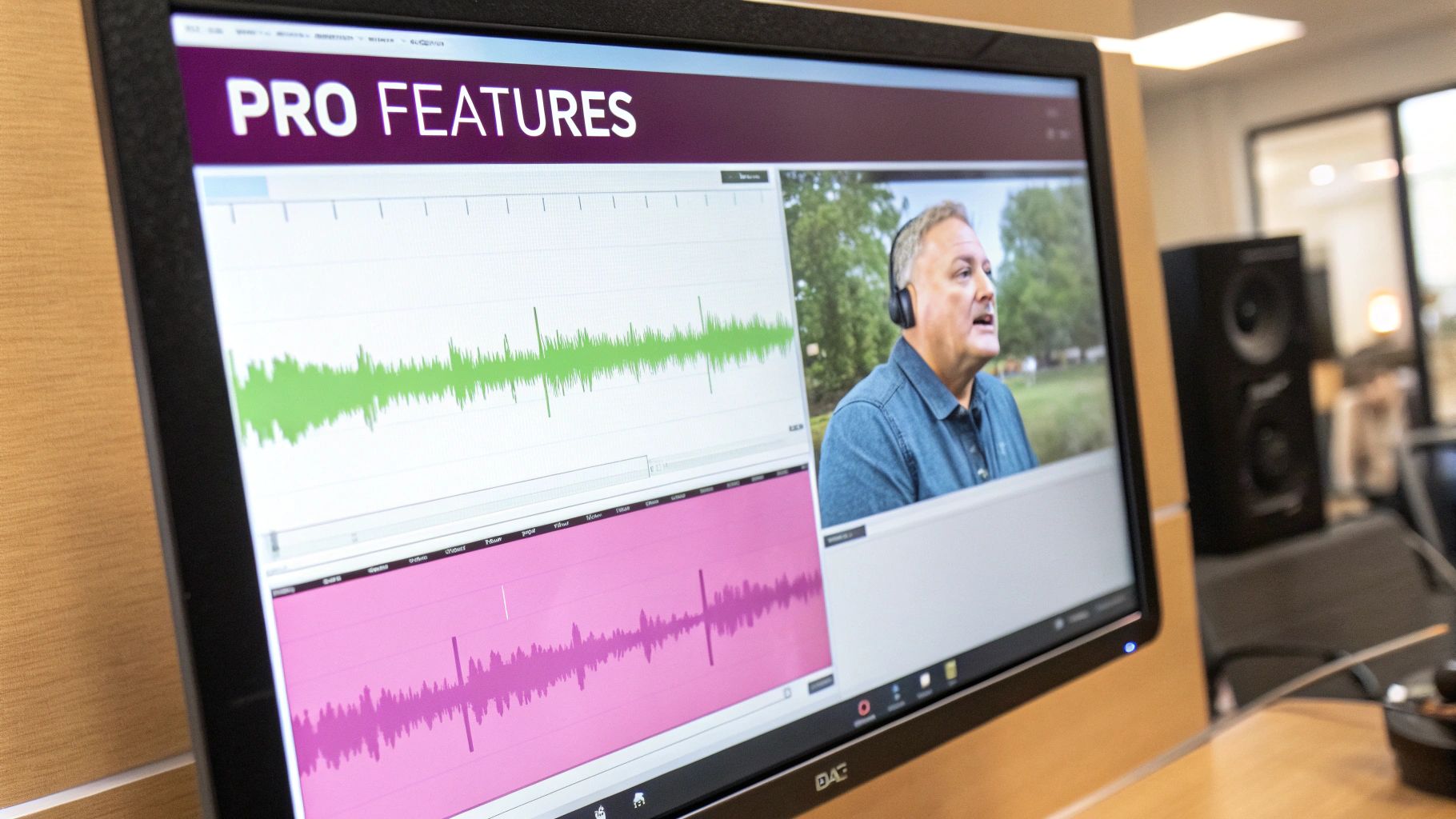
To pick the right tool, you have to look past the basics like simple trimming and clipping. The truly powerful platforms are packed with smart features designed to crush the tedious, time-sucking tasks that bog down your workflow. These are the difference-makers that will save you hours and make your final videos look polished and professional.
Let’s walk through the features that absolutely matter—the ones that directly boost video quality, keep your audience hooked, and actually let you scale your content production.
Intelligent Audio and Visual Editing
The heart of any great video is clean audio and well-framed shots. This is also where countless hours are lost to manual editing, creating production bottlenecks. A top-tier AI video generator handles all of this automatically, giving your team back its time.
One of the biggest time-savers is AI-powered filler word removal. This handy feature scans your audio and zaps all those "ums," "ahs," and "you knows" that sneak into our speech. What you're left with is crisp, confident narration that sounds professional, all without a single manual edit.
Another game-changer, especially for interviews or multi-speaker webinars, is active speaker detection. Instead of you having to manually reframe shots to follow the conversation, the AI figures out who’s talking and automatically centers the frame on them. It keeps the video dynamic and your audience focused.
For example, an advanced AI can take a static wide shot of a panel discussion and turn it into what looks like a multi-camera shoot, with perfectly timed close-ups on each speaker. It’s like having a virtual camera crew.
Dynamic, On-Brand Captions
In a world where most social videos are watched on mute, captions aren’t just a nice-to-have; they’re essential. But we're not talking about boring, static text at the bottom of the screen. A modern AI video generator does much more.
Look for a tool with a sophisticated caption animation engine. This gives you those eye-catching, word-by-word animations that stop the scroll and hold attention. The best platforms let you customize presets and styles so the captions perfectly match your brand’s look and feel.
- Customizable Presets: Lock in your brand's unique fonts, colors, and styles to apply them to every video with just one click.
- Word-Level Animation: Add a little flair to highlight key phrases and make your message stick.
- Brand Kit Integration: Upload your logos and color palettes to ensure every video is flawlessly on-brand.
A powerful captioning system marries automation with deep customization. It’s not just about making your content accessible; it’s about making your brand’s visual identity a core part of the video itself.
Advanced Features for Global Scale
As your content strategy expands, your tools have to keep up. If you're aiming for a global audience or need to bake video creation into your existing workflows, you'll need more advanced capabilities.
Multi-language support and auto-translation are crucial for reaching beyond your borders. The ability to instantly generate and translate captions into other languages opens your content up to the world. An AI that can accurately handle over 90 languages gives you a massive advantage.
For developers and larger organizations, API support is a must. A solid API lets you plug the video generator right into your own systems. This means you can build automated pipelines that, for example, turn every new podcast or blog post into a short video automatically, with zero manual effort.
These advanced tools make it possible to create product demos, tutorials, and personalized marketing videos in minutes, not weeks. It's no surprise that small and mid-sized businesses are projected to be the fastest-growing segment in this market, with a CAGR over 21% through 2030, according to this AI video generator market report. This growth shows just how vital these efficiency-driving features are. By choosing a tool with these capabilities, you’re not just making a video; you’re building a content engine that can scale with your ambition.
Choosing the Right AI Video Tool for Your Team

Picking the right AI short video generator isn't just about buying software. It's a strategic move that will shape your team’s workflow, budget, and creative output for the foreseeable future. With so many options out there, it’s easy to get lost.
The real goal is to find a platform that feels like a natural extension of your team, not just a tool with the longest feature list. This means looking past the marketing hype and getting down to the criteria that actually matter for your success.
Define Your Core Requirements
Before you even start browsing platforms, take a step back and figure out what you truly need. Are you a small team hoping to produce 10-15 videos a month? Or are you a large agency that needs to pump out hundreds of clips for different clients?
Get your team together and ask these crucial questions to build your own evaluation checklist:
- Scale: How many videos are we making now, and what’s our goal for the next six months? We need a tool that can keep up.
- Workflow: How does this fit into how we already work? Do we need things like shared workspaces or brand kits to keep everyone on the same page?
- Integration: Will this need to talk to our other tools, like a social media scheduler or our CMS?
- Skill Level: Can anyone on the team jump in and use this, or does it require a video editing background?
Answering these questions first gives you a clear filter. It stops you from getting distracted by flashy features you'll probably never touch and helps you focus on what will make a real difference.
Evaluate Scalability and Cost-Effectiveness
Once you know what you’re looking for, it’s time to look at how different tools handle growth and pricing. A tool that looks like a bargain for a small test run can get surprisingly expensive once you start producing more video.
Let’s imagine a marketing team wants to turn their weekly one-hour podcast into social media gold. Their plan is to pull 20 short clips from each episode, which adds up to 80 videos a month.
This is where you have to compare pricing models. A pay-per-video or per-minute plan would get costly fast at that volume. A subscription with a high or unlimited video allowance, on the other hand, gives you a predictable monthly bill and much better value as you scale. This is a big deal, especially when 73% of companies review their tech stack costs every year.
The best AI video generator for your team is one that supports your ambition without penalizing your growth. Look for pricing that scales predictably and features that automate your most time-consuming tasks.
Compare Features That Drive Efficiency
Finally, it’s time to put the platforms side-by-side and compare the features that actually make you more efficient. This is where you see the real differences. While most tools can do basic clipping, the top-tier platforms have smart automation that saves a ton of time and seriously boosts quality.
If you want to see exactly how the leading tools stack up, this detailed comparison of top AI tools for short video creation is a great resource.
To help you get started, here's a direct comparison highlighting a few key features that are crucial for scaling video production.
Feature Comparison for AI Video Platforms
| Feature | Solution X | Competitor A | Competitor B |
|---|---|---|---|
| Filler Word Removal | Yes, Automated | Manual Editing Only | No |
| Active Speaker Detection | Yes, AI-Powered | No | Basic Face Centering |
| Custom Brand Kits | Yes, Comprehensive | Limited Options | Yes, Basic |
| API Access | Yes, Robust API | Yes, Enterprise Plan Only | No |
| Multi-Language Support | 90+ Languages | 20 Languages | 10 Languages |
As you can see, the little details matter a lot when you’re trying to produce content consistently.
By taking a structured approach—defining your needs, analyzing the costs, and comparing the features that count—you can move beyond guesswork. You'll make a confident, informed decision that gives your team the power to create better content, much faster.
Common Questions About AI Video Generation
Whenever a new piece of tech comes along, it's smart to ask a few questions. Even with something as powerful as an AI short video generator, it’s natural to wonder how it really fits with your current process, whether it kills creativity, or how much say you actually get in the final cut.
Let's tackle some of the most common questions head-on. Getting these cleared up will help you move forward with a solid understanding of what these tools can—and can’t—do for your content team.
Does an AI Short Video Generator Replace Human Creativity?
Absolutely not. It's much more helpful to think of it as a creative assistant or a co-pilot, not a replacement pilot. The AI is there to handle the tedious, repetitive parts of video production—things like finding the best snippets, transcribing audio, and timing captions.
This frees you and your team up to focus on the high-level work that actually moves the needle: the story you want to tell, the core message, and the overall strategy. The AI handles the technical legwork, but your creative vision is always in the driver's seat.
The point isn't to replace your creative team; it's to give them superpowers. By taking the grunt work off their plate, an AI generator lets their creativity scale in ways that just weren't possible before.
Here’s a real-world example: Imagine a podcast team promoting a new episode. Instead of a producer spending six hours manually scrubbing through audio to find good clips, they just upload the file to an AI tool. Within minutes, they get back ten solid options. The team then spends their time doing what they do best: picking the top three clips, tweaking the captions to match their brand’s voice, and writing the perfect social post for each one. The AI did the labor; the team provided the strategic and creative touch.
How Long Does It Take to Create a Video with an AI Generator?
The speed is easily one of the biggest game-changers. A single short, edited clip can easily take a few hours of manual work. An AI generator crushes that timeline down to just a few minutes. In fact, some studies show a creator can go from idea to finished video in 30 minutes with an AI tool, compared to the half-day it might take the old-fashioned way.
That massive time savings makes your content team way more agile. You can jump on trends almost as they happen, keep a steady stream of content flowing on social media, and test out different video ideas without sinking a ton of time into each one.
Another practical example: A marketing agency is putting together client testimonial videos. They upload an hour-long Zoom interview. In less than 15 minutes, the AI has generated a dozen short clips, each highlighting a great quote. The agency can then get those drafts over to the client for approval right away, turning what used to be a week-long project into a single afternoon's task.
Are AI-Generated Videos Generic or Customizable?
This is a fair concern, but the best platforms are designed to mix AI speed with human control. The AI's job is to give you a really strong first draft, but you always have the final word and complete creative oversight.
The top tools are built for customization. You can easily swap out b-roll footage the AI selected, edit the text and captions, fine-tune the timing, and apply your own brand kit—complete with your logo, custom fonts, and specific color palette. It’s a hybrid workflow that guarantees your videos are both unique and perfectly on-brand.
- Edit AI Selections: Don't like a clip the AI picked? Swap it out with another from the stock library or upload your own in a click.
- Refine the Narrative: Tweak the AI-generated script or captions to better nail your messaging and tone.
- Incorporate Brand Identity: Apply your brand’s fonts, colors, and logo to every video for a polished, consistent look.
This approach truly gives you the best of both worlds. The AI does the first 80% of the heavy lifting, and your team adds the crucial final 20% of polish and brand strategy that makes the content yours. The result is a video that’s anything but generic.
Ready to see how an AI-powered workflow can transform your content strategy? With an advanced AI tool, you can turn long-form videos into dozens of shareable, on-brand clips in minutes. Start creating for free and experience the future of video production today.