In a content landscape where a staggering 85% of social media videos are watched on mute, closed captions have transformed from an accessibility requirement into a core component of viewer engagement. The right software for closed captioning is essential for boosting watch time, enhancing comprehension, and even improving SEO by making your video content indexable. But navigating the diverse market of AI-powered platforms, professional editing suites, and API-first solutions can be overwhelming. Choosing the wrong tool can lead to inaccurate captions, inefficient workflows, and a poor viewer experience.
This comprehensive guide cuts through the noise. We've rigorously evaluated the 12 best options for 2026 to help you find the perfect fit for your specific needs, whether you're a solo content creator, a digital marketing agency managing multiple clients, or a developer integrating video features. The foundation of creating professional captions often begins with reliable video to text converter tools, which efficiently transform spoken words into editable text, but the software you use to refine and style those captions is what truly sets your content apart.
Here, you will find a detailed breakdown of each tool, complete with key features, ideal use cases, pros, cons, and direct links. We move beyond generic feature lists to provide actionable insights based on real-world application, helping you make an informed decision to maximize your video's impact and reach. We will analyze everything from transcription accuracy and multi-language support to workflow automation and advanced styling capabilities, ensuring you select the best software to meet your production demands and strategic goals.
1. Swiftia
Swiftia is a powerful, AI-driven platform that excels not just in generating closed captions but in transforming them into a core component of high-engagement social media content. While traditional software focuses on transcription, Swiftia redefines the process by integrating dynamic caption animation directly into a rapid, automated workflow designed for creating short-form video clips. This makes it an exceptional choice for creators and agencies aiming to repurpose long-form content like podcasts and webinars into captivating shorts for platforms like TikTok, Reels, and YouTube Shorts.
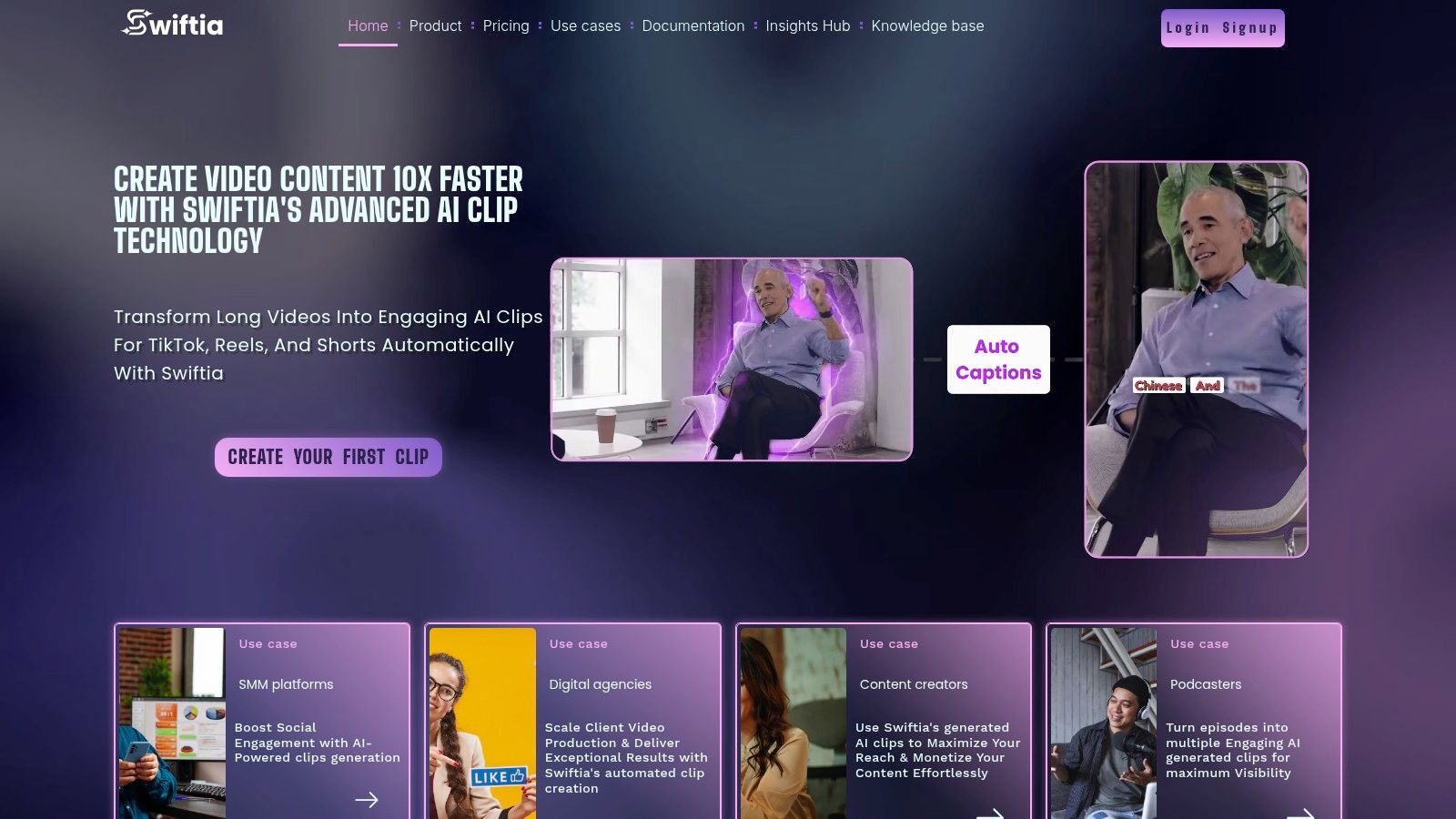
Its core strength lies in automating tasks that typically require hours of manual editing. Users can produce short-form clips up to 10 times faster, leveraging features that go far beyond basic transcription. The platform’s proprietary Caption Animation Engine offers customizable, production-quality presets that make text pop on screen, a crucial element for retaining viewer attention. According to internal data, videos with Swiftia’s animated captions show a 25% higher average watch time compared to those with static captions. This comprehensive approach positions Swiftia as a leader among software for closed captioning, particularly for content-heavy teams.
Standout Features and Workflow
Swiftia’s platform is engineered for end-to-end efficiency. It combines its advanced captioning capabilities with a suite of intelligent tools:
- AI-Powered Editing: Beyond captions, it automatically removes filler words ("ums," "ahs") for cleaner audio and uses active-speaker detection to keep the focus on the right person in multi-speaker videos.
- Global Reach: The platform supports auto-translation and caption generation in over 90 languages, enabling creators to seamlessly adapt content for international audiences.
- Developer-First API: For platforms and businesses needing to integrate video workflows, Swiftia offers a well-documented, 4K-capable API. This allows developers to build custom solutions that automate clip creation, captioning, and distribution at scale.
- Integrated Distribution: It includes built-in social media scheduling, a comments integrator for creating viral reply videos, and a "virality score" to help teams prioritize which clips to publish.
Practical Example: A digital marketing agency managing five podcast clients can use Swiftia to process a one-hour episode and automatically generate 10-15 engaging, caption-animated clips in minutes. These clips, complete with branded colors and translated captions for Spanish-speaking audiences, can be scheduled directly to Instagram Reels and TikTok, saving the team over 8-10 hours of manual editing and social media management per episode.
Pricing and Access
Swiftia offers a tiered pricing model suitable for various user levels, from solo creators to large enterprises.
- Free Trial: A $0 plan to explore the API with a watermark and limited storage.
- Starter: Begins at $9/month, offering 720p exports, customizable captions, and branding.
- Professional & Swift: Higher-tier plans from $48/month to $280/month, providing 1080p resolution, more processing minutes, and longer file storage.
- Enterprise: Custom plans with bespoke SLAs for high-volume needs.
Website: https://swiftia.io
2. Adobe Premiere Pro
Adobe Premiere Pro is a powerhouse professional non-linear video editor (NLE) that includes a comprehensive, integrated workflow for closed captioning. Rather than being a standalone tool, its captioning features are built directly into the editing timeline, making it an ideal solution for video professionals and production teams already invested in the Adobe Creative Cloud ecosystem. This integration eliminates the need for round-tripping to external software, streamlining the entire post-production process from initial cut to final delivery.
Key Features and Workflow
Premiere Pro's strength lies in its all-in-one environment. The process begins with its automatic speech-to-text feature, which generates a transcript of your timeline's audio with impressive accuracy. From this transcript, you can instantly create caption tracks. Once generated, captions appear as editable blocks on their own dedicated track. The Essential Graphics panel provides granular control over styling, allowing you to adjust fonts, colors, and backgrounds, and save these styles as presets for brand consistency.
Practical Example: A documentary filmmaker can use Premiere Pro's speech-to-text to generate a rough transcript for a 90-minute film. They can then use the text panel to search for specific quotes, create a rough cut based on the text, and generate a perfectly synced caption track for the final edit, all without leaving the application. This saves hours compared to manually transcribing and syncing captions.
Ideal Use Cases and Limitations
This software for closed captioning is best suited for:
- Professional Video Editors: Teams who need a single application for editing, color grading, audio mixing, and captioning.
- Broadcast Deliverables: It supports exporting captions as both burned-in text and sidecar files in formats like SRT, WebVTT, and broadcast-specific standards (e.g., CEA-608/708).
However, its professional focus brings a steeper learning curve for beginners. The subscription model, part of the Creative Cloud suite (starting at $22.99/month for the single app), offers the best value for those using other Adobe products. Swiftia provides a more focused and automated solution for users whose primary goal is creating and captioning short-form social content quickly, bypassing Premiere Pro's extensive but complex feature set.
Website: https://www.adobe.com/products/premiere.html
3. Final Cut Pro (Apple)
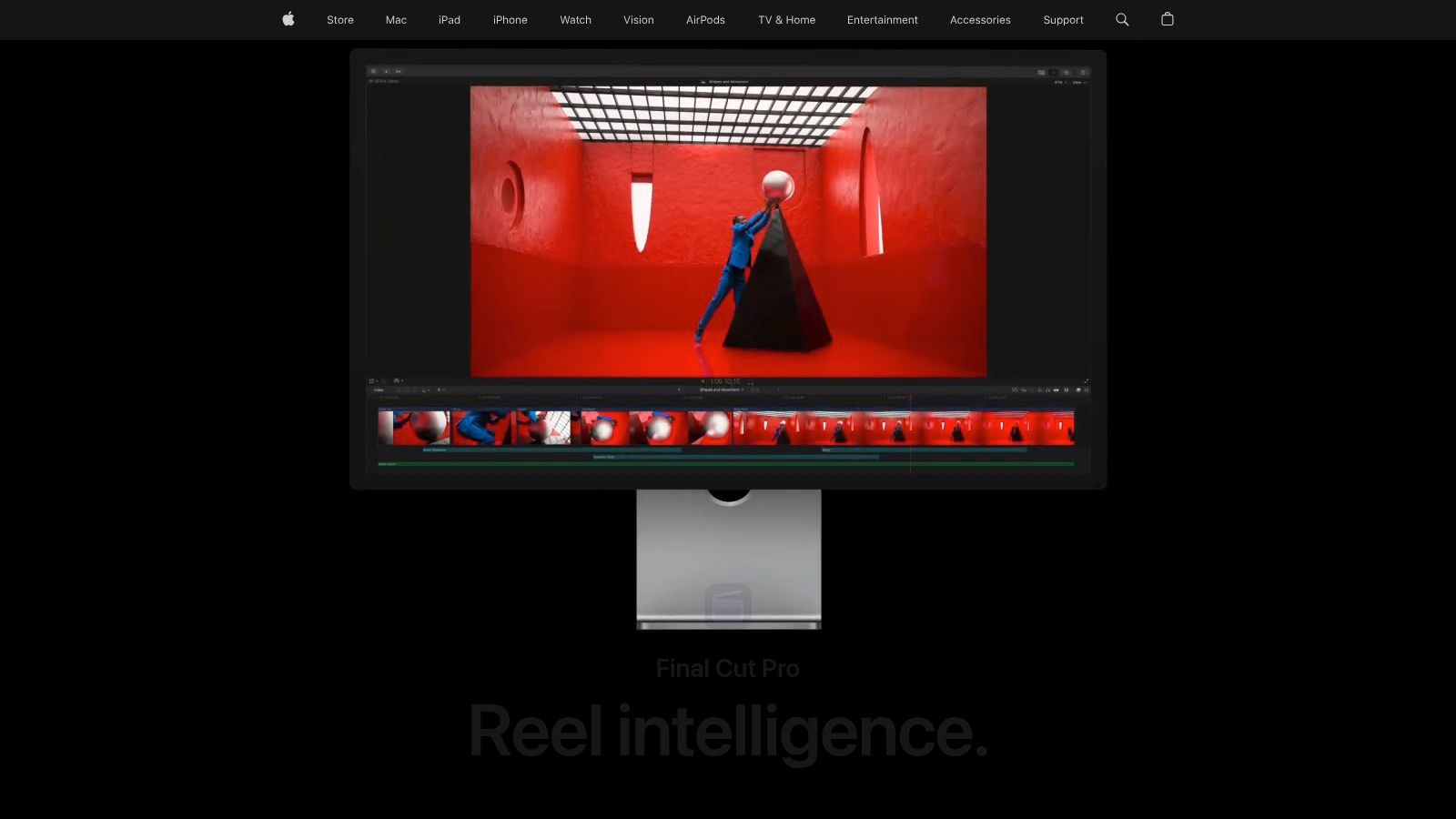
Final Cut Pro is Apple’s professional non-linear video editor (NLE) that offers a deeply integrated captioning workflow, making it a top-tier choice for creators and editors embedded in the Apple ecosystem. Like Premiere Pro, it consolidates caption creation within the editing environment, but it stands out with its powerful "Transcribe to Captions" feature and streamlined management tools, all available for a one-time purchase. This makes it an excellent software for closed captioning for Mac-based professionals seeking an all-in-one solution without a recurring subscription.
Key Features and Workflow
The core of Final Cut Pro’s captioning power is its AI-driven transcription. The "Transcribe to Captions" feature analyzes your timeline's audio and automatically generates a caption track, which can then be refined directly in the editor. Captions are managed using a role-based system, allowing you to easily organize and switch between multiple language tracks for international distribution. The software provides robust error-checking tools that validate captions against standards for timing, line length, and formatting overlaps.
Practical Example: An indie filmmaker creating a short film needs to add English, Spanish, and French subtitles. In Final Cut Pro, they can generate the English captions automatically, then duplicate the caption role twice. Translators can then work on the Spanish and French versions directly within the project, and the editor can easily toggle between languages for review before exporting separate sidecar files for each.
Ideal Use Cases and Limitations
This software for closed captioning is best suited for:
- Mac-Based Production Houses: Teams who work exclusively on macOS and need a powerful, first-party NLE with built-in accessibility features.
- Multilingual Content Creators: The efficient role management system simplifies the creation and delivery of projects with multiple caption languages.
The most significant limitation is its exclusivity to macOS. While the one-time purchase of $299.99 is cost-effective long-term, some premium content might require an additional subscription. Unlike Swiftia's cloud-based platform, which is accessible from any device and specializes in animated captions for social media, Final Cut Pro is a desktop-bound tool focused on traditional post-production workflows.
Website: https://www.apple.com/final-cut-pro/
4. Telestream CaptionMaker
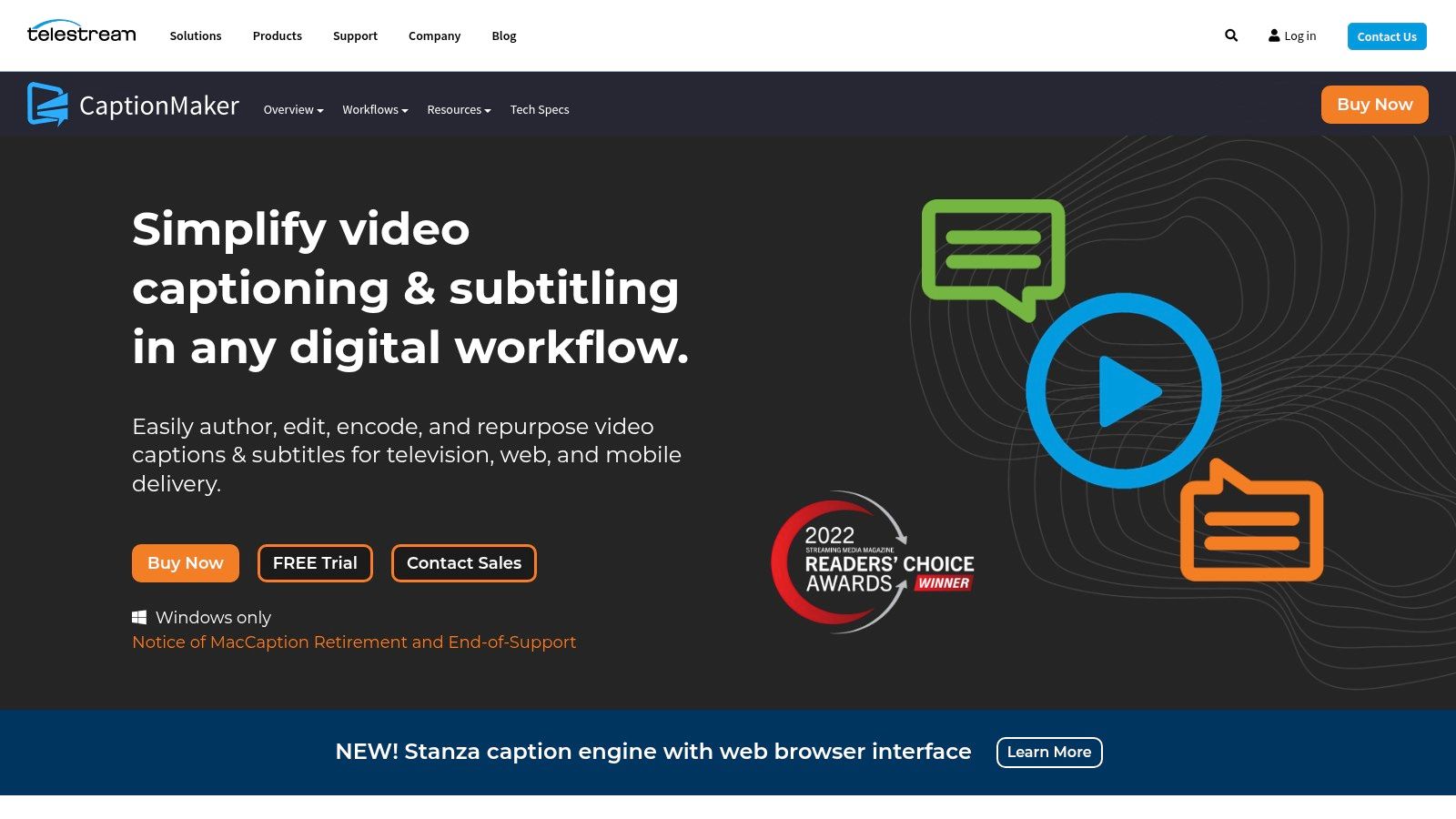
Telestream CaptionMaker is an industry-standard, professional-grade software for closed captioning designed for broadcast, streaming, and compliance-critical media workflows. Unlike cloud-based SaaS platforms, CaptionMaker is a robust desktop application focused on providing the deep format support and quality control tools required for television, film, and premium VOD distribution. It is the go-to solution for post-production houses and broadcasters who must adhere to strict FCC and ADA accessibility standards.
Key Features and Workflow
CaptionMaker’s strength is its comprehensive support for professional captioning formats. Users can author captions from scratch, import and conform existing transcripts with auto-timing, or edit captions embedded directly within video files. The software excels at handling broadcast-specific formats like CEA-608/708 and sidecar files such as SCC, MCC, and TTML. The workflow is tailored for precision, with features for precise timing adjustments, quality control checks for caption placement and sync, and options to burn-in or embed captions into professional video containers.
Practical Example: A broadcast station receives a new TV show that must air with compliant closed captions. Using CaptionMaker, a technician can import the show's video file and an SCC caption file from the production house, verify that the captions meet FCC timing and placement rules, and embed them directly into the final MXF file for playout, ensuring full legal compliance.
Ideal Use Cases and Limitations
This software is best suited for:
- Broadcast Engineers and Post-Production Houses: Professionals who need to create and deliver captions compliant with strict industry standards.
- Media Professionals: Users requiring extensive format I/O capabilities for integrating captions into complex broadcast or VOD pipelines.
The primary limitations are its platform exclusivity and cost. Current versions are Windows-only. The pricing, which is quote-based and targets enterprise budgets, is significantly higher than creator-focused tools. Swiftia offers a more accessible and automated alternative for businesses focused on digital and social media marketing, where dynamic, animated captions are more valuable than broadcast-specific format support.
Website: https://www.telestream.net/captioning/
5. EZTitles
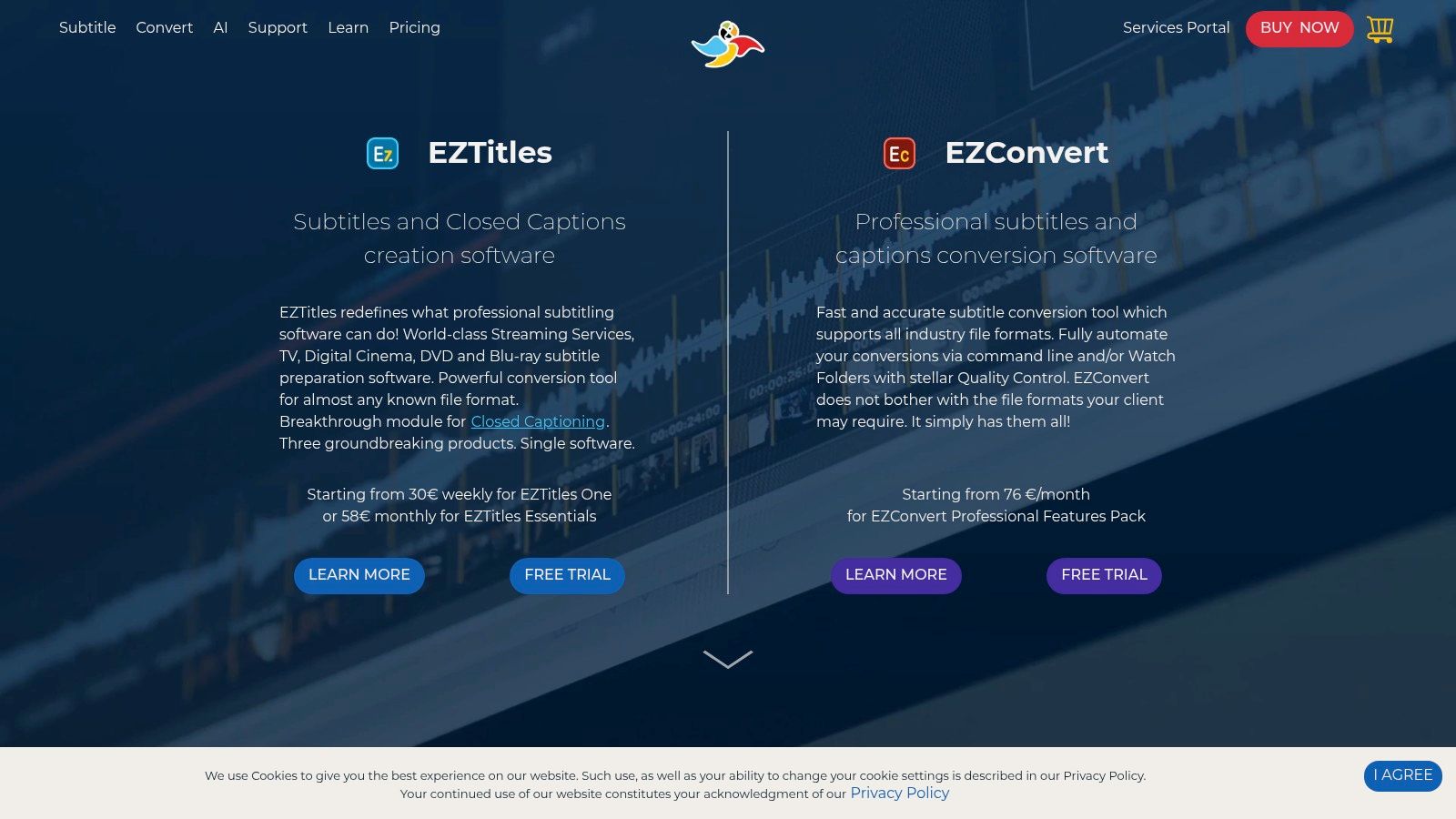
EZTitles is a high-end, professional subtitling and closed captioning software suite trusted by major broadcast networks, film studios, and streaming platforms. Unlike web-based tools focused on social media, EZTitles is engineered for the demanding technical requirements of television, Blu-ray, and OTT delivery. Its modular design allows users to purchase specific editions tailored for open subtitles, closed captions, or comprehensive broadcast authoring.
Key Features and Workflow
EZTitles' core strength is its unparalleled support for a vast range of professional formats and its robust conversion capabilities. While it includes modern features like AI-powered speech-to-text, its standout component is EZConvert, a powerful tool for bulk format conversions. The interface is dense and technical, allowing users to manage complex projects, perform detailed quality assurance checks, and ensure compliance with strict broadcast standards like CEA-608/708 and Teletext. The software also offers flexible licensing, including short-term rentals.
Practical Example: A localization company is hired to prepare a film for international distribution on Netflix, which has very specific subtitle format requirements. Using EZTitles, the team can import the original English subtitle file, use the platform's tools to create and time subtitles for ten different languages, and then use EZConvert to export each language track in the exact TTML format Netflix requires, all in a single, streamlined process.
Ideal Use Cases and Limitations
This software for closed captioning is best suited for:
- Broadcast and Post-Production Houses: Teams that need to deliver perfectly compliant captions and subtitles for television, film, and major streaming services.
- Localization Specialists: Professionals requiring a tool for high-volume, multi-format file conversions and authoring.
The primary limitation is its complexity and cost structure. The interface can be intimidating for beginners, and pricing is geared toward enterprise budgets. For those needing a simpler, automated workflow for social media, Swiftia's focus on speed, animated captions, and integrated scheduling provides a more direct path to engaging online audiences.
Website: https://www.eztitles.com/
6. Rev
Rev is a widely recognized platform that bridges the gap between automated AI transcription and human-powered captioning services. Rather than being a standalone software, it operates as a service-based solution, offering a hybrid model that allows users to start with fast, AI-generated captions and then optionally upgrade to a 99% accuracy guarantee with their professional human transcriptionists. This makes it a go-to for producers who need both speed for initial drafts and uncompromising accuracy for final deliverables.
Key Features and Workflow
Rev’s primary strength is its flexible, two-tiered service model. Users can upload video files and choose between an automated service, which returns captions in minutes, or a human-powered service with a 24-hour turnaround. The platform provides an intuitive interactive editor to review and polish the generated captions. The entire process is designed for scalability, with a clear dashboard to manage orders and integrations with platforms like Vimeo and YouTube. Studies have shown that videos with accurate captions can increase view time by over 12%.
Practical Example: A university's media department needs to make a two-hour lecture accessible for a student with a hearing impairment. They upload the video to Rev and order human-powered captions to ensure 99% accuracy for complex academic terms. The file is returned within 24 hours, meeting ADA compliance requirements without tying up internal staff resources.
Ideal Use Cases and Limitations
This software for closed captioning is best suited for:
- Media Companies & Educators: Organizations that require legally compliant, highly accurate captions for broadcast, VOD, or educational materials.
- High-Volume Content Creators: Users who need a reliable, scalable service to handle large backlogs of video content without hiring an in-house team.
The main limitation is cost for human-powered services, priced per minute of audio (starting at $1.50/minute). While the AI service is more affordable, Rev doesn't offer the advanced caption animation or video repurposing tools found in platforms like Swiftia, which are designed to turn captions into an engagement-driving feature for social media.
Website: https://www.rev.com/
7. 3Play Media
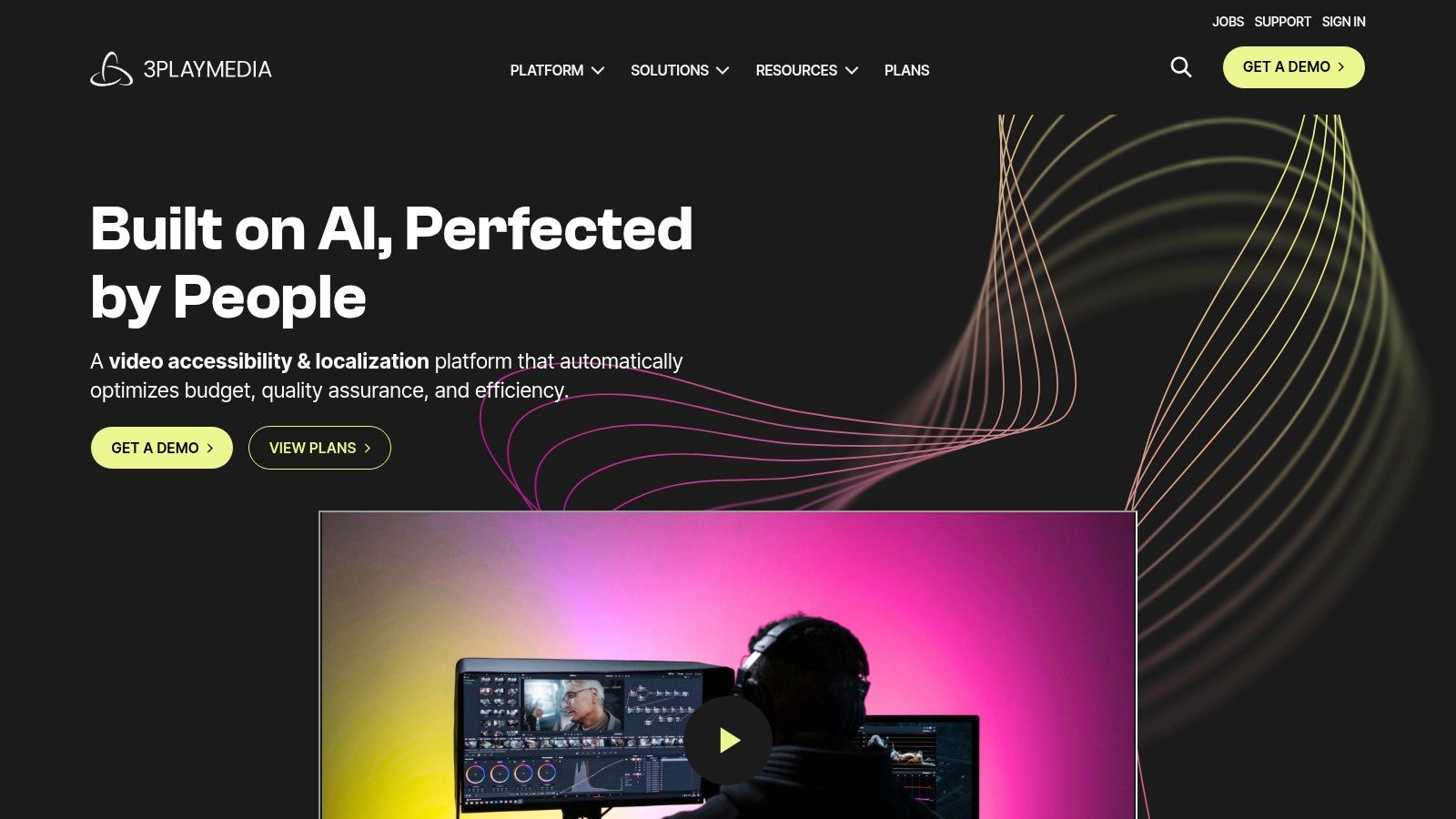
3Play Media is an enterprise-grade accessibility platform specializing in high-accuracy closed captions, transcription, and audio description. It combines AI-powered technology with human quality assurance to meet stringent compliance standards, making it a go-to solution for organizations in regulated sectors like education, government, and corporate training. Rather than being a simple software tool, it offers a managed service focused on security, scalability, and seamless workflow integration for large-scale video libraries.
Key Features and Workflow
3Play Media's core strength is its compliance-focused, managed service approach. The workflow is built around integrations with leading video platforms and learning management systems (LMS). Users can set up automated captioning requests for new content. Every file undergoes a multi-step process involving automated transcription followed by human review to ensure it meets a 99% accuracy rate, a critical benchmark for ADA and Section 508 compliance. A 2021 study by the University of South Florida showed that 98.6% of students find captions helpful for learning.
Practical Example: A large corporation uses Kaltura as its internal video platform for training. By integrating 3Play Media, every new training video uploaded to Kaltura automatically has a captioning request sent. The completed, 99% accurate caption file is then automatically sent back and attached to the video, ensuring all employees have accessible content without any manual intervention from the HR team.
Ideal Use Cases and Limitations
This software for closed captioning is best suited for:
- Universities and Educational Institutions: Ensuring all course materials meet accessibility requirements for students.
- Government Agencies and Corporations: Adhering to strict legal mandates for public and internal communications.
- Large Media Companies: Managing and processing extensive video archives with a scalable, secure solution.
However, its enterprise focus means pricing is customized based on volume and specific service needs, which can be a barrier for smaller creators. Swiftia provides a better fit for marketing-focused teams, offering dynamic caption styling and clip creation tools that prioritize audience engagement over the strict compliance features that define 3Play Media.
Website: https://www.3playmedia.com/
8. Descript
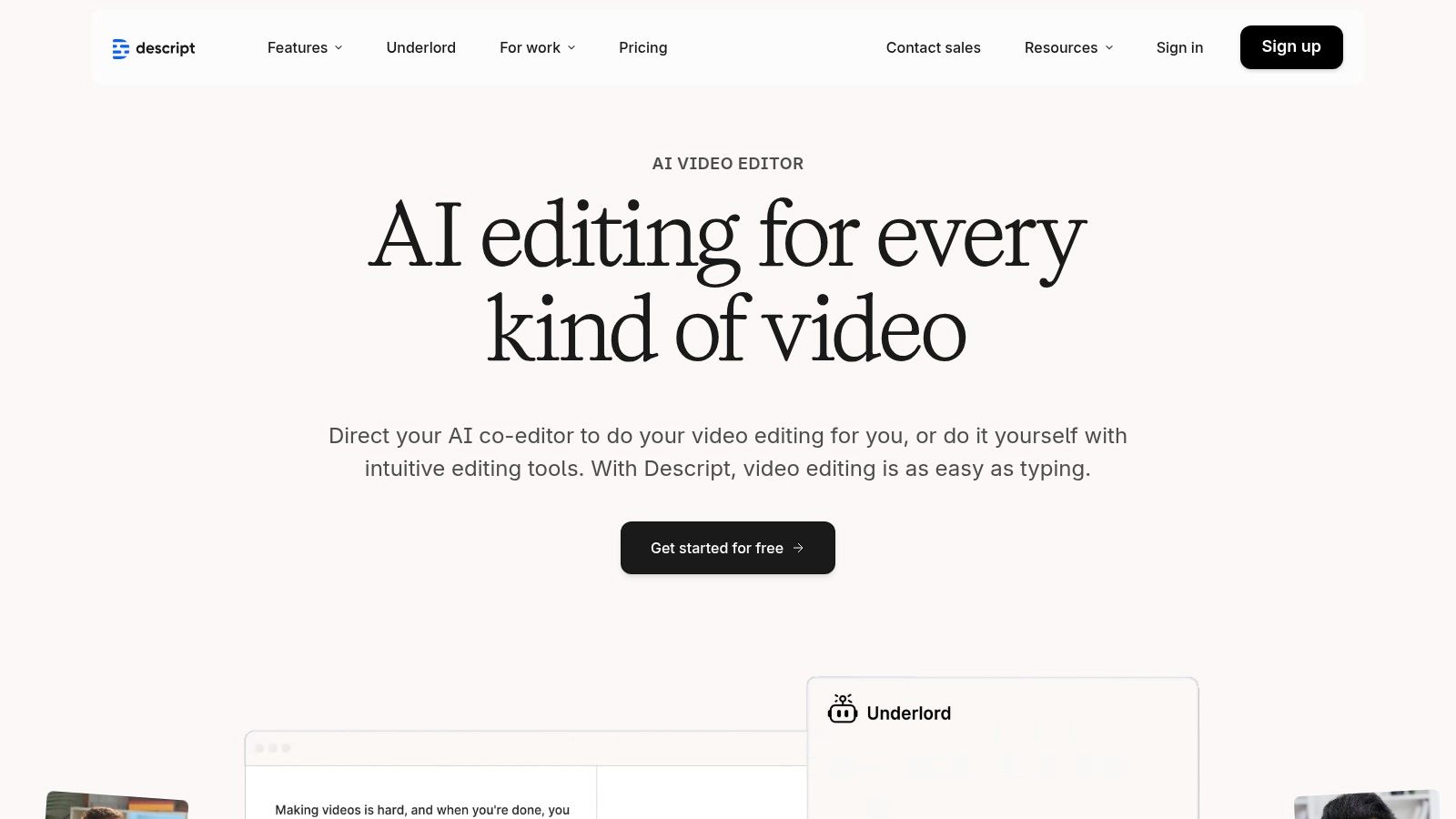
Descript is a unique, all-in-one audio and video editor that revolutionizes content creation by making it as simple as editing a text document. Its approach is particularly well-suited for podcasters, social media teams, and content creators who prioritize speed and efficiency. Instead of a traditional timeline, Descript transcribes your media and allows you to edit the video or audio by simply editing the text, which makes it an incredibly intuitive software for closed captioning.
Key Features and Workflow
Descript’s core strength is its text-based editing workflow. It automatically generates a transcript, and any changes you make to the text—like deleting filler words ("um," "uh") or rearranging sentences—are instantly reflected in the video and audio. This same transcript serves as the foundation for your captions, which you can style with various fonts, colors, and animations. Its AI tools, such as Studio Sound, enhance audio quality with a single click.
Practical Example: A podcaster records a one-hour interview. They drag the file into Descript, which transcribes it in minutes. They then read through the text, deleting repetitive questions and filler words. This automatically edits the audio. Finally, they highlight the best 60-second segment, add animated captions, and export it as a square video for Instagram, all within 15 minutes.
Ideal Use cases and Limitations
This software for closed captioning is best suited for:
- Podcasters and YouTubers: Its text-based editing and AI-powered filler word removal can cut editing time by over 50% for dialogue-heavy content.
- Social Media Teams: Ideal for quickly creating engaging, captioned video clips for platforms like Instagram Reels and TikTok.
While excellent for dialogue-based content, Descript is less suited for complex, multi-layered video effects. Swiftia offers a more powerful solution for teams needing to scale video production, with a robust API for automation and a Caption Animation Engine designed for higher-quality visual effects than Descript's standard options.
Website: https://www.descript.com/
9. Kapwing
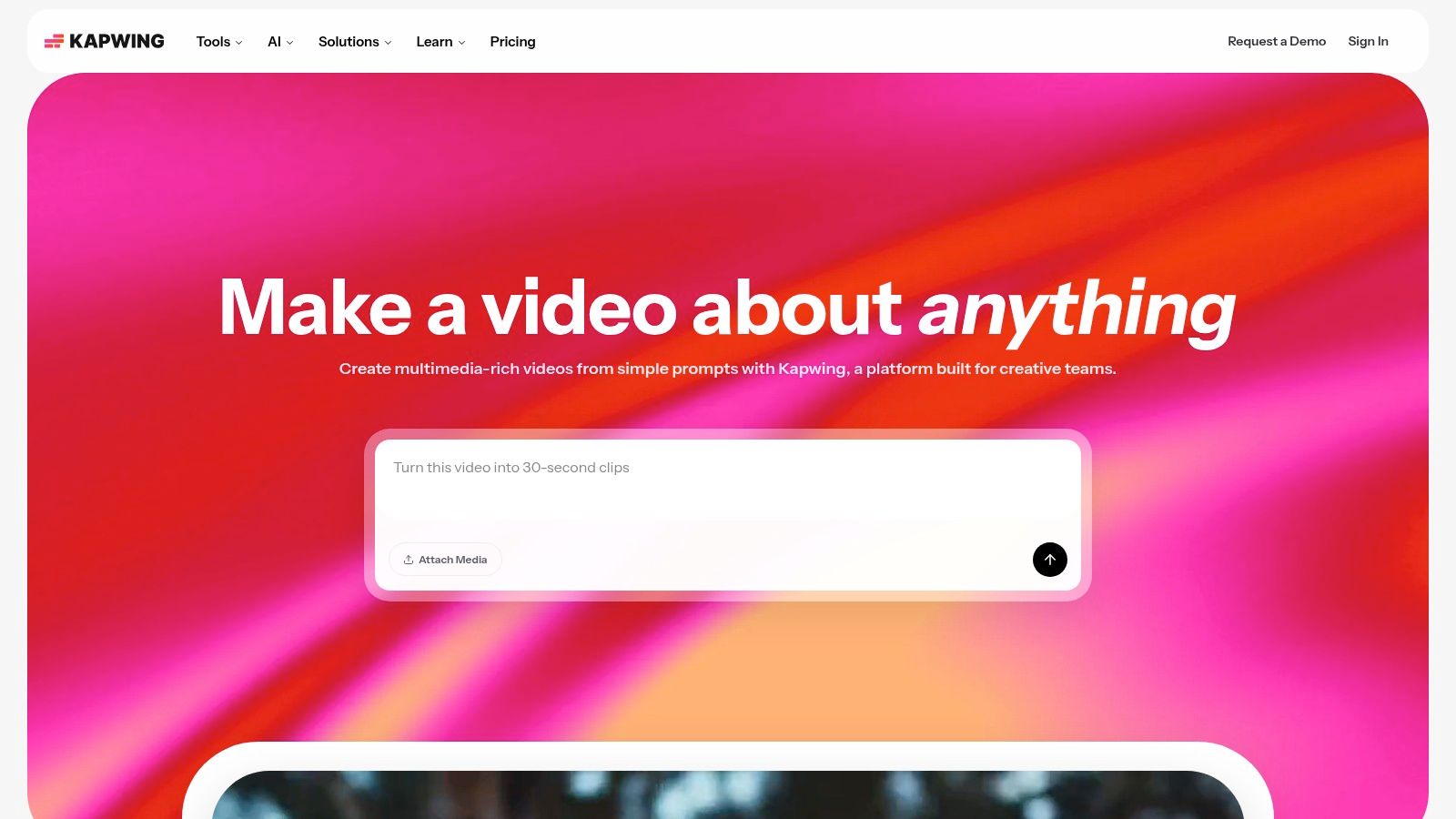
Kapwing is a collaborative, browser-based video editor that has become a go-to tool for creating social media content quickly and efficiently. Its strength lies in its intuitive interface and a suite of AI-powered tools designed for modern workflows. Instead of being a heavy-duty professional editor, Kapwing focuses on speed and accessibility, making its automated subtitling feature a central part of the experience for creators and social media managers.
Key Features and Workflow
Kapwing's workflow is built around its Smart Tools, with auto-subtitling at the forefront. Users can upload a video and generate subtitles in a single click, with support for over 70 languages. The captions are fully editable within the timeline, allowing for quick corrections and timing adjustments. The platform provides extensive styling options, including custom fonts and animations. Its team workspaces make it a powerful tool for agencies managing multiple client accounts.
Practical Example: A marketing intern needs to create a captioned version of a customer testimonial for an Instagram Story. They upload the 30-second video to Kapwing, use the one-click "Auto Subtitle" tool, apply the company's brand colors to the text, and export the correctly sized vertical video in under five minutes, no prior video editing experience required.
Ideal Use Cases and Limitations
This software for closed captioning is best suited for:
- Social Media Managers and Content Creators: Ideal for quickly adding engaging, stylized captions to TikToks, Reels, and Shorts.
- Marketing Teams: Collaborative features allow teams to create, review, and approve subtitled video ads in one place.
The primary limitation is its credit-based system for auto-subtitling on its free and lower-tiered plans. While excellent for short clips, it's not designed for editing long-form projects. Swiftia offers a more scalable model for high-volume creators with its API and advanced automation features like active speaker detection, providing a more robust engine for content repurposing.
Website: https://www.kapwing.com/
10. VEED.IO
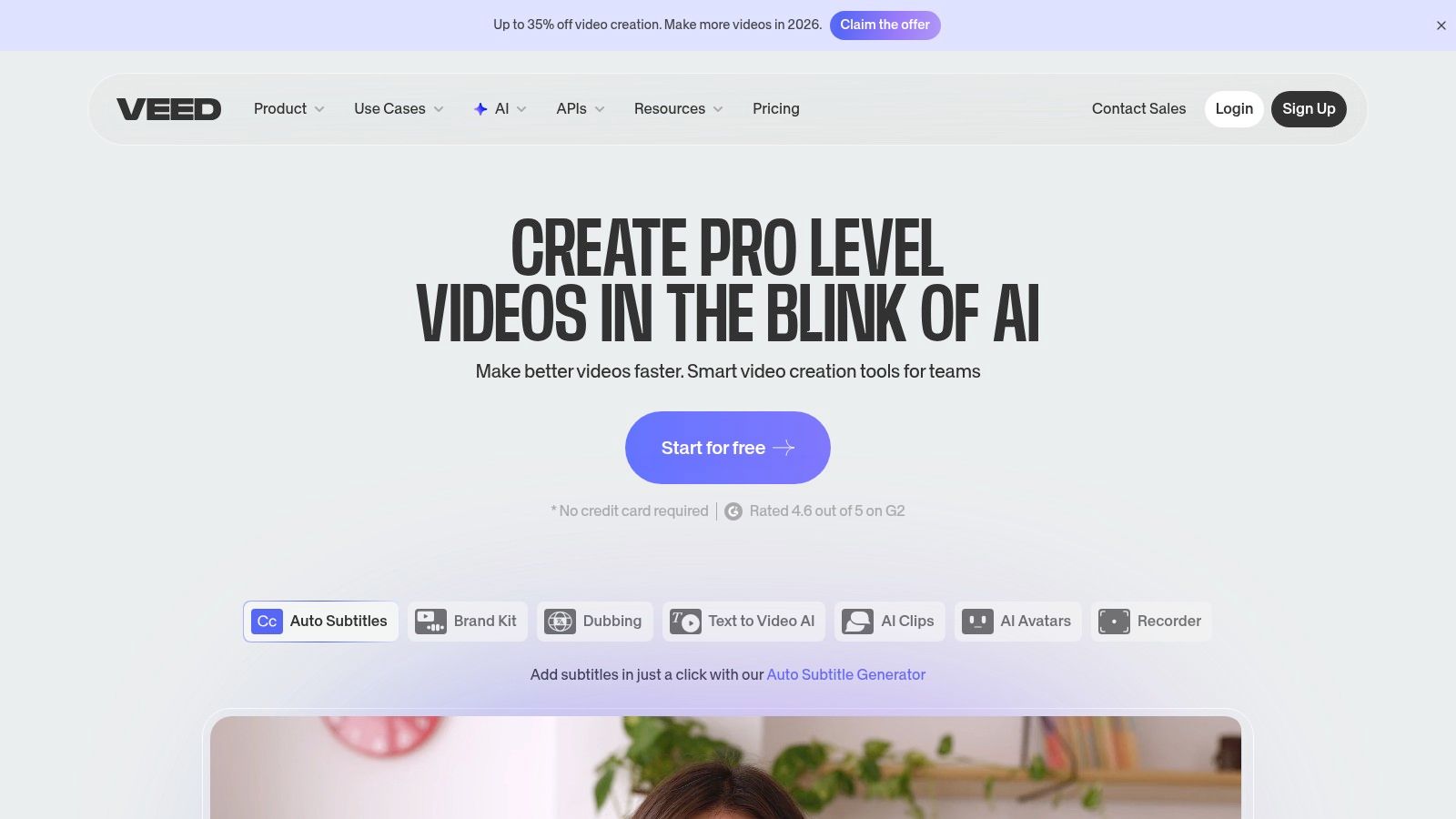
VEED.IO is a popular online video editor designed for speed and simplicity, making it a go-to tool for social media managers, marketers, and content creators. Its core strength is integrating automatic captioning directly into a user-friendly, browser-based editing workflow. This approach eliminates the need for complex desktop software, allowing users to upload, caption, style, and export videos for various platforms in a fraction of the time.
Key Features and Workflow
VEED.IO’s workflow is centered around its one-click auto-subtitle generator. After uploading a video, the tool transcribes the audio and adds timed captions to the timeline. Users can then quickly correct any errors in the transcript editor and stylize the captions using a range of pre-set animations and custom branding options. The platform also supports automatic translation into dozens of languages and allows for the export of SRT files.
Practical Example: A small business owner wants to post a promotional video on Facebook. They use VEED.IO to upload their video, automatically generate captions, choose a bold, easy-to-read animation style, and add their company logo from their Brand Kit. The entire process takes less than 10 minutes, resulting in a professional-looking video optimized for silent viewing.
Ideal Use Cases and Limitations
This software for closed captioning is best suited for:
- Social Media Content: Quickly adding engaging, stylized captions to short-form videos for platforms like TikTok, Instagram Reels, and YouTube Shorts.
- Marketing and Corporate Teams: Creating captioned promotional videos, training materials, or internal communications without requiring dedicated video editors.
However, its browser-based nature makes it less ideal for editing complex, long-form projects. The subscription plans have limits on export length and transcription minutes. While VEED.IO is excellent for manual, one-off projects, Swiftia's API-first approach provides a more powerful and scalable solution for businesses that need to automate their video creation and captioning workflows.
Website: https://www.veed.io/
11. Happy Scribe
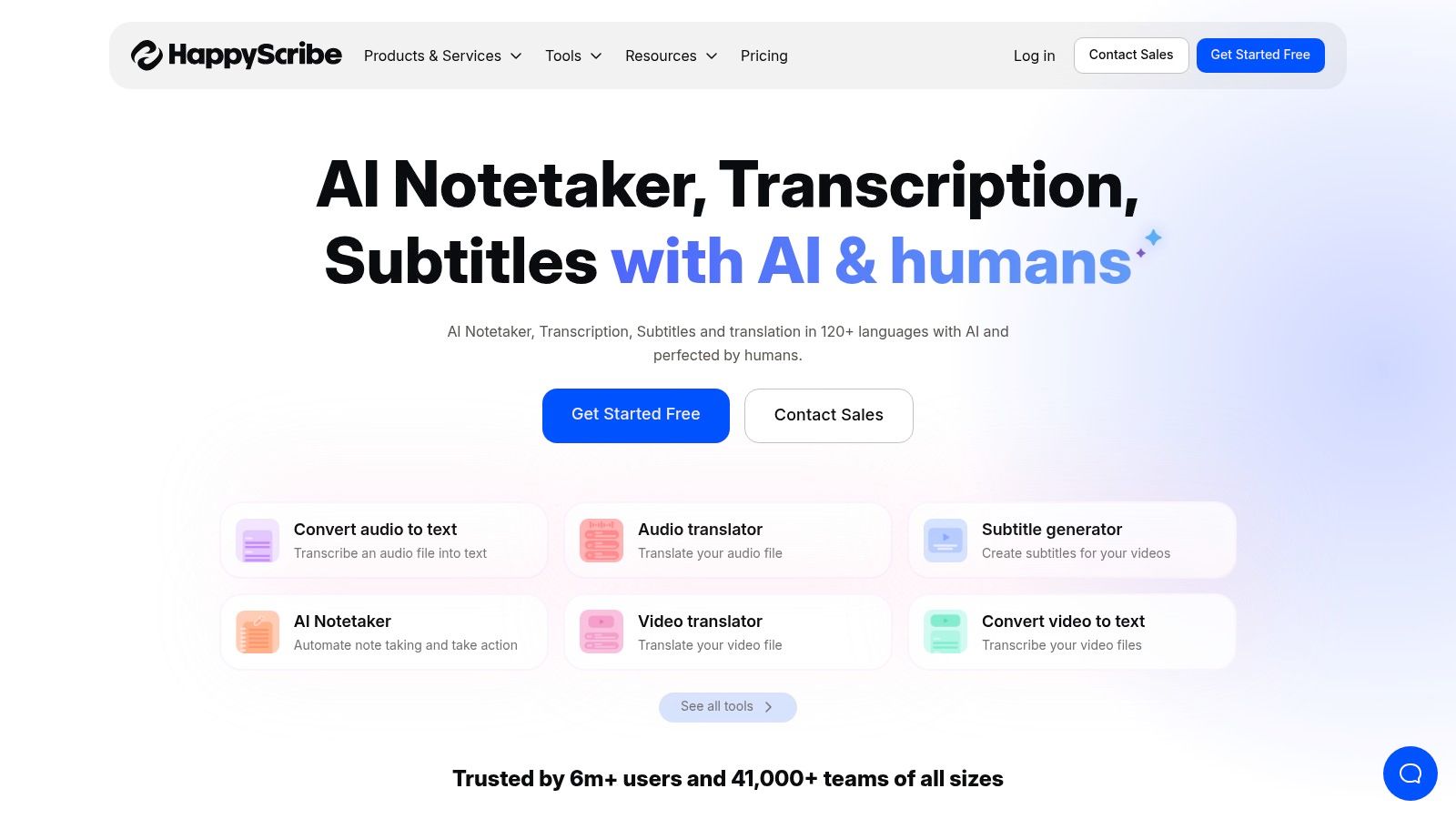
Happy Scribe is a web-based platform that offers a flexible, hybrid approach to transcription and captioning, blending powerful AI with on-demand human services. It's designed for users who need a balance between the rapid turnaround of automation and the high accuracy of manual review. The platform provides a clear, per-minute pricing structure, making it easy to budget for projects ranging from single videos to large content libraries.
Key Features and Workflow
Happy Scribe’s core strength is its two-tiered service model. Users can first generate an AI-powered transcript, which achieves up to 85% accuracy in minutes. From there, they can refine the text themselves using the intuitive in-browser editor or elevate the quality by ordering a human-proofread version, which guarantees 99% accuracy. The interactive editor allows you to easily correct text, adjust timestamps, and format the subtitles.
Practical Example: A journalist transcribing a sensitive interview needs both speed and accuracy. They first run the audio through Happy Scribe's AI service to get an 85% accurate draft in minutes. They then use the interactive editor to make their own corrections, sharing the project link with a colleague to double-check names and technical terms before publishing.
Ideal Use Cases and Limitations
This platform is best suited for:
- Content Teams and Marketers: Professionals who need high-quality captions for marketing videos but want to start with a fast AI draft to control costs.
- Educational and Corporate Use: Organizations that require both speed for internal videos and guaranteed accuracy for public-facing or compliance-related content.
The main limitation is cost scalability for human services. While the AI transcription is affordable (starting at around €0.20/minute), the human-made service costs significantly more (starting at €2.00/minute). For example, captioning a 60-minute webinar with human proofreading would cost approximately €120. Unlike all-in-one video creation platforms, Happy Scribe focuses solely on transcription and subtitling, lacking the video editing and repurposing tools found in Swiftia.
Website: https://www.happyscribe.com/
12. Amara
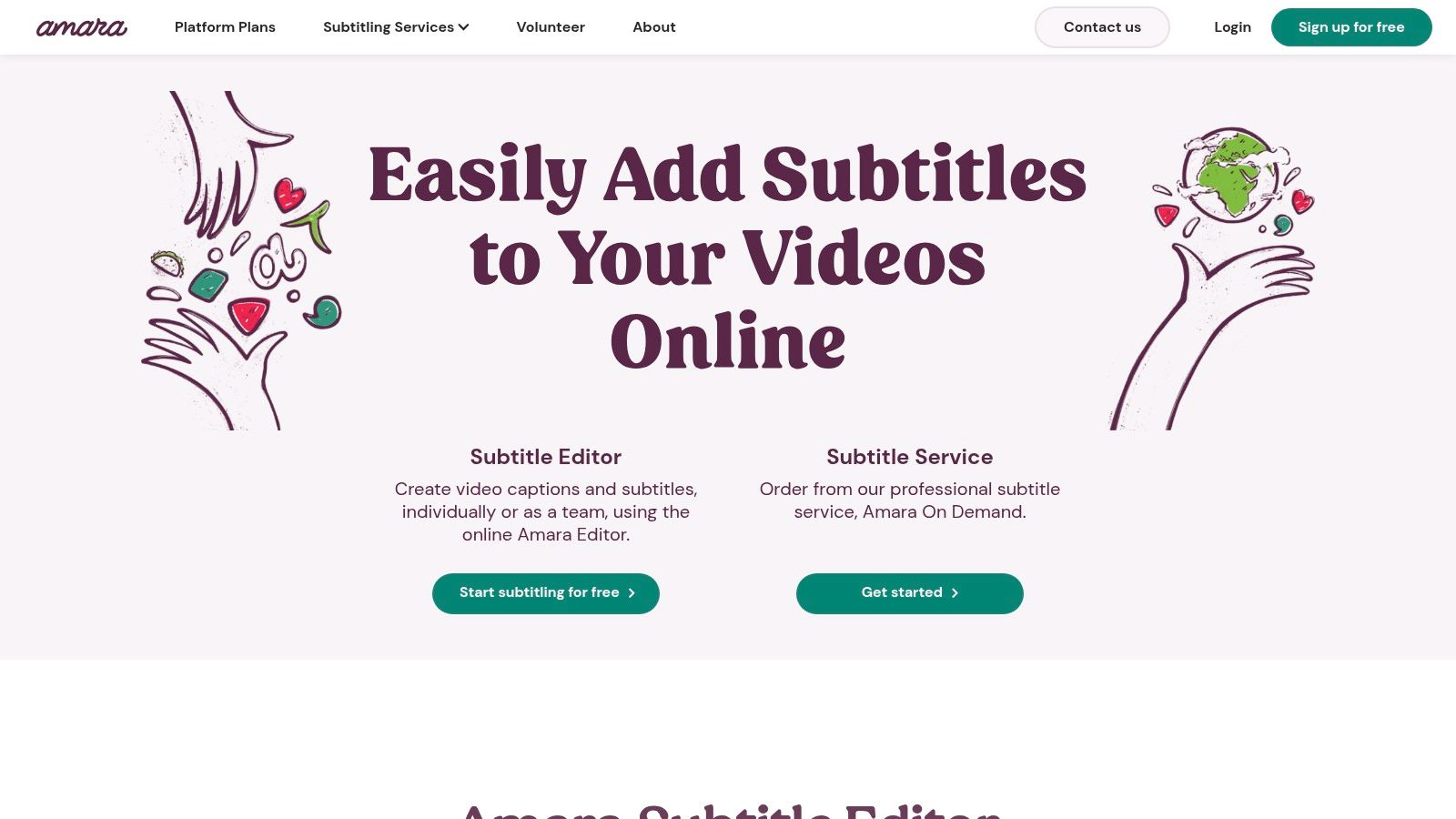
Amara is a browser-based subtitle editor and collaboration platform renowned for its focus on community-driven and team-based captioning projects. It stands out by offering a free, robust single-user editor, making it an incredibly accessible entry point for individuals. For larger projects, it scales into a comprehensive workspace designed for NGOs, educational institutions, and global teams that require a lightweight, collaborative software for closed captioning.
Key Features and Workflow
Amara’s workflow is centered around its web-based editor and collaborative tools. Users can upload videos or link from platforms like YouTube and Vimeo directly into the editor. The interface is intuitive, allowing for manual transcription and timing with simple keyboard shortcuts. For teams, the platform provides dedicated workspaces with user roles and review workflows. Paid plans offer pay-as-you-go AI captioning, allowing teams to generate a first draft automatically and then use the collaborative tools for refinement.
Practical Example: A nonprofit organization wants to translate their educational videos into five languages using volunteers. They create a team on Amara, upload their videos, and assign each language to a different volunteer. The volunteers can transcribe and translate using Amara's free tools, after which a manager can review and approve all versions from a central dashboard before publishing.
Ideal Use Cases and Limitations
This software for closed captioning is an excellent choice for:
- Educational Institutions & NGOs: Its collaborative features and affordable team plans are perfect for organizations managing translation and accessibility projects with multiple volunteers or staff.
- Community Projects: The free editor empowers individuals and small groups to make content accessible without any initial investment.
- Teams Needing a Simple Review Process: The workflow tools streamline the process of assigning, reviewing, and approving captions among several users.
The main limitation is that its most powerful automation features are locked behind paid plans. For users needing a fully automated, API-first solution for high-volume content, other platforms are more suitable. Amara is built for collaborative human workflows, whereas Swiftia is designed for AI-driven automation and content scaling.
Website: https://amara.org/
Top 12 Closed Captioning Software Comparison
| Product | Core strength | Key features | Target audience | Pricing / Value |
|---|---|---|---|---|
| Swiftia | Fast, scalable AI clip editing for short‑form content | Caption Animation Engine, filler‑word removal, active‑speaker, auto‑translate, 90+ languages, scheduling, API, cost‑effective rendering | Marketers, creators, social teams, platforms, developers | Free trial; Starter $9/mo; Pro $48/mo; Swift $280/mo; Enterprise custom — built for volume/value |
| Adobe Premiere Pro | Professional NLE with integrated captions & delivery | Auto speech‑to‑text, in‑timeline captions, styling, export to SRT/WebVTT/broadcast | Post‑production teams, Creative Cloud users | Subscription (Creative Cloud); higher cost but deep format support |
| Final Cut Pro (Apple) | Mac‑native professional editor with caption tools | Transcribe to Captions, multi‑language roles, export/burn‑in | macOS editors, studios using Apple ecosystem | One‑time Mac license; additional Apple services may add cost |
| Telestream CaptionMaker | Broadcast/compliance‑grade captioning | Wide format I/O (SCC/MCC/TTML/WebVTT), QC tools, burn‑in, pro/enterprise editions | Broadcast, compliance‑critical workflows, post houses | Pro/Enterprise pricing aimed at professional budgets; Windows only |
| EZTitles | Studio/subtitling suite with bulk conversion | Open/closed subtitle authoring, AI STT & translation options, EZConvert, flexible licensing | Studios, streamers, localization teams | Flexible licensing (weekly/monthly/lifetime), EUR‑based pricing |
| Rev | Fast transcription with human upgrade path | AI captions, human‑made captions/subtitles, interactive editor, integrations | Teams needing quick transcripts or human accuracy | Per‑minute pricing; AI cheaper, human‑made costs more |
| 3Play Media | Enterprise accessibility & compliance provider | Captions, subtitles, audio description, translations, SOC2/HIPAA/GDPR options | Large enterprises, education, regulated sectors | Custom pricing by volume/services; focused on compliance |
| Descript | Text‑based audio/video editing with rapid captions | Auto‑captions, filler‑word removal, Studio Sound, collaborative tools | Creators, podcasters, social teams seeking fast iteration | Freemium → paid tiers with media hours; good value for creators |
| Kapwing | Fast browser editor for short‑form social clips | Auto‑subtitles, translation, brand kit, team workspaces, 4K on paid plans | Social creators, small teams, marketers | Free (watermark); paid plans use credits/minutes; transparent limits |
| VEED.IO | In‑browser editor for creators & marketing teams | Auto‑subtitles, AI translation, 1080p/4K exports (paid), brand kits & collaboration | Creators, marketing teams, social publishers | Subscription tiers; features/minutes vary by plan |
| Happy Scribe | Mix of AI speed and human accuracy for transcripts | AI subtitling, human QA/translation, in‑browser editor, SRT export | Teams needing optional human QA and translations | Per‑minute pricing (AI and human); costs rise for large volumes |
| Amara | Collaborative, low‑barrier subtitle editor | Free web editor, pay‑as‑you‑go AI captioning, team/enterprise workspaces | NGOs, education, community projects, small teams | Free single‑user; pay‑as‑you‑go AI and paid team plans |
Choosing the Right Captioning Software for Your Goals
Navigating the landscape of software for closed captioning can feel overwhelming, but as we've explored, the "best" tool is not a one-size-fits-all solution. Your ideal choice hinges directly on your primary objectives, production volume, and technical requirements. This journey from raw video to accessible, engaging content is defined by the workflow you build, and the right software is the cornerstone of that process.
We've covered a wide spectrum of solutions, from the deeply integrated transcription tools within professional NLEs like Adobe Premiere Pro and Final Cut Pro to the enterprise-grade compliance platforms like Telestream and 3Play Media. These are indispensable for broadcast professionals where adherence to legal standards like WCAG is non-negotiable. For individual creators focused on quick edits, tools like Kapwing and VEED.IO provide accessible, browser-based solutions.
However, the digital content landscape has fundamentally shifted. The challenge for most modern teams, particularly agencies and social media managers, is no longer just adding captions. It's about producing a high volume of engaging, multi-format video content at speed. This is where a strategic evaluation of your core needs becomes critical.
Key Takeaways for Selecting Your Tool
To distill our findings into actionable insights, consider these final evaluation points:
- Workflow Integration vs. Standalone Service: Do you need a tool that plugs into an existing editing environment (like Premiere Pro), or do you need a comprehensive, end-to-end platform that handles everything from transcription to distribution? A mismatch here creates friction and slows down production.
- Manual Control vs. AI Automation: For creative projects requiring precise, artistic caption placement, manual control is key. But for scaling social media content, AI-driven automation for transcription, translation, and even animation saves hundreds of hours. For instance, manually transcribing and timing captions for a 10-minute video can take over an hour, a task AI can complete in minutes with up to 99% accuracy.
- Static Captions vs. Dynamic Engagement: Traditional captions serve accessibility, but for social media, dynamic, animated captions are a proven engagement driver. A Verizon Media study found that 80% of consumers are more likely to watch an entire video when captions are available. Animated styles can further boost audience retention by making content more visually stimulating.
- API-First for Scalability: For platforms, developers, or agencies managing a large portfolio of clients, an API is not a luxury; it's a necessity. The ability to programmatically submit videos, retrieve captions, and integrate the workflow into your own systems is the key to true scalability.
The Deciding Factor: Content Velocity and Audience Engagement
Ultimately, the decision comes down to your primary goal. If your focus is on a single, high-production-value film, a tool like EZTitles offers unparalleled control. If you're a podcaster repurposing audio, Descript’s text-based editing is revolutionary.
But if your goal is to dominate social media feeds, captivate a global audience, and do so efficiently, your focus must be on content velocity and engagement. This is the specific challenge Swiftia was built to solve. It moves beyond being just a piece of software for closed captioning by acting as a complete content repurposing and social scheduling engine. Its unique combination of AI-animated captions, automatic multi-language translation, and an API-first architecture directly addresses the pain points of modern marketing teams who need to create more content, for more platforms, in less time.
Choosing the right tool is an investment in your content's future. By aligning your software choice with your strategic goals, you empower yourself to not only meet accessibility standards but to create content that truly connects and converts.
Ready to see how automated, animated captions can transform your content workflow? Discover how Swiftia combines cutting-edge AI with a powerful API to help you create and distribute engaging short-form video content at scale. Explore Swiftia today and start captioning smarter, not harder.